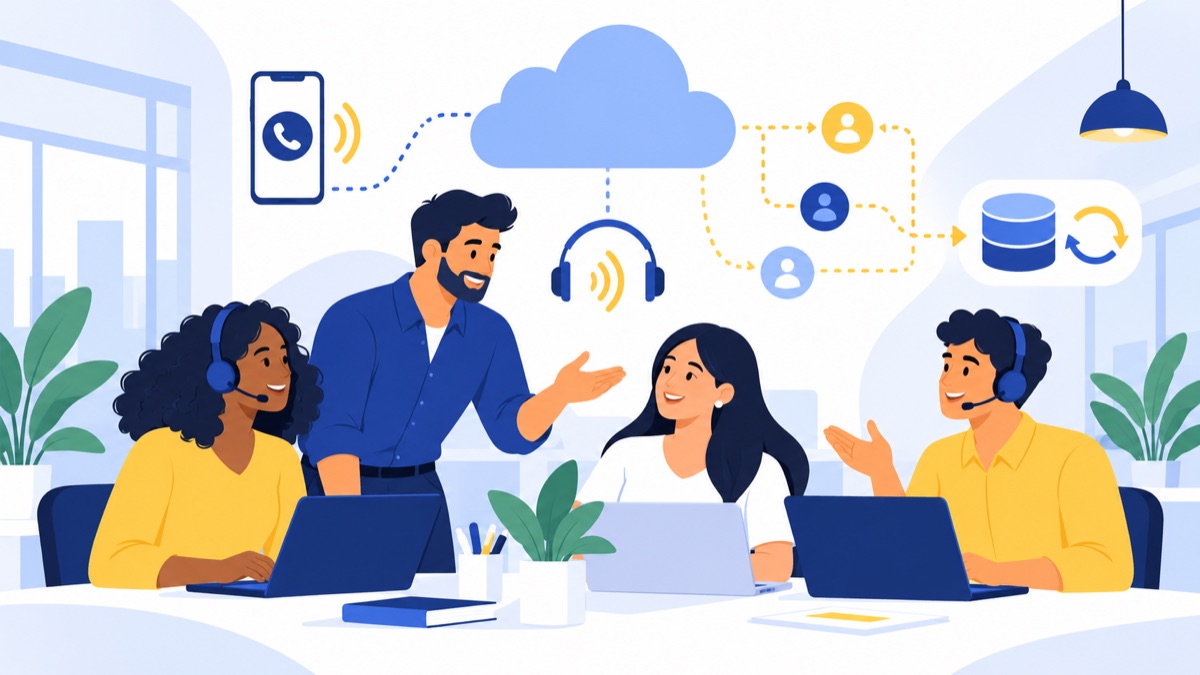
For a small US sales team, a cloud phone system for sales teams should make it easy to reach leads, log calls to the right CRM records and follow up without adding unnecessary cost or complexity. Compare systems by your sales motion, HubSpot workflow, dialing needs and the total price of the plan you will actually use. This guide gives you a practical checklist for evaluating options and testing them before switching.
Key takeaways
- A cloud phone system can give sales teams business numbers, call routing, voicemail and browser or mobile access over an internet connection.
- Sales teams should test whether HubSpot calls log to the correct contact and whether recordings, summaries and click-to-call work on the plan they plan to buy.
- A power dialer can speed up outbound calling, but buyers should verify plan eligibility, usage rules and any add-on charges.
- The FCC says customers switching providers within the same geographic area can generally keep their number when moving between wireline, IP and wireless providers.
- A five-person team should compare the cost of five seats plus required features, numbers, usage charges, taxes and fees—not just the advertised starting price.
What is the best cloud phone system for a small US sales team?
The best cloud phone system for a small US sales team fits its lead flow, CRM, call volume and budget at the plan level the team needs. A browser-first team using HubSpot should start by testing call logging and contact matching, then compare routing, texting and power dialing against the work reps do every day.
Start with your sales motion
If reps respond to inbound leads, prioritize fast routing, shared visibility and reliable callbacks. If they make many outbound calls, check dialing capabilities, usage rules and caller ID support. Teams that handle sales and support together may need shared numbers and queues more than specialized outbound tools.
The US has 36.2 million small businesses, according to the SBA’s 2025 state profiles. Their different sizes and workflows help explain why no single phone system suits every small team.
Who this guide is for
This guide is for small and midsize US businesses comparing phone systems for sales, rather than large contact centers with dedicated IT and procurement teams. Voicalyst publishes this guide and offers a phone system for sales teams; evaluate it against the same checklist as any other option, including CRM behavior, plan details, support and reliability.
What does a cloud phone system do for a sales team?
A cloud phone system provides business calling features managed over the internet, such as business numbers, menus, voicemail and browser, desktop or mobile access. Providers package those capabilities differently, so verify the features included in each plan. Cloud calling can help reps work from different locations while managers maintain shared visibility into customer conversations.
How is a cloud phone different from a landline or PBX?
VoIP, or Voice over Internet Protocol, carries voice calls over an internet connection. A cloud phone system is a hosted business phone service: the provider manages the calling platform, and your team accesses it through apps, browsers or supported phones.
A landline uses a physical telephone connection. An on-premises PBX is phone equipment installed and managed at your workplace. A hosted system shifts platform management to the provider, but calls still depend on internet access and power where each user works. For a cost comparison, see cloud phone systems versus PBX.
Can sales reps call from a browser, desktop, mobile phone or desk phone?
Many systems let reps make and receive calls in a browser, desktop app or mobile app, and some support desk phones. Browser calling can fit a team that already works in a CRM, while mobile apps offer another way to reach customers using a business number.
Ask whether users can switch devices during a call, whether the mobile app displays the business number and what happens during an internet outage. A browser-based business phone system guide can help your team assess remote work needs. Browser calls still require a stable connection, compatible audio equipment and microphone permissions.
Which cloud phone features matter most for sales teams?
Sales teams should match phone features to the steps between a new lead and a completed follow-up: answer or place the call, preserve conversation context and make the next action visible. Business numbers, routing, dialing, texting, voicemail and CRM integrations can all help, but only when the plan includes the necessary capabilities and the workflow is configured correctly.
How can business numbers, menus and queues route sales leads?
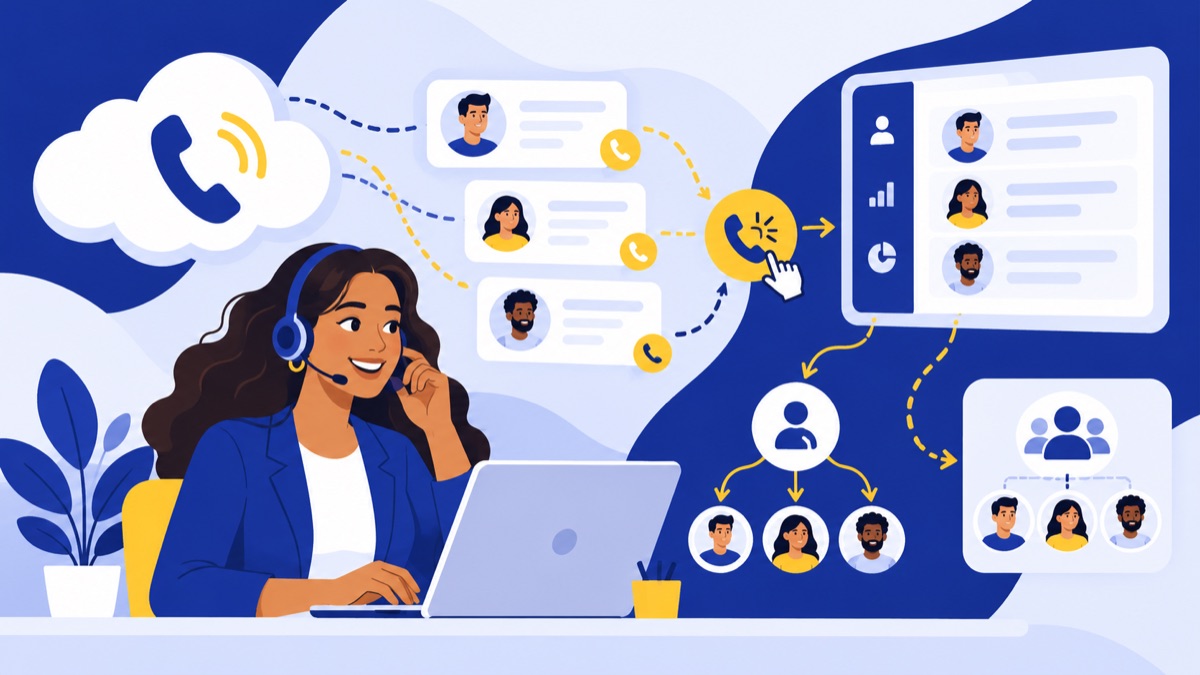
A business number separates customer calls from a rep’s personal number. An auto-attendant menu lets callers choose a department or destination; a queue holds callers until a suitable rep is available. These tools can route incoming leads to the right person and help a team cover calls when someone is busy.
For a small team, keep menus short and routing rules easy to understand. Check whether the system can route by business hours, send unanswered calls to another person and provide shared or individual numbers. Voicalyst’s IVR menus and call routing are one example of this feature category.
What should you check in a power dialer?
A power dialer helps reps place calls from a contact list without manually entering each number. Ask whether the dialer is included in the plan, whether it works with the CRM lists or workflows reps use, and how it handles unanswered calls and notes.
Dialing tools do not replace sound outreach practices. Check the provider’s policies and your own compliance process for consent, calling hours and opt-out requests. Also ask how caller ID is presented and what support is available if calls are mislabeled as spam.
How can texting and voicemail support sales follow-up?
Business texting can help reps confirm meetings or send short follow-ups from a business number. Verify whether messages attach to the right contact, whether the team can see shared message history and whether usage or registration requirements apply.
Voicemail transcription turns a missed call into text that a rep can scan and act on. A shared callback process should make clear who owns the next step, or messages may still be missed. Use business phone system features for small businesses to build a requirements list.
What should a HubSpot calling integration do?
A HubSpot calling integration should connect calls with the correct CRM records and support the workflow your reps need, but integrations differ by provider and plan. Test whether calls log automatically to the right contact or company, whether summaries or recordings attach to activities, how unknown numbers are handled and whether click-to-call works.
An AI call summary is an automatically generated recap of a recorded or transcribed conversation. Summaries may reduce note-taking, but reps should review them for errors. Ask how recordings and transcripts are stored, who can access them and whether AI features cost extra.
The Census Bureau reported that 19.8% of businesses used AI for the period ending May 3, 2026. Fewer than 20% of firms with four or fewer employees reported AI use during the six-month period examined (Census Bureau). AI features may help with a specific workflow, but teams should test that value rather than assume they need them.
Which cloud phone systems should small sales teams compare?
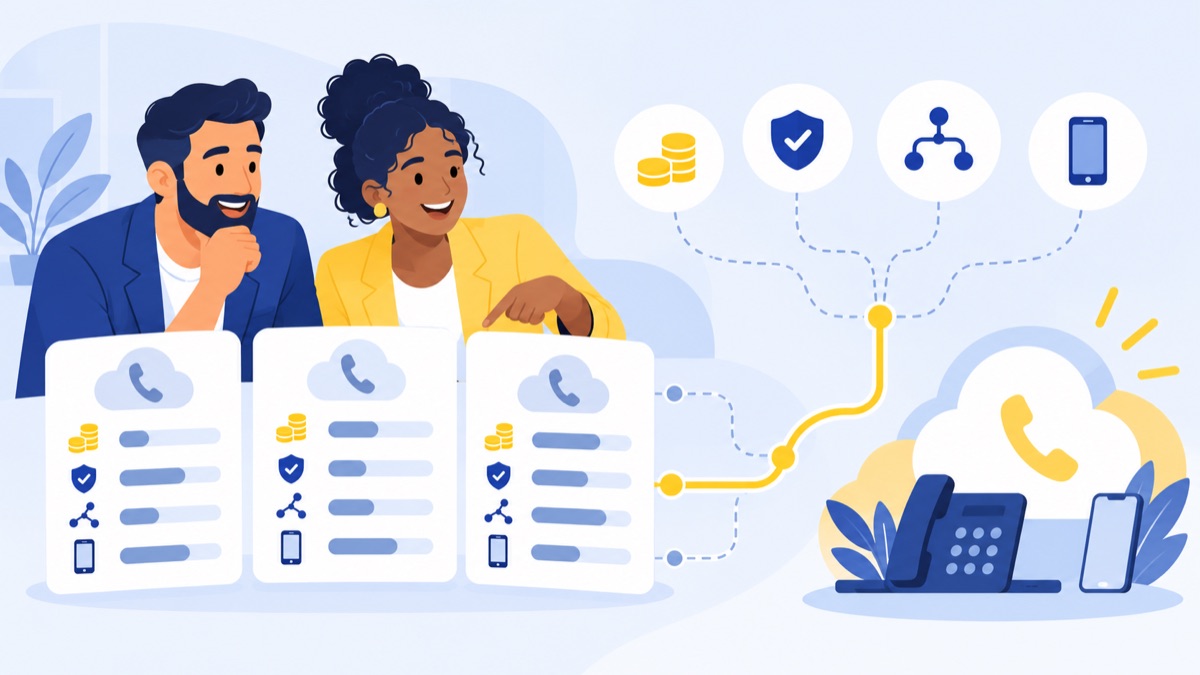
Small sales teams should compare phone systems by their main workflow, CRM needs and plan details rather than relying on a universal “best” list. The options below reflect the research brief; they do not imply that every feature is available on every plan. Verify current capabilities, integration behavior and pricing with each provider before purchase.
| Provider | Consider it when… | Verify before buying |
|---|---|---|
| Aircall | Your team wants to compare sales and support calling workflows with CRM connections. | HubSpot sync details, minimum seats, dialer availability and feature tiers. |
| CloudTalk | Outbound calling and dialing are central to the sales process. | Dialer plan eligibility, usage charges, integrations and number options. |
| Dialpad | Your team wants to assess calling alongside AI features. | Which AI tools are included, summary accuracy and CRM logging behavior. |
| RingCentral | Your business wants a broader communications platform. | Whether the plan includes the sales workflow and integrations you need. |
| Zoom Phone | Your team already uses Zoom and wants to evaluate business calling in that environment. | CRM compatibility, dialing features, texting and total plan cost. |
| Quo | You want to compare a lean business phone workflow for a small team. | HubSpot sync, browser experience, shared visibility and feature limits. |
| Voicalyst | You want to evaluate a sales-focused option, including HubSpot calling and browser workflows. | Current plan limits, number and usage charges, support and which CRM actions sync. |
The right shortlist depends on what reps do each day. For more provider context, read Dialpad alternatives for different teams or Aircall alternatives for sales and support.
How much does a cloud phone system cost?
A cloud phone system’s monthly cost depends on seats, plan level, feature eligibility, usage and add-ons. Compare the full price for the team and workflow you plan to run; an entry-level per-user price may not include the dialer, CRM integration, texting volume or AI capability your sales process needs.
What can change per-user pricing?
Many providers charge per user, per month, and some require a minimum number of users. A seat minimum can increase the total for a very small team. Ask whether annual billing, phone number fees, taxes or setup fees change the quote.
Which features may require a higher plan?
Confirm whether the quoted plan includes each required feature or requires an upgrade:
- HubSpot integration and automatic call logging
- Power dialing or call campaigns
- Call recording, transcription and AI summaries
- Business texting and message history
- Call queues, routing rules and analytics
How do you estimate the total monthly cost?
Use this estimate before comparing quotes:
Monthly total = seats × per-user price + required add-ons + number fees + expected usage charges + taxes and fees.
For example, a five-person team should price five seats on the plan that includes its required HubSpot workflow and dialer, then add number, usage and feature costs. For a more detailed breakdown, read the 2026 US business phone system cost guide.
How should you choose a system for your sales motion?
Choose a phone system by mapping it to how your team receives leads, makes calls and follows up in the CRM. Inbound teams often benefit most from routing and fast callbacks; outbound teams may value a dialer and activity tracking; mixed teams need clear ownership across shared calls and customer history.
What should inbound sales teams prioritize?
If a few reps share new leads, prioritize a simple queue or routing rule, missed-call alerts and automatic CRM activity logging. Test what happens when nobody answers and whether the lead can be called back using the business number.
What should outbound sales teams prioritize?
If reps call from prospect lists, check power dialer availability, list handling, call dispositions and CRM logging. Confirm that reps can see the right contact and context before calling, then review how the system records attempted, answered and missed calls.
How should a team handle a mixed sales and support queue?
When the same people handle customer questions and sales calls, shared numbers and queue visibility can reduce handoff gaps. Define who owns callbacks and how support notes reach the salesperson. More features will not resolve unclear ownership on their own.
What should you check for reliability, number porting and US phone requirements?
A cloud phone system relies on internet access and power at each caller’s location, so buyers should verify fallback options, number-transfer steps and emergency-location settings. The FCC says interconnected VoIP providers must support 911 service; users should confirm how the system collects and updates registered locations, especially when reps call through a browser or mobile app from different places.
What happens if a rep’s internet connection fails?
Ask whether calls can forward to a mobile number, another teammate or voicemail when a connection fails. Confirm support coverage and how to check service status. Test calls from the locations and devices your team will actually use.
A Census Bureau analysis found that 51.8% of businesses that adopted cloud-based technology between 2020 and 2022 cited improving process or method quality or reliability as a reason (Census Bureau). That figure reports a reason for adopting cloud technology; it does not guarantee that a particular phone service will be reliable.
Can you keep your existing business phone number?
Customers switching providers within the same geographic area can generally keep their phone number when moving between wireline, IP and wireless providers, according to the FCC’s consumer guidance. Ask the new provider to confirm eligibility, explain the required account details and give an estimated transfer timeline. Keep your current service active until the transfer is complete. Review Voicalyst’s number porting process.
What should you confirm about 911 location and caller ID?
The FCC’s rules require interconnected VoIP providers to support 911 service (FCC rules). Before rollout, confirm how each user registers a location, how they update it when they move and whether browser or mobile calling changes that process.
For outbound calls, ask how caller ID appears and what help is available if calls are mislabeled. Follow applicable calling rules, maintain consent and opt-out records where required, and do not assume that a new number automatically has a strong caller reputation.
What should you check before switching to a cloud phone system?
Before switching, place a real call through the proposed setup and confirm that the customer record, call log and follow-up workflow behave as expected. A short trial with the actual team can reveal plan restrictions, audio problems and routing gaps that a feature list may not show.
How can you test the calling and CRM workflow?
Use this checklist during a trial or demo:
- Can each rep make and receive calls in the browser and on mobile?
- Does an inbound or outbound call log to the correct HubSpot contact?
- Do notes, recordings or summaries attach as expected?
- Can reps text customers from the business number and see message history?
- Does the system route unanswered calls to the right person or queue?
- Can a manager review activity without taking over the reps’ accounts?
What should you confirm about plan limits and support?
Ask which plan includes each required feature, what usage charges apply and whether a minimum seat count affects the bill. Check support hours, escalation paths, number availability and setup assistance. Get the quote in writing with the full expected monthly total.
How should you plan setup and number porting?
Request a setup sequence with owners and dates: configure numbers and routing, connect HubSpot, train reps, test calls and then transfer existing numbers if needed. Confirm the porting requirements and timeline before choosing a cutover date.
For a HubSpot-first, browser-based sales workflow, Voicalyst is one option to evaluate alongside others. Review its HubSpot calling integration and power dialer, then compare the results with your test calls and full quote. See Voicalyst pricing or request a demo.
Frequently Asked Questions
What is the best VoIP phone system for a small sales team?
The best fit depends on your sales motion, team size, CRM and need for a power dialer. For a small browser-first team using HubSpot, compare systems that support business calling and texting, automatic call logging, contact matching and a dialer on the plan you’ll buy. Test those workflows with real calls before choosing.
How much does a cloud phone system cost per user?
Cloud phone system pricing varies by provider and plan. Your monthly total may include per-user seats, minimum seat requirements, phone numbers, calling or texting usage, CRM integrations, AI features and dialers. Compare the total cost for your actual team size and required features, rather than relying on an advertised entry price.
Can a cloud phone system integrate with HubSpot?
Many systems offer HubSpot integrations, but the connection may differ by provider and plan. Check whether calls log automatically to the right contact, whether recordings and summaries sync, how the system handles unknown numbers, and whether click-to-call works in your browser. Run a test using your own HubSpot setup before committing.
Can I keep my business phone number when switching providers?
In many cases, yes. The FCC says customers switching providers within the same geographic area can generally keep their number, including when switching between wireline, IP and wireless providers. Ask the new provider to confirm eligibility and transfer steps, and keep the existing service active until the port completes.
Do cloud phone systems work in a browser?
Many cloud phone systems support browser calling, so sales reps can make and receive business calls without a desk phone. Browser calling still depends on a reliable internet connection, compatible equipment and microphone permissions. Ask about mobile access and call forwarding as backup, and confirm how emergency location settings work when users move between locations.