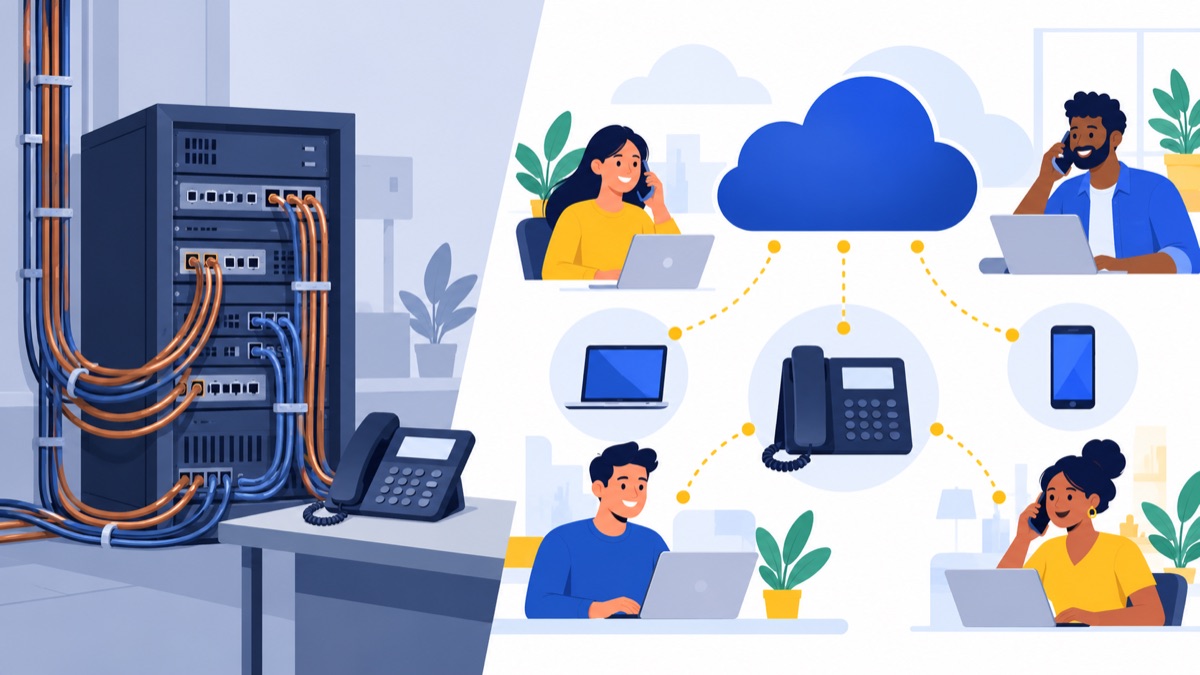
If you are choosing between a cloud phone system and a traditional PBX, here is the short answer: cloud is the safer default for teams under about 25 seats, remote or hybrid staff, and anyone without a phone admin. A well-run on-premise PBX can still cost less over five years at 25 seats and up, if you have one site, cheap IT labor and no plans to change much.
Vendors disagree loudly on this, so we built a transparent five-year model for 5, 25 and 100 seats. Every assumption is stated, so you can swap in your own quotes.
Cloud Phone System vs Traditional PBX: The Short Answer
Both systems do the same job: route calls, run an auto attendant, handle voicemail and connect to the public phone network. The difference is where the call-handling software and hardware live, and how you pay for them.
| Cloud phone system | On-premise PBX | |
|---|---|---|
| Where it runs | Provider's data centers | A server or appliance in your office |
| Cost model | Monthly per-seat fee | Upfront purchase plus ongoing upkeep |
| Setup time | Days to a few weeks (porting is the long pole) | Weeks, with on-site install |
| Who maintains it | Provider | You, your IT person or a contractor |
| Best fit | Small teams, remote staff, multi-site | Fixed single site, regulated or poor-connectivity setups |
Quick verdict by team size (5, 25, 100 seats)
Our model (details below) produced these five-year totals:
| Seats | Cloud | On-premise | Cheaper on paper |
|---|---|---|---|
| 5 | $11,810 | $13,450 | Cloud, by $1,640 |
| 25 | $56,550 | $49,750 | On-premise, by $6,800 |
| 100 | $220,202 | $165,250 | On-premise, by about $54,950 |
Do not read that as "on-premise wins." The model assumes a single site, no redundancy hardware and a flat $25 cloud seat price. Change the price or add failover gear and the answer moves. The section on what changes the math shows where.
Who should still consider on-premise
On-premise still makes sense if you have one fixed site, an IT person already on payroll, a PBX you have mostly paid off, a regulated environment that restricts hosted voice, or an unreliable internet connection. We cover these cases in the decision guide near the end.
What Is a Cloud Phone System (and How Is It Different from a PBX)?
The terms get tangled because vendors use them loosely. Here is a plain version.
Traditional/on-premise PBX and IP-PBX explained
A PBX (private branch exchange) is the system that connects your internal extensions and routes outside calls. A traditional PBX connects to analog or digital lines (PRI) from a carrier. An IP-PBX is a PBX that uses IP phones and usually SIP trunks instead of copper lines, but you still own and run the box in your building.
Cloud PBX, hosted PBX, VoIP: clearing up the terms
- VoIP is the technology: voice sent as data over the internet. An IP-PBX uses VoIP too, so "VoIP" does not mean "cloud."
- Cloud PBX / hosted PBX means the PBX software runs in the provider's data centers and you rent it.
- Cloud phone system (or UCaaS when it includes video and chat) is the broader product: a hosted PBX plus apps, analytics and integrations.
So, is a cloud PBX the same as VoIP? No. Cloud PBX uses VoIP, but VoIP can also run on equipment you own.
Where hybrid setups fit
Some businesses keep an existing PBX and connect it to a cloud provider's SIP trunks, or run cloud phones at branch offices while headquarters stays on-premise. Hybrid is a reasonable bridge if you have sunk investment in a PBX that still works. It is rarely the cheapest long-term option, since you pay for both worlds.
Side-by-Side Comparison: Cloud vs On-Premise PBX
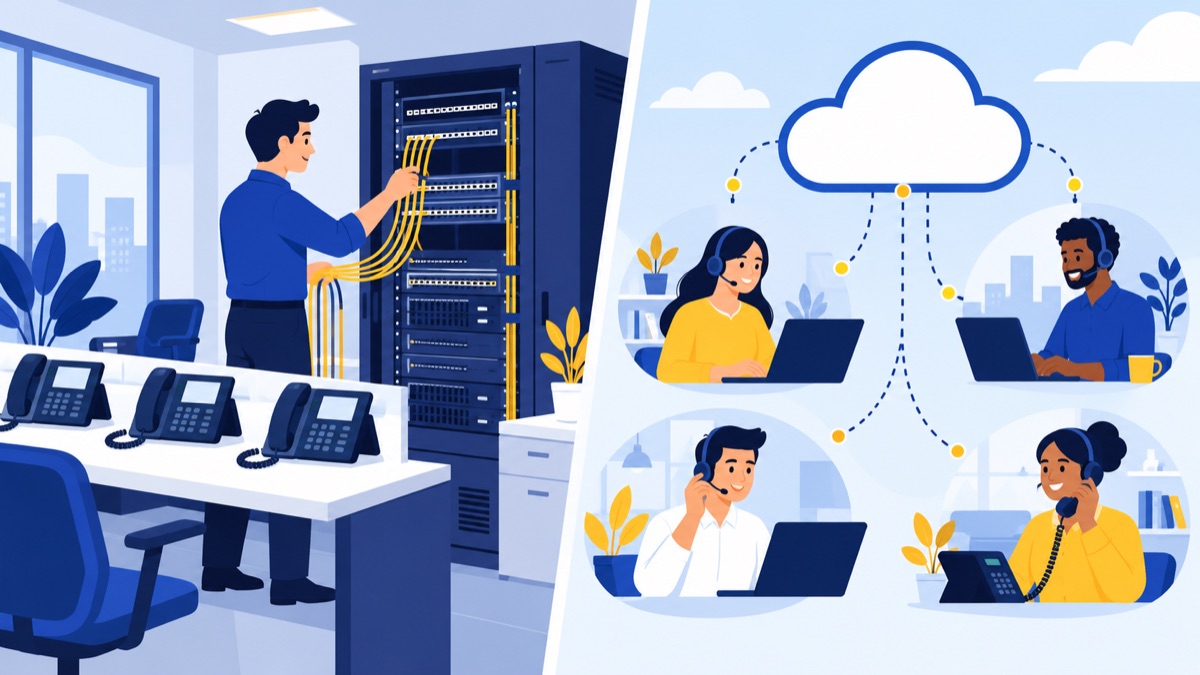
This is the cloud PBX vs on-premise PBX comparison most vendor pages give you, with the trade-offs left in.
| Factor | Cloud | On-premise |
|---|---|---|
| Upfront cost | Low (handsets optional, setup fees) | High (server, licenses, install) |
| Monthly cost | Per-seat fee, rises with headcount | SIP/PRI, support contract, IT time |
| Maintenance | Provider handles updates | You handle patches, repairs, upgrades |
| Scalability | Add or remove seats in minutes | Add licenses and possibly hardware |
| Remote work | Native mobile and desktop apps | Needs VPN, SBC or extra licensing |
| Uptime/redundancy | Provider's geo-redundancy; you need internet failover | You build redundancy yourself |
| Security | Shared responsibility; provider secures the platform | You secure everything, including toll fraud |
| Control/customization | Limited to what the vendor exposes | Deep control, deeper effort |
| Internet dependence | High | Lower for internal calls; trunks still need a carrier |
Reliability and internet requirements
Cloud lives or dies on your network. A common planning figure is roughly 100 kbps per concurrent call in each direction with the G.711 codec, and less with compressed codecs. Multiply by your peak simultaneous calls and add headroom for everything else on the connection. Confirm the figure with your provider.
Three things protect call quality and uptime:
- QoS (quality of service): prioritize voice traffic on your router so a large file upload does not garble a call.
- Failover routing: set the system to forward calls to mobile numbers or the mobile app if the office goes offline.
- Backup internet: a second ISP or a cellular failover device keeps the office phones working. Also put your router and switch on a battery backup, because power outages affect both models.
Security and compliance considerations
On-premise gives you control over where data sits, which matters in some regulated settings. Cloud shifts much of the patching and platform security to the provider, which many small teams handle worse on their own. Either way, ask about call-recording storage, encryption, access controls and toll-fraud protection. If you handle health, payment or legal data, confirm requirements with your compliance advisor before you buy.
Cloud Phone System Cost vs PBX: Five-Year TCO for 5, 25 and 100 Seats
Price ranges online are all over the place. One vendor roundup quotes handsets at roughly $50–$400 each and cloud plans at about $8–$90 per user per month, and the sources disagree on the winner: Nuacom argues cloud has lower three-to-five-year costs for most small businesses, while VitalPBX argues on-premise is usually cheaper over the same period. Both sell something. Yeastar, which sells both cloud and IP-PBX products, makes a fair point in its TCO analysis: a higher upfront cost does not automatically mean a higher total cost, so you have to count every category.
So here is a model you can check.
Our assumptions (and how to adjust them)
These figures are our own illustrative estimates, not sourced data or quotes. We chose mid-range values inside the published ranges above. Replace them with real quotes.
| Line item | 5 seats | 25 seats | 100 seats |
|---|---|---|---|
| Handsets, $120 each (both models, bought in year 0) | $600 | $3,000 | $12,000 |
| Cloud: setup, porting, onboarding (one-time) | $200 | $750 | $3,000 |
| Cloud: seat price | $25/seat/month, plus 10% taxes and fees, rising 3% a year | same | same |
| Cloud: IT/admin time, $75/hr | 6 hrs/yr = $450 | 24 hrs = $1,800 | 80 hrs = $6,000 |
| On-prem: PBX hardware/software (one-time) | $1,500 | $5,000 | $15,000 |
| On-prem: install and configuration (one-time) | $1,000 | $3,500 | $10,000 |
| On-prem: SIP trunks per month | $60 | $200 | $700 |
| On-prem: support/maintenance contract per year | $225 | $750 | $2,250 |
| On-prem: IT time, $75/hr | 15 hrs/yr = $1,125 | 60 hrs = $4,500 | 200 hrs = $15,000 |
Excluded for both: your LAN, switches and internet service, taxes on hardware, downtime costs and any handset replacement (we assume handsets last the full five years). Also excluded: redundant PBX hardware, extra sites and remote-worker licensing, all of which add cost to on-premise more than to cloud.
Cumulative cost by year
| Year | 5 seats cloud | 5 seats on-prem | 25 seats cloud | 25 seats on-prem | 100 seats cloud | 100 seats on-prem |
|---|---|---|---|---|---|---|
| 0 | $800 | $3,100 | $3,750 | $11,500 | $15,000 | $37,000 |
| 1 | $2,900 | $5,170 | $13,800 | $19,150 | $54,000 | $62,650 |
| 2 | $5,050 | $7,240 | $24,098 | $26,800 | $93,990 | $88,300 |
| 3 | $7,250 | $9,310 | $34,650 | $34,450 | $135,000 | $113,950 |
| 4 | $9,503 | $11,380 | $45,465 | $42,100 | $177,060 | $139,600 |
| 5 | $11,810 | $13,450 | $56,550 | $49,750 | $220,202 | $165,250 |
5-seat model
Cloud is cheaper in every year. The PBX hardware and install eat most of the budget at this size, and there is not enough scale to spread them over. Cloud ends about $1,640 ahead. For a five-person office, the on-premise case is hard to make unless you already own the equipment.
25-seat model
This is a near tie that tips on paper to on-premise. Cloud is cheaper through year 2, then the cumulative lines cross in year 3 and on-premise finishes about $6,800 ahead. The result is very sensitive to two inputs: seat price and IT labor. If your cloud list price is about $21 per seat instead of $25, the two come out even.
100-seat model
Here the flat per-seat fee compounds. On-premise catches up in year 2 and ends about $55,000 cheaper, but that is a lean build. At 100 seats you would likely want redundancy, and a second site or many remote workers would add cost. Large buyers also negotiate cloud discounts. In our model, cloud breaks even at about a $17 list price per seat.
What changes the math
- Seat price and discounts: the single biggest lever. Break-even list prices in our model are about $30 (5 seats), $21 (25) and $17 (100).
- IT labor: if you pay a contractor by the hour for an on-premise PBX, the model leans toward cloud. If an in-house admin already has idle time, it leans toward on-premise.
- Remote and multi-site staff: on-premise needs VPNs or session border controllers and extra licensing. Cloud handles them natively.
- Turnover and growth: cloud seats can be removed the month someone leaves. PBX capacity is paid for whether you use it or not.
- Price creep: we assumed 3% a year. A heavier escalator or add-on tiers push cloud up.
- Internet: if cloud forces you to buy a second connection, add that to cloud's column.
Hidden-Cost Checklist: What Vendors Don't Put in the Quote
Use this list to compare real quotes. Copy it into a spreadsheet and tick each item per vendor.
On-premise hidden costs
- Annual support or maintenance contract, and what it excludes
- Software upgrade fees when a major version ships
- Per-extension, mobile app or call-recording license fees
- SIP trunk or PRI monthly charges, plus per-channel fees
- Carrier taxes, surcharges and E911 fees on trunks
- Handset refresh cycle (plan for it just past year 5)
- PoE switches, UPS battery backups, power and cooling
- Redundant server or failover hardware
- Remote-worker access (VPN, SBC, softphone licenses)
- IT or contractor hours for moves, adds and changes
- Toll fraud exposure if the system is poorly secured
- Replacement cost when the hardware reaches end of life
Cloud hidden costs
- Annual price escalators written into the contract
- Feature tiers: recording, analytics, AI summaries and CRM integrations priced as add-ons
- Separate fees for toll-free numbers, extra numbers, fax or texting
- Overage charges and international minutes
- E911, regulatory and administrative fees on top of the seat price
- Number porting and setup fees
- Early termination fees and auto-renewal terms
- Bandwidth, router or backup-internet upgrades
- Handsets (buy vs rent) and replacement terms
- Storage limits or fees for call recordings
Questions to ask every vendor
- What is the all-in monthly price per seat after taxes and fees?
- What is the renewal price and escalator?
- Which features I need are in add-on tiers?
- What does it cost to leave early?
- What is the uptime commitment, and what remedy do I get when it is missed?
- How do you handle E911 addresses for remote users?
Feature Comparison: What You Actually Get
Core calling is table stakes in both models. The differences show up in what is built in versus bolted on.
Call routing, auto attendant, queues and voicemail
Both can do auto attendants, IVR menus, ring groups and voicemail-to-email. Cloud systems usually let an office manager change routing from a web dashboard in minutes. On a PBX, the same change may need an admin or a vendor ticket. Call queues with skills-based or round-robin distribution are common in cloud plans and in some PBX licenses, so check which tier includes them.
Mobile and desktop apps, texting and CRM integration
This is where cloud pulls ahead for hybrid teams. Staff can place and receive calls on their business number from a phone or laptop without a VPN. Business texting also lives mostly in cloud platforms. Texting from local numbers in the US generally requires 10DLC registration, which we cover below.
Analytics, call recording and AI call summaries
Cloud platforms tend to include dashboards for call volume, wait times and missed calls. Call recording and AI summaries are often paid add-ons, which is why they show up in the hidden-cost checklist. If you want recordings for coaching or compliance, price them up front.
Sales and support team features (power dialer, HubSpot sync)
Sales and support teams care about different things than a front-desk setup: shared queues, a dialer, call logging into the CRM, call summaries and texting in the same inbox. Voicalyst is a cloud phone system built around those workflows, including a power dialer, HubSpot sync and AI call summaries. Check any vendor's plan page for exactly which features sit in which tier, and test them against a real day of calls.
Why Landlines Are Going Away: Copper Retirement and What It Means
Even if you are happy with your PBX, the lines feeding it may not be around forever. Carriers are retiring copper networks, and the regulatory path for doing so has been getting easier. Last verified: October 26, 2026. Re-check before you act, because this area changes quickly.
What the FCC changes and carrier notices mean
Industry reports say the FCC eased copper retirement rules in March 2025, including waivers of some notice requirements. Press coverage also describes a later FCC order that streamlined Section 214 discontinuance approvals, with a 31-day automatic grant period, while keeping 911 protections.
Sources conflict on how much notice customers get, with figures of 90 and 180 days both appearing. Read the FCC order text and your carrier's notice for your account instead of relying on a summary. The same industry reporting says AT&T announced full discontinuation of copper POTS service beginning in June 2026. Treat that as unconfirmed until AT&T confirms it for your address.
Analog lines you may forget: fax, alarms, elevators
Your voice lines are not the only ones at risk. Audit these:
- Fax machines and fax-to-email services
- Fire and burglar alarm panels and their monitoring lines
- Elevator emergency phones
- Credit card terminals and postage meters
- Door entry systems and gate phones
Many can be moved to cellular communicators, ATAs (analog telephone adapters) or IP-based versions. Ask each vendor what they support before you cancel the line. Alarm companies should be involved before cutover.
Timeline risks
The danger is not the shutdown date itself. It is receiving a short notice and having to port numbers and move critical lines in a rush. Start the audit now, even if you are not ready to switch. A calm migration costs less than an emergency one.
How to Switch from a Landline to a Cloud Phone System
If you are planning to switch from landline to cloud phone service, here is a realistic sequence. Plan for roughly 3–8 weeks for a small office, longer for multiple sites. Porting timing varies by carrier and number type.

Step-by-step migration plan
- Inventory everything. List every phone number, line, device, fax, alarm and the people who use each.
- Read your contracts. Find the end dates and termination fees on your current carrier and PBX support agreements.
- Test your network. Run a voice-quality test at peak hours and fix issues first.
- Get quotes using the hidden-cost checklist above.
- Configure the new system with the auto attendant, queues and user extensions before you port anything.
- Submit the port request.
- Run in parallel, then cut over.
- Cancel old service only after confirming everything works.
Number porting: timeline, documents and pitfalls
You can usually keep your existing business numbers. You will need the account name exactly as it appears on your current bill, the service address, the account number and PIN if one exists, and a recent bill. Most port delays come from mismatched names or addresses.
Pitfalls to avoid:
- Cancelling your old service before the port completes. That can lose the numbers.
- Porting only some numbers on a shared account without checking how the rest will be billed.
- Forgetting toll-free or fax numbers, which may port on a different timeline.
Ask the new provider for an estimated date and a fallback plan, such as forwarding the old numbers to temporary lines during the transition.
Network readiness test
Before cutover, check upload and download speed, jitter and packet loss during busy hours. Put voice on its own VLAN if your equipment supports it, enable QoS, and make sure your router can handle the expected number of concurrent calls. If your office has a single internet connection, decide now what your failover plan is.
911/E911 setup and compliance basics
Your emergency calling setup is not optional. Confirm these with your provider and, where it matters, counsel:
- Kari's Law: multi-line systems must let people dial 911 directly without a prefix, and must notify someone on-site when a 911 call is placed.
- RAY BAUM'S Act: requires a dispatchable location (more than a street address, for example a floor or suite) to be conveyed with 911 calls.
- E911 addresses: register an accurate address for every location. Remote workers and softphones need a process for updating theirs when they move.
- STIR/SHAKEN: caller ID authentication for outbound calls. Ask your provider how it signs your calls so they are less likely to be labeled spam.
- 10DLC: if you will text customers from local numbers, you will need to register your brand and use case. Unregistered traffic may be filtered or blocked by carriers.
These rules have details and exceptions. Treat this as a checklist to verify, not legal advice.
Parallel running and cutover
Keep the old system running for at least a few days while staff test the new one. Place test calls to and from every number, check voicemail, the auto attendant, queue routing, and 911 address registration. Cut over on a low-traffic day, keep someone on standby for the first morning, and cancel old lines only when you are certain nothing depends on them.
How to Choose: Decision Guide by Business Type
Small office (1–10)
Choose cloud. Upfront cost is low, there is nobody to maintain a PBX, and the model favors cloud at this size. Use softphone apps instead of desk phones for staff who move around to save more.
Growing team (10–50)
Cloud is the safer choice, particularly if you are hiring, adding remote staff or opening a second location. If your headcount is stable, you have one site and an IT person already, get a PBX quote and compare it honestly against cloud using the checklist above. Around 25 seats is where the two options are closest in our model.
Multi-site or 100+
Run a real quote comparison. The flat per-seat cost matters more at this size, and so does negotiating volume pricing. Cloud adds value through multi-site management and failover, but an on-premise or hybrid design can win on cost if you can staff it properly.
Regulated or special cases
On-premise or a private/hybrid design may be right when a regulator or contract restricts hosted voice, when connectivity is poor, or when you have a recent, mostly paid-off PBX. Confirm requirements with your compliance advisor before buying either way.
If your calls are mostly sales or support, and you want a phone system that works with your CRM and your team's workflows, take a look at Voicalyst and compare it against your checklist.
Frequently Asked Questions
Is cloud PBX cheaper than on-premise PBX?
It depends on size and IT labor. In our model, cloud was cheaper at 5 seats over five years. At 25 and 100 seats on a single site, an on-premise PBX came out cheaper on paper, but cloud broke even at lower per-seat prices. Run your own numbers with real quotes.
What are the disadvantages of a cloud phone system?
Cloud depends on your internet connection, charges per seat indefinitely, and can raise prices through annual escalators or add-on tiers. Early termination fees and bandwidth upgrades can also add cost. You have less low-level control than with a PBX you own, though most teams rarely need it.
Can I keep my existing phone number when switching?
Usually yes. US numbers can generally be ported to a new provider, but the process needs an accurate account name, service address and a recent bill. Ports often take days to weeks. Keep your old service active until the port completes, and confirm any porting fee in writing.
What happens to a cloud phone system if the internet goes down?
Desk phones stop working unless you have a failover plan. Good providers let you forward calls to mobile numbers or the mobile app automatically. A secondary internet connection, such as cellular or a second ISP, protects the office itself. Test failover before you cut over.
How much bandwidth do I need for cloud phone calls?
A common planning figure is roughly 100 kbps per concurrent call in each direction with the standard G.711 codec, and less with compressed codecs. Multiply by your peak simultaneous calls, add headroom for other traffic, and ask your provider for its recommended figure and a network test.