
A modern cloud business phone system commonly costs about $15–$45 per user per month before taxes, fees, hardware, and optional features. Your complete business phone system cost depends on paid seats, plan, call and text usage, equipment, and contract terms. For example, 10 seats in that range mean $150–$450 per month for licenses alone.
Key takeaways
- Cloud VoIP plans commonly cost $15–$45 per user per month, before usage, add-ons, taxes, and hardware, according to a current market guide.
- At that range, 5 users cost $75–$225, 10 cost $150–$450, and 25 cost $375–$1,125 per month for licenses alone.
- Businesses can avoid desk-phone purchases when employees use browser, desktop, or mobile apps; a current guide estimates desk phones at $80–$300 each (DeltaThree).
- The FCC requires interconnected VoIP providers to provide 911 service, and businesses should register and update their service address with the provider (FCC rules).
- A comparable quote should separate recurring charges, one-time setup and equipment, usage, taxes and fees, and renewal pricing.
How much does a business phone system cost?
A cloud VoIP system often costs $15–$45 per user per month for a standard business plan, while a virtual number or traditional phone setup may use different pricing. The sample totals below assume one paid seat per employee, app-based calling, and no add-ons, usage charges, taxes, or setup costs. A current market guide gives the same range and estimates $150–$450 monthly for 10 users.
Typical cloud phone system cost per user
A cloud VoIP plan generally charges a monthly fee per user, sometimes with annual billing at a lower rate. For example, Zoom lists US and Canada unlimited calling at $16 per user per month with annual billing or $18 month to month; its listed plan includes a domestic number, domestic SMS/MMS, call recording, and post-call AI summaries (Zoom Phone pricing). Plan inclusions vary, so check the specific features and usage limits in any quote.
Example monthly totals for 5, 10, and 25 users
These examples multiply seats by the $15–$45 planning range. They are license estimates, not guaranteed invoices, and assume all listed employees need a paid seat.
| Users | At $15 per user | At $45 per user | What the range covers |
|---|---|---|---|
| 5 | $75/month | $225/month | Licenses only |
| 10 | $150/month | $450/month | Licenses only |
| 25 | $375/month | $1,125/month | Licenses only |
A 10-person sales or support team should budget beyond licenses if it needs toll-free calling, extensive recording retention, advanced reporting, or integrations. Use the formula below to build a fuller estimate.
What type of business phone system are you pricing?
The system type changes what the monthly price buys and what the company must maintain. Cloud VoIP hosts the phone platform online, a virtual phone service typically centers on a number and call forwarding, and traditional landlines or on-premise PBX depend on physical phone service or equipment at the business.
Cloud VoIP or hosted PBX
A hosted PBX is a business phone platform whose call routing and management are hosted by a provider. Employees can usually handle calls through desk phones, mobile apps, or computer software, while administrators manage users and routing online. This can suit small and mid-sized teams that want shared numbers, menus, queues, and room to add or remove seats.
Virtual phone service
A virtual phone service typically gives a business number and forwarding or app-based calling features. It can fit a solo owner or small team that mainly needs a professional number and basic call handling. A virtual number or forwarding service may not include the shared queues, call management, reporting, and CRM workflows that a larger sales or support team expects from a full phone system.
Traditional landline or on-premise PBX
A traditional landline uses carrier-provided phone lines, while an on-premise PBX is phone-switching equipment installed at the business. These options may suit locations with specialized equipment, an existing setup, or requirements that call for local control. Budget for lines, hardware, installation, maintenance, and expansion; compare those items over the same period as a cloud quote.
What is included in a business phone system’s monthly price?
A business phone plan may bundle calling, numbers, and core call-handling features into a per-user fee, but advanced features and usage can cost extra. Ask providers to mark each feature as included, limited, or an add-on, especially when comparing a sales or support plan with a basic calling plan.
Seats, numbers, and calling
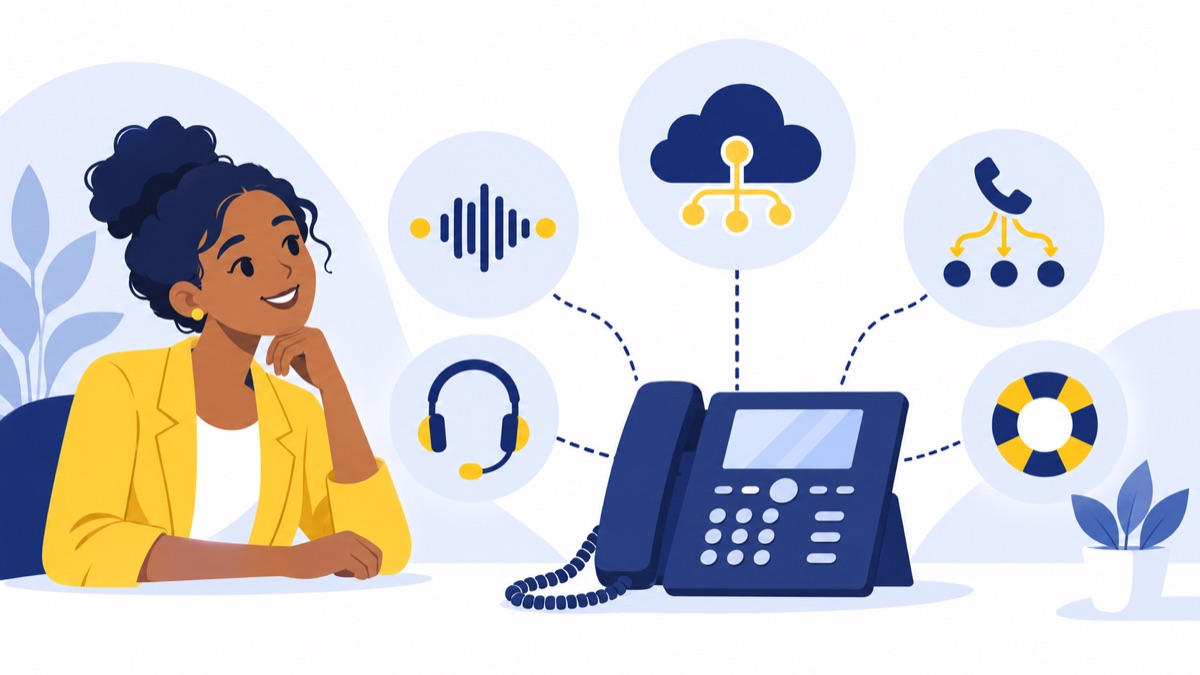
A seat is a paid user license, usually assigned to an employee or shared user account. A phone number is the number callers dial; one seat may have a direct number, while several users may share a main business number. Clarify whether extra local or toll-free numbers are included or billed separately.
Plans may include domestic calling or charge for usage beyond a bundle. Ask about international destinations, toll-free minutes, and whether the quote bills by user, line, or pooled usage. Pooled usage means users draw from a shared allowance rather than each seat having its own separate allowance.
Menus, queues, voicemail, and recording
A phone menu lets callers choose a destination, such as sales or support. A queue holds callers until an agent is available; voicemail and call recording help teams manage or review calls. These features may be included in a plan, limited by tier, or priced as add-ons.
A team that handles customer inquiries should compare queue capacity, routing rules, voicemail access, recording retention, and reporting. For more context, see this guide to business phone systems for customer support.
Texting, AI, integrations, and support
Business texting, AI summaries, power dialing, CRM sync, and premium support can affect the total. Some plans bundle them; others charge per seat, by usage, or as a feature add-on. For example, Nextiva lists its Core plan at $15 per user per month and Engage at $25 per user per month, with Core listing voice, business SMS, call routing, and a mobile app (Nextiva pricing).
For a sales team, confirm whether a power dialer and CRM sync are included at the quoted tier, and whether the integration supports the workflows you need. For a support team, check AI summaries, analytics, and recording limits. A suitable AI call summary feature may help teams review conversations, but verify availability and pricing before counting it as included.
What costs can raise a business phone system bill?
A phone system invoice can include recurring plan and usage charges plus one-time expenses for setup and equipment. Separate those categories when budgeting so a low advertised monthly price does not obscure hardware, implementation, or fees that appear later.
Desk phones, headsets, and network changes
Desk phones are optional for many cloud systems because employees can call through a browser or app. A current guide estimates desk phones at $80–$300 each, while app-based calling can avoid that purchase (DeltaThree). Headsets may still be useful for employees taking frequent calls.
Check whether the office internet connection, Wi-Fi, routers, and network setup can support reliable voice calls. An office with poor coverage may need network work before rollout. See the browser-based business phone system guide for considerations when employees call from computers.
Setup, number porting, and onboarding
One-time charges may include installation, configuration, training, and number porting. Number porting is transferring an existing business number to a new provider; ask whether the provider charges for it, how long the process takes, and what must remain active during the transfer. Voicalyst explains number porting for businesses.
Also ask whether onboarding is included, whether assisted setup costs extra, and whether an early cancellation charge applies. Record the amount and timing of each fee in your comparison.
Usage, add-ons, taxes, and regulatory fees
Recurring extras may include international calls, toll-free minutes, SMS registration, AI features, recording storage, advanced analytics, CRM integrations, and a higher support tier. Providers may also add taxes and regulatory or carrier fees. Ask for a sample invoice or itemized estimate based on your expected use.
How do you estimate your total business phone system cost?
Estimate the bill by adding seats, features, usage, fees, and upfront costs allocated across the comparison period. Use the same user count, call assumptions, contract length, and feature list for every provider so you can compare quotes on equal terms.
A simple monthly cost formula
Use this worksheet:
Monthly estimate = (paid seats × per-seat price) + extra numbers or lines + add-ons + expected usage + taxes and fees + (one-time costs ÷ months in your comparison period)
List these assumptions beside the result:
- Paid seats and any billing minimum
- Plan price and monthly or annual commitment
- Included numbers, calling, texting, menus, and queues
- Add-ons such as AI, CRM sync, or premium support
- Expected international and toll-free use
- Hardware, onboarding, number porting, and installation
- Taxes, regulatory or carrier fees, renewal price, and cancellation terms
Worked example for a growing team
Suppose a 10-person team receives a quote at $25 per seat per month. Licenses total 10 × $25 = $250 per month. If the team also needs a $40 monthly feature add-on and expects $30 in usage, the subtotal becomes $320 before taxes and fees.
If setup costs $600 and you want to compare the first year, spread that cost across 12 months: $600 ÷ 12 = $50 per month. The estimated first-year monthly equivalent is then $370 plus taxes and fees. Replace the illustrative prices with itemized figures from actual quotes.
Cloud VoIP vs. traditional phone system: how should you compare total cost?
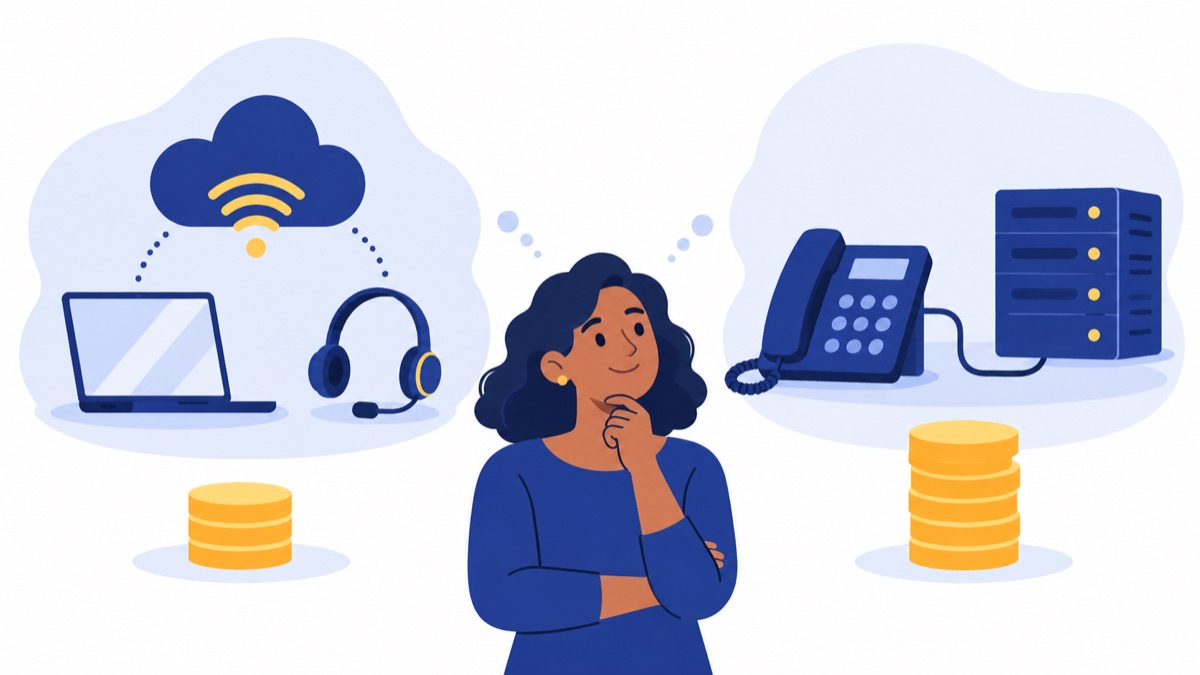
Compare cloud VoIP and traditional systems over the same time period, counting upfront equipment and setup as well as ongoing service and maintenance. Cloud plans often shift more cost into monthly per-user fees; traditional and on-premise setups may require more equipment or installation, depending on what the business already owns.
Upfront investment and ongoing maintenance
For a three-year comparison, total the setup, equipment, licenses, service, usage, maintenance, and expected fees over 36 months. Include network improvements for cloud calling if needed, plus hardware replacement or support costs for an on-premise system where applicable. Do not assume either option is cheaper without comparing your actual requirements.
App-based cloud calling may reduce hardware purchases, but businesses should still consider headset needs, internet readiness, and the cost of higher-tier features. Traditional service may be practical when existing lines and equipment meet current needs; include likely maintenance and expansion costs in the same estimate.
When desk phones or on-premise equipment still make sense
Desk phones can suit reception desks, shared work areas, or staff who prefer handsets. On-premise equipment may suit a business with existing infrastructure or requirements that justify local equipment and maintenance. Compare how many employees need dedicated phones, how often the business changes seats, and who will maintain the system.
How do you compare phone system quotes and avoid overpaying?
Compare quotes with the same seat count, usage assumptions, feature requirements, and contract term. Ask providers to itemize recurring and one-time charges, confirm what happens at renewal, and explain how numbers and emergency calling are handled before you sign.
Questions to ask every provider
Use this checklist for each quote:
- How many paid seats are required, and is there a billing minimum?
- Which phone numbers, domestic calls, texting, menus, queues, recordings, and analytics are included?
- What are the limits or charges for international calls, toll-free usage, SMS registration, and recording storage?
- Are AI, power dialing, CRM integration, and advanced support included or extra?
- What are the setup, onboarding, number porting, hardware, and cancellation charges?
- Is the quoted price monthly or annual, and what is the renewal price?
- Can seats be added or removed during the term?
- How does 911 calling work, and how do we register and update business locations?
VoIP users should register their physical address with their provider and update it when the device moves, because 911 call centers may not be able to locate an unregistered VoIP caller (National 911 Program FAQ). FCC rules require interconnected VoIP providers to provide 911 service, but businesses should confirm how their specific service handles emergency calls and location information (FCC rules).
Ways to keep the system cost predictable
Start with the people who need their own seat, then confirm whether reception or shared-device users require separate licenses. Use browser or mobile apps where they fit the job, review renewal and cancellation terms, and avoid paying for features the team will not use. Recheck seats and usage as the team grows.
A cloud system can scale by adding users and routing calls as teams expand, subject to provider billing rules and plan limits. If your team needs calling, queues, AI summaries, a power dialer, texting, and HubSpot sync in one browser-based workflow, review Voicalyst’s sales phone system and HubSpot integration, then compare the current pricing and plan details.
Frequently Asked Questions
How much does a business phone system cost per month?
Many cloud VoIP plans cost about $15–$45 per user per month before taxes, fees, hardware, and optional features. At that range, 10 users would pay $150–$450 monthly for licenses alone. Your total depends on plan inclusions, calling and texting use, add-ons, billing term, and whether you buy desk phones.
How much does a phone system cost for 10 employees?
For 10 employees on a cloud plan priced at $15–$45 per user per month, budget $150–$450 monthly for licenses. That estimate assumes one paid seat per employee and excludes taxes, usage charges, add-ons, setup, and hardware. A like-for-like provider quote should list each of those separately.
Do I need to buy desk phones for a cloud phone system?
No. Many cloud phone systems let employees call through a browser, desktop app, or mobile app, so you can start without desk phones. You may still choose desk phones for reception, shared workstations, or employees who prefer a handset. Include phone purchases, headsets, and any network upgrades in your upfront budget.
What extra fees should I expect with a business phone system?
Check quotes for taxes and regulatory or carrier fees, toll-free and international usage, SMS registration, AI features, recording storage, CRM integrations, and higher support tiers. One-time costs may include hardware, onboarding, installation, and number porting. Ask the provider to show recurring and one-time charges separately, along with renewal and cancellation terms.