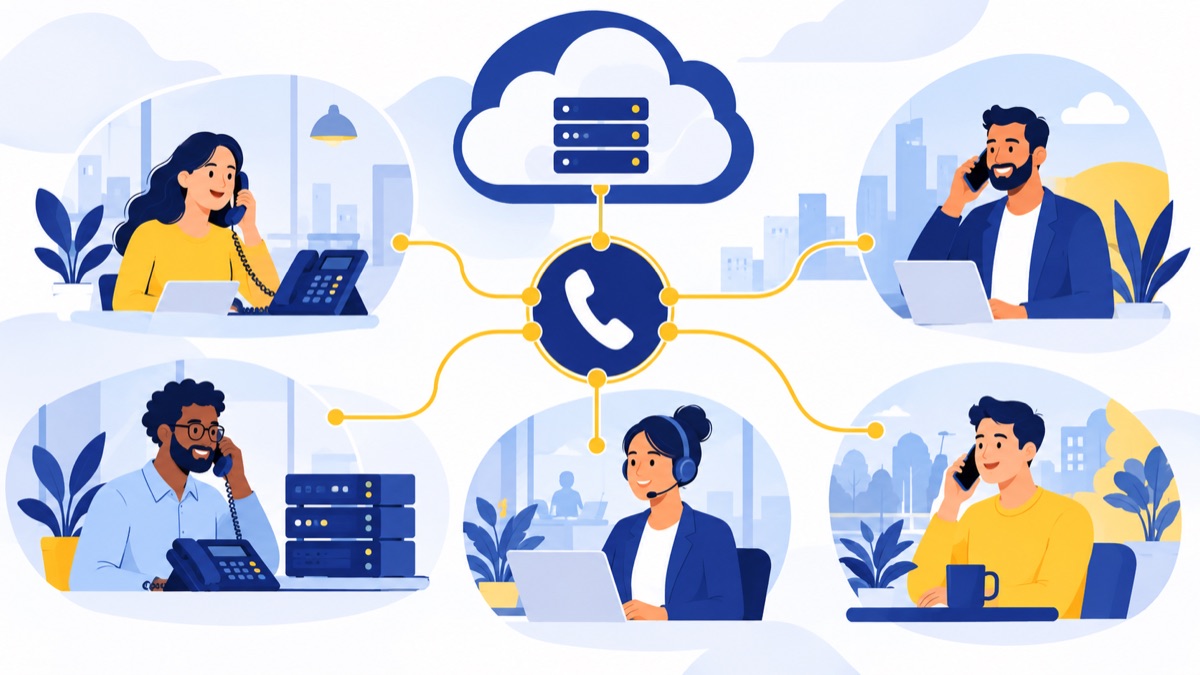
A PBX phone system gives a business one place to manage its phone numbers, extensions and call routing. It can send a caller from a main number to a menu, a sales or support queue, an employee or voicemail. This guide compares traditional on-premises, IP and hosted PBX systems, explains the costs to include, and helps you decide whether a cloud phone system fits your team.
Key takeaways
- A PBX, or private branch exchange, manages internal extensions and routes calls between a business and outside callers.
- An IP PBX uses an internet protocol network for calling, but it can run on equipment at your workplace or in a provider’s cloud.
- PBX costs include equipment, installation, service, support, administration, connectivity and backup planning—not just a monthly fee.
- A small team should compare its locations, call flows, integrations, IT capacity and legacy equipment before replacing an existing system.
- Cloud calling can support browser and mobile users, but teams should plan for number porting, internet outages and emergency location settings.
What is a PBX phone system?
A PBX phone system is a business call-management system that connects employees internally and routes calls between the company and the public phone network. PBX stands for “private branch exchange”: a customer may call one public business number, while the PBX directs that call to the right person or team.
What PBX stands for
A PBX lets a company use extensions for employees or departments without requiring each person to have a separate public phone number. Employees can call each other using internal extensions, while multiple employees share the company’s outside calling service.
What a PBX does with extensions and outside calls
A business can use a PBX to manage public numbers, internal calling, call transfers, voicemail, queues and menus, also called auto attendants. For example, a caller might hear “Press 1 for sales,” wait in a sales queue, and reach an available representative—or leave a message if no one answers.
The PBX handles those call rules. A desk phone, computer or mobile app is the device an employee uses to speak with the caller.
How does a PBX handle a business call?
A PBX follows rules the business sets to direct calls from a public number to a menu, queue, employee or voicemail. For a small US support or sales team, one main number can greet callers, offer department choices, ring available staff and capture messages when the team is closed or busy.
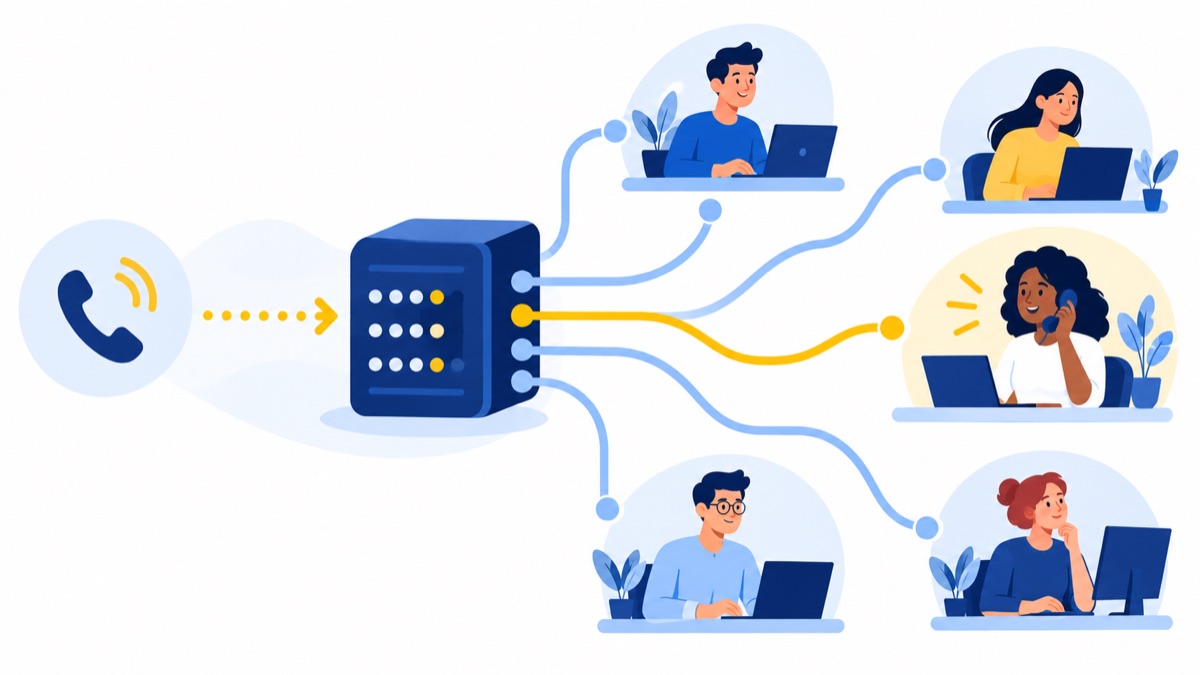
From business number to menu, queue or employee
Consider a five-person company with two sales representatives and three support agents. A customer calls the number on the company website, hears a menu, and selects sales or support. The sales option rings available representatives; the support option places the caller in a queue until an agent answers.
Remote staff can join calls through a browser or mobile app if the system supports those endpoints. A missed call can route to voicemail, and the team can set a different path for evenings or holidays.
Where voicemail, transfers and call records fit
During a call, an employee may transfer the caller to a colleague or take a message. Depending on the system, the company may also record calls or keep call records for follow-up and reporting. These features depend on the PBX configuration and service plan.
PBX, VoIP, IP PBX and hosted PBX: what is the difference?
PBX describes call-management functions; VoIP describes a way of carrying voice calls over an IP network. An IP PBX combines PBX functions with IP-based calling, while “hosted” describes where the call-control system runs and who maintains it.
PBX is the call-management system; VoIP carries the call
VoIP means “voice over internet protocol”: voice travels as data over an IP network. The FCC defines interconnected VoIP as two-way voice service that requires broadband and IP-compatible equipment and can make and receive calls connected to the public switched telephone network. The FCC’s definition helps distinguish the calling method from the features a PBX manages.
A SIP trunk is a service that connects an IP-based phone system to the public phone network for outside calls. A UCaaS service is a broader cloud communications package that may combine calling with tools such as messaging and meetings.
An IP PBX can run on premises or in the cloud
“IP” describes the network technology, not the system’s physical location. An IP PBX may run on a company’s own equipment or be hosted by a provider; those are different deployment choices even though both use IP calling.
What are the main types of PBX phone systems?
The main options differ in where call-control equipment runs and who maintains it. A traditional on-premises PBX relies on equipment at the business, while an IP PBX can be on site or hosted; hosted PBX and cloud phone services place system management with a provider.
Traditional on-premises PBX
A traditional PBX runs on equipment installed at the business and may use traditional phone lines. The company owns or manages the hardware and typically takes responsibility for maintenance, upgrades and local administration. Existing wiring and phones can make it a practical fit for a business that already has a stable setup.
On-premises IP PBX
An on-premises IP PBX uses IP networking for call handling but keeps the call-control equipment at the company’s site. It can suit organizations that need control over configuration or support specialized integrations. The company still needs IT capacity for updates, security and equipment replacement.
Hosted PBX
A hosted PBX runs in a provider’s environment, with the provider managing the core call-control system. Employees can connect through compatible desk phones or software, and the company pays recurring service fees. Feature names and responsibilities vary by provider, so clarify who handles support, updates and outage response.
Browser or app-based cloud phone system
A cloud phone system may provide business calling through a browser or mobile app, sometimes alongside desk phones. It can be a lighter option for teams that need business numbers and call routing without managing an on-site PBX. A browser-based business phone system guide can help remote teams assess how app-based calling fits their workflows.
How much does a PBX phone system cost?
There is no single PBX price that applies to every business because total cost depends on equipment, staffing, calling needs and the support model. Compare the full cost of ownership over a consistent period, including setup, monthly service, employee and IT time, connectivity, upgrades and backup plans.
Upfront equipment and installation
For an on-premises system, account for the PBX hardware, installation labor, wiring, handsets and any network changes. For a hosted or cloud system, setup may still involve configuration, compatible phones, user onboarding and migration work.
Recurring service, support and administration
Include licenses, SIP trunks or calling plans, support fees, upgrades, connectivity and time spent administering users and call flows. Also consider costs for backup power or internet service, and what it would take to replace aging equipment. The business phone system cost guide offers another framework for comparing expenses.
PBX total-cost checklist
Use the same checklist for each option you compare:
- Hardware, handsets, installation and wiring
- Licenses, trunks or calling plans
- Support, upgrades and internal administration time
- Internet or other connectivity and backup power
- Number migration, training and cutover work
- Equipment replacement and any integration costs
The FCC reported about 64.2 million interconnected VoIP subscriptions in December 2023; about 62% of 85 million fixed retail voice subscriptions were business connections. Those figures show that internet-based business calling is established, but they do not predict what a particular company will pay. The FCC’s 2024 Communications Marketplace Report also distinguishes business subscriptions by simultaneous calls to the public phone network, rather than employee seats or extensions.
On-premises PBX vs. hosted PBX vs. cloud phone system
On-premises equipment can offer direct control and make use of an existing investment, while hosted and cloud services can reduce the company’s responsibility for maintaining core call-control hardware. The right choice depends on customization, staffing, remote access, reliability needs and the cost of keeping or replacing current equipment.
| Option | Where call control runs | Typical fit | Main tradeoff |
|---|---|---|---|
| Traditional on-premises PBX | Business site | Existing system with specialized needs | Company maintains equipment |
| On-premises IP PBX | Business site, over IP | Control or custom integrations matter | Requires IT support and upkeep |
| Hosted PBX | Provider’s environment | Business wants provider-managed core system | Recurring fees and provider dependence |
| Cloud phone system | Provider’s environment, often with apps | Distributed teams needing flexible endpoints | Calling depends on connectivity and service availability |
Control, maintenance and scaling
Keeping a PBX on site can make sense when the company needs a particular configuration, has staff who can maintain it, or has invested in equipment that still meets its needs. Hosted systems shift core maintenance to a provider, but bring recurring fees and dependence on that provider’s features and support.
Cloud systems can make it easier to add remote users or adjust call routing without installing call-control equipment at each location. However, “cloud” does not automatically mean less expensive; compare the total cost and the work each option asks of your team.
Reliability, internet dependence and emergency calling
IP-based calling relies on network and service availability. Plan for broadband and power interruptions by asking about backup internet, backup power, mobile call forwarding and outage procedures. NIST’s VoIP security publication describes security challenges and countermeasures organizations should consider when deploying voice over IP. NIST SP 800-58 is a useful reference when reviewing network and endpoint security.
Emergency calling also needs attention. FCC rules require covered interconnected VoIP providers to obtain a registered location and give customers a way to update it; broadband failure or moving equipment may limit or interrupt E911 service. The FCC’s E911 guidance makes accurate location records and a clear emergency plan essential.
Do you still need a PBX? A practical decision checklist
A business may still have a good reason to keep its PBX if the system meets its call-routing needs, specialized integrations and reliability requirements at a manageable total cost. A hosted or cloud option may fit better when remote access, simpler administration or easier changes matter more than maintaining on-site equipment.
Signs an existing PBX may still fit
Keeping your current system is worth considering if:
- It supports the call flows and integrations your staff rely on.
- Your team can maintain it and source compatible equipment.
- Local calling continuity or a particular on-site setup matters.
- Replacing it would add cost or migration risk without solving a real problem.
Signs a hosted or cloud system may fit better
A hosted PBX or cloud phone system may be a stronger candidate if your team works across locations, needs to add or change users often, or lacks the IT capacity to maintain on-site call-control equipment. It may also help sales and support teams use business numbers and call routing from browser or mobile apps.
Voicalyst offers a virtual phone system for business calling and features such as IVR menus and call routing. For sales teams, compare the actual workflows you need—including dialing, texting and CRM updates—before choosing a platform.
Questions to ask before deciding
Write down your answers before requesting proposals:
- How many employees and locations need calling?
- How many calls do you handle at busy times, and how many simultaneous outside calls do you need?
- Which menu, queue, voicemail and after-hours flows are essential?
- What legacy phones, wiring or integrations must keep working?
- Who will handle changes, security updates and support?
- What budget covers the full setup and ongoing administration?
- What backup plan will staff use if internet or power fails?
How do you move from an old PBX to a cloud phone system?
A PBX migration is a staged change to numbers, devices and call flows, so inventory and testing should happen before cutover. Confirm number-porting details, internet readiness and emergency locations, then pilot the new setup and keep a fallback plan available while users learn the system.
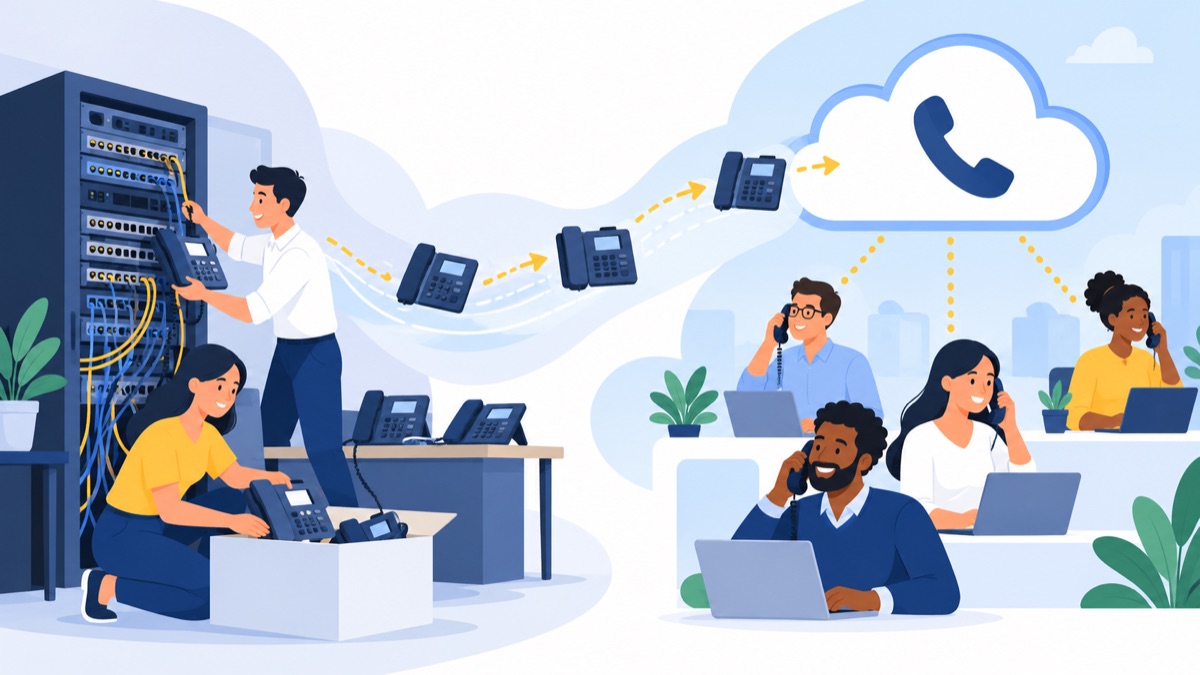
Migration checklist
- Inventory: List business numbers, extensions, devices, call flows, voicemail boxes, integrations and after-hours rules.
- Confirm account ownership: Gather carrier account details and verify which numbers can be ported. Do not cancel existing service before the port completes.
- Check devices and network: Confirm whether current desk phones are compatible, test internet quality where staff will call, and plan for backup power or connectivity.
- Document the call path: Recreate menus, queues, transfers, voicemail and business-hours routing. Test each path with real callers or an internal pilot.
- Review emergency locations: Verify each user’s registered emergency calling location and explain how staff should update it if they move.
- Train and cut over: Show users how to answer, transfer and check voicemail; pick a cutover window and identify who can restore fallback routing if a key call path fails.
A provider’s number porting information can help you prepare for moving numbers. For more on planning phone features around real workflows, see what small businesses need in a phone system.
If your team is evaluating a cloud option for sales or support, explore Voicalyst to see whether its calling tools match your requirements.
Frequently Asked Questions
Is PBX the same as VoIP?
No. A PBX manages business calling features such as extensions, transfers, menus and queues. VoIP is a way to carry voice calls over an internet protocol network. A PBX can use traditional phone lines or VoIP, and an IP PBX uses an IP network for calls.
Does a hosted PBX need desk phones?
No. A hosted PBX can connect desk phones, computers, browser-based calling and mobile apps, depending on the provider and plan. Check whether your existing phones are compatible and whether employees can use the devices they need from each work location.
Can a cloud phone system keep existing business numbers?
Often, yes. A number can usually be moved through a process called porting, but timing and eligibility depend on the number, current carrier and receiving provider. Confirm account details and port dates before cancelling existing service, and arrange fallback routing for the transition.
What happens to calls if the internet goes down?
Internet-based calls may stop working on affected devices when their connection fails. Ask about call forwarding to mobile numbers, backup internet, power backup and provider failover options. Keep emergency calling location records current, since broadband failure or moving equipment can affect E911 service.