
A cloud phone system for support teams should provide dependable calling, flexible routing and queues, useful CRM context, clear call records, and transparent costs. To choose the right fit, map your call volume and support hours, test real customer journeys, and compare the full cost of the features your team will actually use. A lightweight business phone system may be enough; complex, high-volume operations may need a contact center platform.
Key takeaways
- A support team should test its complete call journey, including menu choices, busy queues, overflow, and after-hours calls.
- A CRM integration should open the right customer record, log the call, and make follow-up ownership clear.
- A 12-month cost comparison should include seats, add-ons, usage, porting, onboarding, hardware, and support.
- AI-generated summaries can reduce note-taking, but agents should review them before relying on them.
- A business phone system can suit straightforward support; omnichannel routing, workforce management, and service-level reporting can indicate a need for contact center software.
What should a growing support team look for in a cloud phone system?
A cloud phone system for support teams is a calling service managed over the internet, with features such as business numbers, menus, routing, queues, voicemail, and integrations. Prioritize call reliability, routing that matches your support process, customer context for agents, and call records managers can use. Then compare total cost and confirm that the setup can grow with your team.
Start with the support work the phone system must handle
List the reasons customers call: order questions, account access, appointment changes, technical support, or billing. For each reason, record the right destination, the information an agent needs, and what happens if no one answers. That map turns “we need better phone software” into requirements you can evaluate.
Map inbound calls, callbacks, and outbound support calls
Separate incoming calls from callbacks and proactive support calls. A team that mainly handles inbound questions needs reliable queues and transfers; a team that schedules callbacks also needs a clear way to assign and track them. Add texting only if it supports a real workflow, such as sending an appointment update or confirming a callback.
Customer preferences can help make queue requirements concrete. In a 2024 customer service survey, 75% of respondents said they would prefer a callback when their turn arrives rather than waiting on hold (survey report). If your team offers callbacks, test whether an agent can see who owns each request and whether the customer’s place in line is handled as expected.
Estimate call volume, staffing, operating hours, and growth
Review call counts by hour and day, average handling time, missed calls, and peak periods. Then compare demand with the number of agents available at each time—not just the total number of people on the team. This helps you choose queue behavior, coverage hours, and overflow rules that reflect actual workload.
Include planned growth in the estimate. A 10-person team with modest call volume and simple questions may have different needs from a smaller group handling urgent, complex cases. Decide which functions must work for every agent and which only supervisors or administrators need.
Decide whether a business phone system or contact center is the right fit
A business phone system manages company calling and can provide menus, queues, transfers, voicemail, and integrations. Contact center software manages more complex service operations and may include omnichannel routing, workforce management, and service-level reporting. If agents mostly handle calls in a shared queue and use a CRM for context, a business phone system may be sufficient; if you need to coordinate channels, staffing, and formal service targets, evaluate contact center platforms too.
How should a cloud phone system handle support calls?
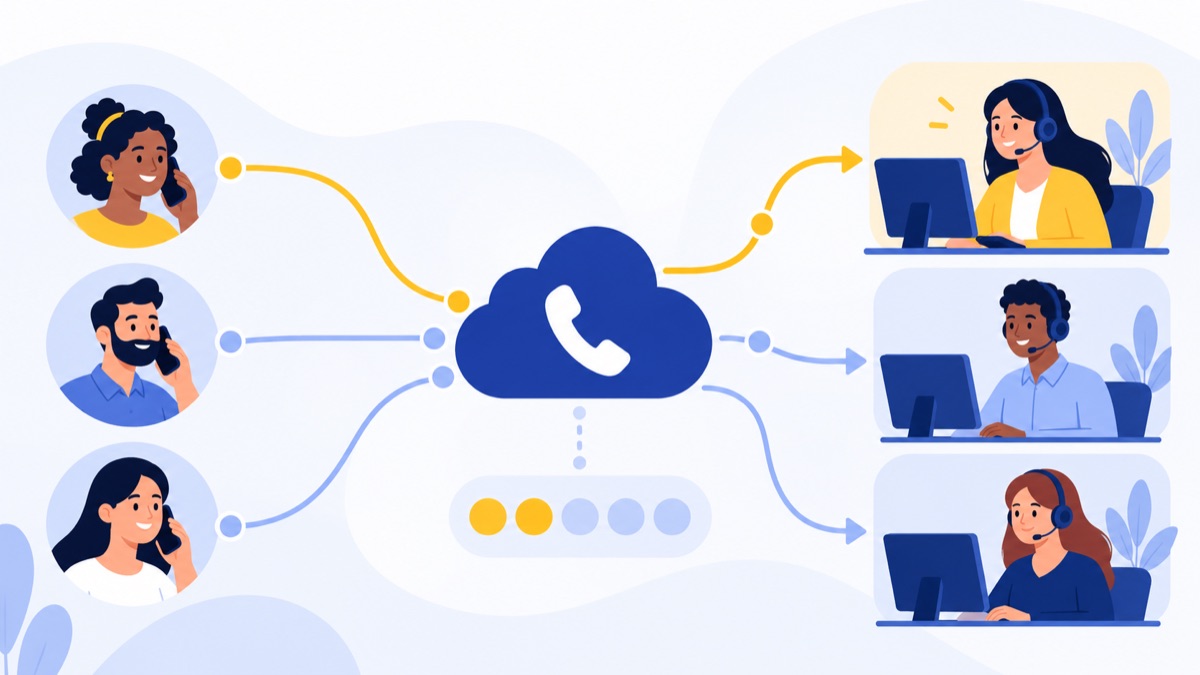
A cloud phone system should guide callers to the right team, let agents manage handoffs, and provide a fallback when a queue is full or the business is closed. Test the entire journey from dialing a published number to resolution or follow-up, including wrong menu choices, transfers, missed calls, and overflow.
Business numbers, menus, and queues
An IVR, or interactive voice response, is a phone menu that asks callers to choose an option, such as “press 1 for billing.” Keep menus short and use labels customers understand. Test what happens when callers make no selection, choose an unavailable department, or need to return to the main menu.
A queue holds incoming calls until an agent can answer. Check whether callers hear an estimated wait, can request a callback, and stay in the right place if an agent transfers them. The survey also found that 47% of customers had stopped doing business with a company because it kept them on hold too long (survey report). That makes hold and callback behavior a practical part of the buying evaluation.
Routing, transfers, overflow, and after-hours handling
Routing directs calls to an agent or group based on rules such as department, availability, or schedule. Ask whether administrators can change rules without a support ticket, and test a warm transfer, where the first agent speaks to a colleague before connecting the caller. Confirm what happens when all agents are busy, an agent disconnects, or the office is closed.
A useful trial scenario might look like this:
- A caller chooses “technical support” from the menu.
- The technical queue is busy, so the caller hears a callback option.
- A returned call reaches an available agent with the original issue attached.
- If no agent is available after hours, the caller reaches the correct voicemail or receives clear next steps.
Voicemail and missed-call follow-up
Voicemail should land with the people responsible for responding, not disappear into a shared inbox no one checks. Confirm how missed calls are displayed, whether voicemail can be transcribed, and how a supervisor can reassign follow-up. Set a simple service rule, such as assigning each missed call before the end of the business day.
How can a phone system give agents customer context?
A CRM or help desk integration connects calling activity with customer and support records. For agents, the value is practical: identify who is calling, find relevant history, and document the conversation without duplicating work. In a trial, test the full process from the ringing call through the next action.
HubSpot and help desk integrations
An integration is a connection that lets two software systems share information or actions. Ask which records the system can access and whether incoming and outgoing calls are both logged. If your team works in HubSpot, for example, verify the specific HubSpot calling workflow rather than assuming that an integration listing covers every task.
Screen pops and automatic call logging
A screen pop is a customer record that appears when a call arrives. Use a known test contact and check that the right person or company appears, including when multiple records have similar names or phone numbers. Then confirm whether the call log records the time, direction, agent, and outcome in the location your team actually uses.
For a useful trial, place an inbound call, an outbound callback, and a transferred call. Check that the records connect correctly and that agents can find the history later without searching several systems. If your team uses HubSpot, review the HubSpot calling integration against these steps.
Call summaries, notes, and follow-up ownership
Call summaries can speed up documentation, but a summary alone does not ensure that a customer gets a response. Verify that agents can correct notes, add an outcome, and create or assign a follow-up task. Establish who owns the next step when one agent answers and another team must resolve the issue.
Are cloud phone systems reliable for remote support teams?
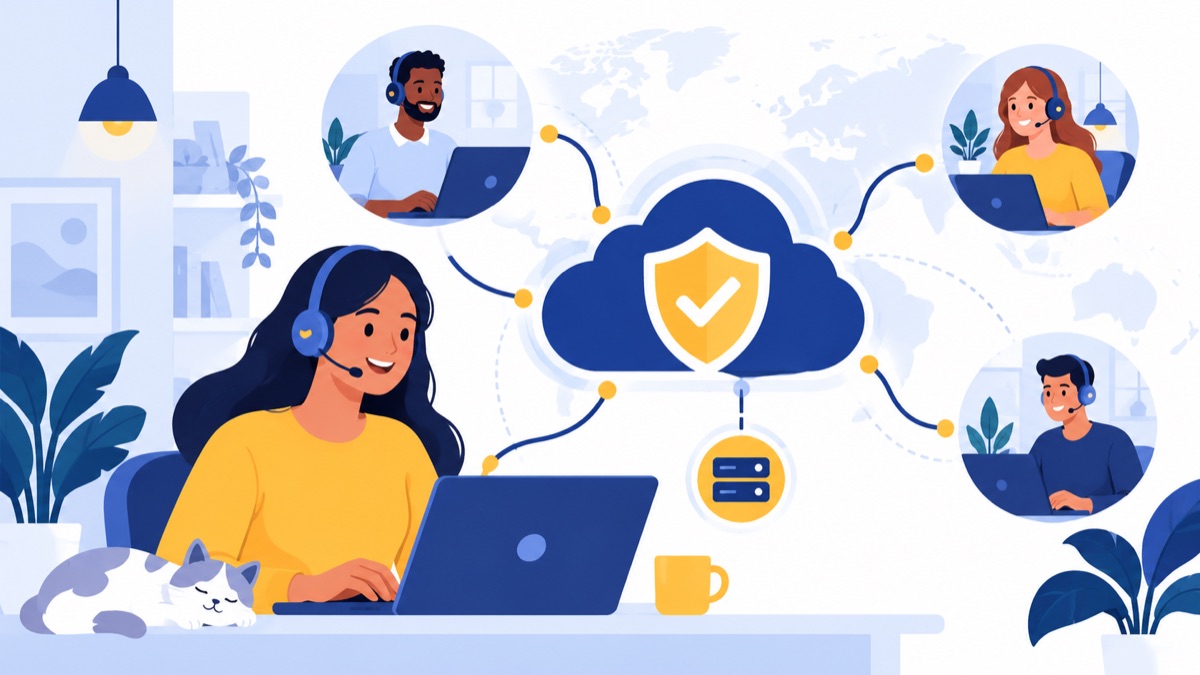
Cloud phone systems let agents call through supported browser, desktop, or mobile apps, but dependable service also relies on a working internet connection and well-configured networks. Test call quality from the actual agent locations and devices, and get clear answers about outages, fallback routing, and provider support before choosing a system.
Browser, desktop, and mobile calling
Have agents try the devices they will use at work: headsets and computers in the office, laptops at home, and mobile phones when relevant. Listen for delay, echo, dropped calls, and difficulty transferring or muting. Check how agents sign in, switch devices, and handle calls when they move between locations.
For broader setup considerations, see this guide to phone systems for remote teams, including the devices and calling workflows distributed agents may need.
Internet and network requirements
Ask the provider what network conditions it recommends and whether your current internet setup is suitable for simultaneous calls. Test during a busy period, not only in a quiet office. For remote agents, check Wi-Fi stability and give them a way to report audio problems with time and call details so a manager can spot patterns.
Outage handling and support from the provider
Ask how calls are handled if your internet connection, provider service, or office power fails. Possibilities may include forwarding calls to mobile numbers or another location, but confirm the exact setup and any charges. Also ask how support incidents are reported, what information the provider shares during an outage, and how your team can recover access.
If you already have business numbers, confirm the porting process and timeline before switching. Number porting means transferring a phone number from one provider to another; keep written confirmation of the required information and the planned cutover date. Voicalyst’s number porting information can help you review that part of a migration.
How should support teams evaluate AI summaries and analytics?
AI summaries and transcripts can reduce after-call work and make conversations easier to review, while analytics can show call volume, missed calls, and queue patterns. These tools are most useful when they answer a defined operating question, such as where callers abandon a queue or what follow-up agents still need to complete. Agents should review AI-generated notes before relying on them.
Summaries, transcription, and search
Transcription converts speech into text; a summary condenses a conversation into a shorter account. Try both on representative calls, including a noisy call, names or product terms, and a call with several action items. Check whether agents can edit errors and whether the resulting notes remain attached to the right customer record.
Search, reporting, and coaching insights
Start with the decisions managers need to make. Useful measures may include calls offered and answered, missed calls, wait time, callback completion, and outcomes. Make sure reports can be filtered by the relevant team or period, and confirm that managers can export or share information if needed. Avoid buying a large analytics package before agreeing on which measures will change how the team works.
Privacy, review, and call recording considerations
Call recording captures audio for purposes such as training, quality review, or recordkeeping. Recording and consent rules vary by state, so determine which rules apply to your callers and team before enabling recordings. Ask the provider how recordings and transcripts are stored, who can access them, and how long they are retained. If you use AI notes, create a review process for corrections and sensitive information.
How much does a cloud phone system cost per user?
A per-user plan price is only one part of the cost of a cloud phone system. Compare what each plan includes, then add usage, feature add-ons, number porting, onboarding, hardware, and support to estimate what your team will pay across a full year.
Per-user pricing and feature tiers
Compare equivalent packages, not just entry-level prices. One plan may include queues or integrations that another charges extra for. List each must-have feature—such as call recording, CRM logging, or reporting—and note whether it is included, available as an add-on, or unavailable.
Add-ons, usage, onboarding, numbers, and hardware
Ask about charges for calling or texting usage, additional numbers, recording storage, AI features, and international calls if relevant. Include onboarding or configuration fees, devices or headsets, number porting, and any paid support tier. The business phone system cost guide can help you structure a broader pricing comparison.
Build a 12-month comparison for today’s team and a realistic future seat count. Record assumptions alongside the total so you can explain why one option costs more and what that extra cost provides.
Support and administration as the team grows
Cost also includes the time required to run the system. Check whether a supervisor can update schedules, greetings, routing, and agent access without specialist help. Ask what support is included when a queue stops behaving as expected, and how additional users or locations are added.
How should you test a cloud phone system before choosing one?
A vendor trial is useful when the team tests real call flows and customer records, not just a product tour. Include an agent, a manager, and the person who will administer the system. Use the same scenarios and scoring criteria for each system so that the decision reflects the team’s work.
Test real support call flows
Run these checks with test numbers and sample customer records:
- Call during business hours, choose each important menu option, and confirm the right team receives the call.
- Fill a queue, test the callback option if available, and check the caller’s next step.
- Transfer a call, including a warm transfer, and confirm the receiving agent gets useful context.
- Call after hours and test voicemail, greeting, and missed-call notification.
- Place a callback and verify that the agent can identify the customer and record the outcome.
Verify CRM behavior and call records
For each test call, check whether the right customer record opens, whether the call log lands in the correct place, and whether notes or summaries can be edited. Confirm that a follow-up task can be assigned to a named person with a due date. Ask a manager to find the same call afterward using the reports or search tools.
Score reliability, ease of administration, and cost
Use a simple scorecard with a 1–5 rating for call quality, routing, CRM workflow, administration, reporting, and support. Write down failed steps as well as scores. Then compare the annual cost at your current and projected seat counts, including all required add-ons and setup expenses.
For a focused checklist, read the business phone system guide for customer support. Voicalyst’s phone system for support teams is one option to evaluate against your call flows, integrations, and cost requirements.
Frequently Asked Questions
What features should a cloud phone system for support teams have?
A support phone system should provide reliable calling, business numbers, menus, queues, flexible routing, transfers, voicemail, and after-hours handling. Look for CRM or help desk integration that opens the right customer record and logs calls, plus useful reporting and optional transcription or summaries. Test real call flows and confirm the full cost, including feature add-ons, usage, onboarding, and support.
What is the difference between a business phone system and contact center software?
A business phone system handles calls for a team with features such as menus, routing, queues, voicemail, and CRM integrations. Contact center software is designed for more complex, high-volume service operations and may add omnichannel routing, workforce management, and service-level reporting. Choose based on your call complexity and management needs, rather than team size alone.
How much does a cloud phone system cost per user?
There is no single per-user price that captures the full cost. Compare plans with the features your team needs, then include add-ons, calling or messaging usage, number porting, onboarding, hardware, and support. Calculate a 12-month total at your current seat count and a realistic growth estimate, and ask the provider to identify any usage-based charges.
Can a cloud phone system integrate with HubSpot or a help desk?
Many cloud phone systems offer CRM or help desk integrations, but the workflow matters more than the integration label. In a trial, confirm that an incoming call opens the correct customer record, the call logs to the right place, and notes or summaries attach to that record. Also verify who owns the follow-up when the call needs another action.
Are cloud phone systems reliable for remote support teams?
Cloud phone systems can support remote agents through browser, desktop, or mobile calling, but call quality depends on internet and network conditions. Test calls from the locations and devices agents actually use, and ask how the provider handles disruptions, rerouting, and number portability. Define a backup contact method and make sure agents know when to use it.