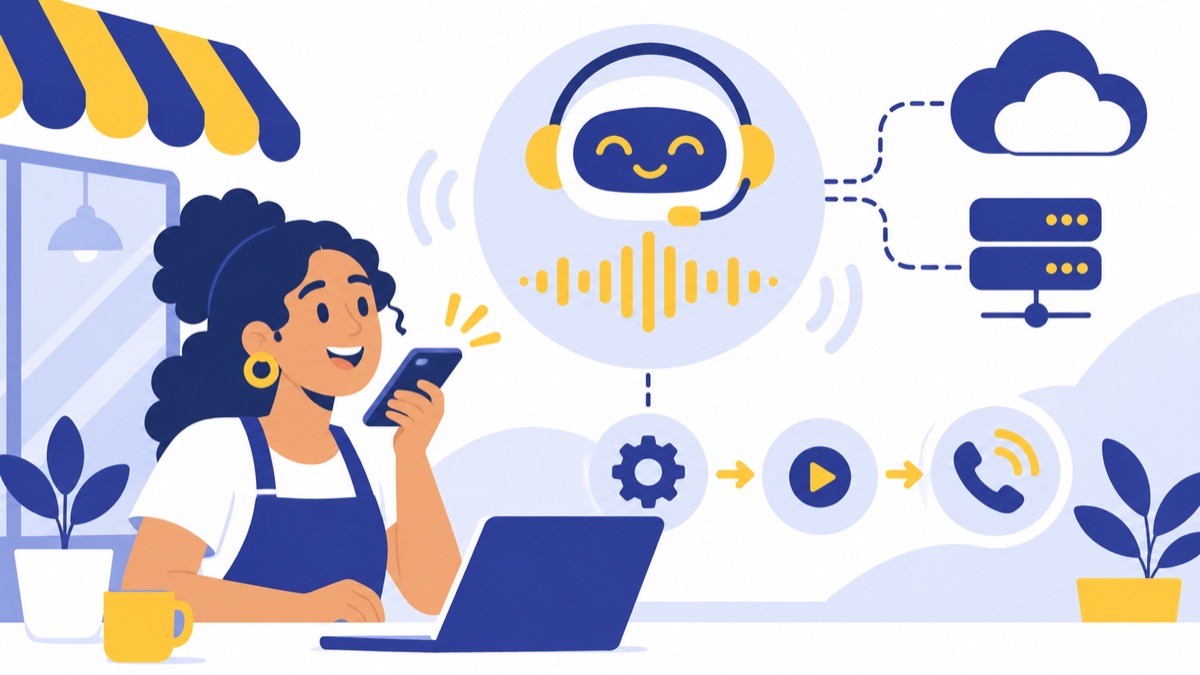
To learn how to setup AI voice agents free, start with a browser demo or limited trial so you can test a conversation before paying for ongoing service. A real phone agent may also need a reachable number and paid speech, AI, or telephony usage. This guide walks through choosing a setup, building a useful first agent, and checking costs and U.S. calling safeguards before customers rely on it.
Key takeaways
- A browser voice demo tests a microphone conversation; a phone agent needs a reachable number and may incur call charges.
- A focused first use case, such as answering business hours and routing callers, is easier to configure and test than a general-purpose agent.
- Estimate AI voice agent usage by multiplying expected call minutes by current platform, model, speech, and phone rates, then add any number or hosting fees.
- The FCC says TCPA restrictions on artificial or prerecorded voices apply to current AI technologies that generate human voices; covered calls generally require prior express consent unless an exception applies.
- Test interruptions, unclear requests, unsupported questions, transfers, summaries, and failures before routing customer calls.
What does “free AI voice agent” mean?
A free AI voice agent usually means a limited demo, trial, or local prototype, not unlimited phone calls at no cost. A browser test may use your computer’s microphone, while a public phone line can involve separate platform, AI, speech, phone-number, and telephony charges. First decide which experience you need.
Browser demo vs. website voice widget vs. phone agent
A browser voice demo lets you speak to an agent through a webpage or development interface. It is useful for testing a prompt and voice without giving customers a phone number.
A website voice widget puts a voice interaction on your business website. A visitor can start a conversation there, but the widget does not automatically answer calls to your business line.
An inbound phone agent answers calls to a phone number. An outbound calling agent places calls to people, which can trigger additional legal and consent requirements. These are different setups, even when they use similar AI components.
For a primer on the technology and selection criteria, see how AI voice agents work and how to choose one.
Trial credits, phone numbers, and recurring usage
A free trial may provide credits or limit how long you can test. As one dated example from the research brief, Vapi’s pricing page lists $5 in free credits on its included usage plan and says additional usage is charged by usage; check the current pricing and terms before choosing a provider.
A phone number can carry its own fee, and calls may consume credits for the agent platform, language model, speech recognition, voice generation, or telephone service. Self-hosting may avoid some hosted-platform fees, but you still need hardware or cloud hosting, credentials for any paid APIs, and time to maintain the system.
Which setup should you choose for your goal?
Choose the setup that matches where customers will speak to the agent: a browser demo for a quick prototype, a hosted builder for a no-code phone test, or a developer stack for more control. If you need a staffed business calling workflow, consider how the agent will connect to your numbers, menus, queues, voicemail, and customer records.
No-code hosted builder
A hosted builder is usually the quickest route for a beginner. You configure the agent in a provider’s interface, add instructions, choose speech components, and test in a browser or with a test number. The provider runs the infrastructure, but trial limits and usage prices vary.
The Vapi phone quickstart describes a basic phone-agent test flow: create an assistant, set up a phone number, and call the assistant. Treat provider documentation as an example of the steps, not a guarantee of a free production line.
Open-source or self-hosted build
An open-source build gives developers more control over the speech, model, and application components. It also means configuring dependencies and credentials, running the service, handling errors, and maintaining the setup. “Open source” describes access to software; it does not mean speech APIs, models, hosting, or engineering time cost nothing.
Start with a local microphone demo. Add a phone connection only after the conversation works and you understand the cost and operating requirements.
When a business phone system is a better fit
A standalone agent prototype can demonstrate a conversation, but a business phone workflow also needs call routing, people available to take escalations, voicemail, and follow-up. For a small team, plan where the agent sits alongside your business number, menu, queue, and customer relationship management (CRM) system. This guide to AI voice agents for business covers use cases and selection factors.
What do you need before you start?
Before configuring an AI voice agent, pick one task, collect approved facts and an escalation contact, and set a test budget. A narrow first job, such as answering hours and routing a caller to sales or support, makes it easier to tell whether the agent is accurate and useful.
Define one use case and success criteria
Write down what a successful interaction looks like. For example: “When callers ask about weekday hours, give the approved schedule; when they need billing help, transfer them to the billing queue; when the agent cannot answer, offer a person or voicemail.”
Choose a few simple measures for testing: whether the answer matches the source information, whether the transfer works, and whether the call summary includes the caller’s request. Do not start with a goal like “handle every customer question.”
Gather approved information and an escalation contact
Prepare a short, current source of truth:
- Business hours and holiday exceptions
- Services or products the agent is allowed to describe
- A few common questions and approved answers
- The phone number, queue, or person for escalation
- Topics the agent must not answer or actions it must not take
Avoid loading private customer data into a prototype unless you have reviewed the provider’s data handling and retention settings.
Set a test device and spending limit
You need a microphone and a quiet place for browser testing. If testing telephone calls, use a number and calling setup approved for that test, and define a maximum credit or spend before you start.
How do you set up a free no-code voice agent?
To set up a no-code agent, create a trial or demo account, give the agent a narrow role, supply approved business information, configure its voice and transfer behavior, and test it with realistic calls. Provider screens differ, but these steps apply to most hosted builders.

1. Create a demo or trial
Choose a browser demo first if you only need to test the conversation. Choose a trial phone setup if you need to verify call audio, number behavior, or transfers. Read current trial limits and billing settings before making test calls.
2. Write the agent’s role and boundaries
Use short instructions that specify the task, source of truth, and response when uncertain. For example:
You answer calls for [Business]. Your task is to provide the approved business hours and route callers to the right team. Use only the business facts provided here. If the answer is missing or unclear, say you do not have that information and offer to transfer the caller to [team] or take a message. Do not guess, make promises, or collect payment details. If the caller asks for a person, offer a transfer immediately.
Replace the bracketed details with information your team has reviewed. Keep rules that affect caller safety or business commitments explicit.
3. Add trusted information
Add the business facts the agent is allowed to use, then compare its answers to the original source. If hours or policies change, update the source and test the affected answers again. Do not rely on the agent to infer exceptions.
4. Choose voice, language, and call behavior
Select the language and voice that fit your callers. Configure pauses, greetings, interruption handling, and what happens when a caller asks for a person. Make sure a transfer destination is staffed during the hours you promise a live handoff.
5. Test in the browser or with a test number
Begin with the browser if it is available. A real phone test is useful for checking latency and call routing, but it can consume credits or incur usage charges. Set a limit and watch the balance while testing.
Can you build an AI voice agent with open-source software?
Yes. Developers can assemble an agent from open-source frameworks and speech or model components, but they still need to configure and run the pieces. Begin with a local demo, then add telephony and hosting only after the prompt and conversation flow behave as intended.
Choose components and configure credentials
A developer stack typically includes an application or voice-agent framework, speech recognition, a language model, voice generation, and optionally a telephony connection. Read the chosen components’ current documentation and pricing; availability, licenses, and rates can change.
Keep credentials in environment variables or a secrets manager, not in code shared publicly. Give the prototype only the access it needs.
Run locally before connecting calls
Test through a local microphone first. Check that the agent can hear, respond, recover after an interruption, and hand off when asked. A local prototype limits exposure while you work on the interaction.
Budget for hosting and maintenance
If the agent needs to be reachable outside your computer, plan for hosting, uptime, logs, updates, and troubleshooting. Also account for any paid speech or model APIs. Open-source software can reduce licensing costs without eliminating operating costs.
How do you test an AI voice agent before customers use it?
Test an AI voice agent with normal questions, edge cases, and failure scenarios before routing customer calls to it. Include a caller who interrupts, a caller who asks for something outside the agent’s knowledge, and a caller who wants a person; then verify the transfer and summary.
Call-test checklist
- Ask the most common questions and compare answers with approved information.
- Interrupt the agent mid-sentence and correct a mistaken detail.
- Try a vague request, a noisy recording, and several seconds of silence.
- Ask something the agent cannot answer; confirm it does not guess.
- Request a person and confirm the transfer reaches the intended destination.
- End a test call and review its summary for accuracy and useful follow-up.
- Test a failed transfer, unavailable team, or missing information path.
Review transcripts or recordings only in line with your privacy and retention settings. If the agent repeatedly invents answers or mishandles transfers, revise its instructions or narrow its task before expanding the test.
How much does an AI voice agent cost per minute?
There is no single per-minute price for an AI voice agent because a call can use several separately priced services. Estimate the current combined platform, model, speech, and telephony rates for your configuration, then add fixed phone-number, hosting, or integration fees where applicable.
Use this worksheet:
Estimated variable cost = test call minutes × current combined cost per minute
Estimated total = variable cost + phone-number fees + hosting or integration fees
For example, if your current combined rate is R per minute and you expect M minutes, your variable estimate is R × M. Fill in R and M from the providers’ current pricing pages instead of relying on a rate from an old tutorial.
To keep a free test from turning into a surprise bill:
- Set a trial credit or spending cap where available.
- Use a test number and a small number of short calls.
- Check whether the provider bills by call minute, model use, or another unit.
- Disable outbound calling while testing an inbound flow.
- Review usage after each test session.
What U.S. privacy and calling safeguards matter?
Before using an AI voice agent with customers, decide what data it collects, whether calls are recorded or transcribed, how customers can reach a person, and whether the agent will place outbound calls. U.S. requirements depend on call type and jurisdiction, so review applicable rules before production use.
Consent and outbound calling
The FCC says TCPA restrictions on artificial or prerecorded voices apply to current AI technologies that generate human voices, and covered calls generally require prior express consent unless an exception applies. Review the FCC’s declaratory ruling before using AI-generated voice for outbound calls.
The FTC’s Telemarketing Sales Rule includes calling-time limits, restrictions on calling consumers who requested no further calls, and disclosure and misrepresentation requirements. See the FTC’s rule summary. These rules are especially relevant to sales campaigns; get legal advice for your specific campaign and jurisdictions.
A Pew Research Center survey conducted April 14–20, 2025, found that 68% of U.S. adults said they received scam phone calls attempting to get personal information at least weekly. That finding is a reminder to make the agent’s identity and purpose clear and to avoid asking for sensitive information without a defined need. See the Pew survey findings.
Recording, transcription, and customer data
Tell callers about recording or transcription when required, and check the laws that apply to the caller and your business. Configure retention and access deliberately; transcripts can contain personal or business-sensitive details. Provide a human option when the agent cannot help or the caller requests one.
How do you move from a free prototype to a business phone workflow?
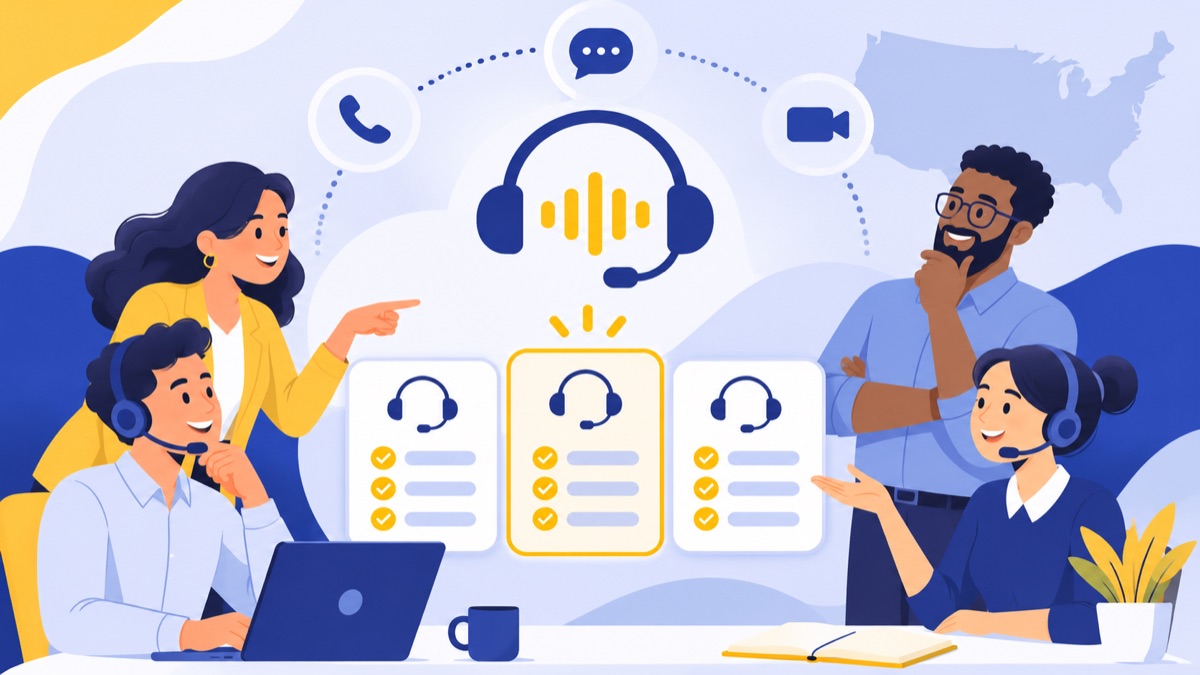
Move from prototype to production by connecting the agent to the team’s real call path, follow-up process, and customer records, then monitoring how those handoffs work. A business phone system can connect menus and queues, voicemail, summaries, texting, dialing, and CRM activity around the agent’s narrow task.
For example, an incoming sales call might reach a menu, go to the right queue, and fall back to voicemail when the team is unavailable. A virtual phone system can organize business numbers and team calling, while IVR menus and call routing direct callers to the right destination.
After a call, a summary can help a teammate pick up the conversation, and a CRM connection can associate activity with a customer record. Voicalyst offers AI call summaries as part of a business phone workflow. Teams can also evaluate voicemail transcription, business texting, power dialing, and HubSpot sync based on their process. For another practical perspective on selecting a business voice setup, read the guide to voice AI for sales and support.
Voicalyst is a cloud business phone system for U.S. sales and support teams; it is not a promise of unlimited free AI calling. Explore Voicalyst when you are ready to connect call handling with the rest of your business phone workflow.
Frequently Asked Questions
Can I create an AI voice agent for free?
Yes. You can often create and test a browser-based agent for free, or use limited trial credits for a phone demo. A publicly reachable phone number and ongoing calls may add telephony, speech, model, hosting, or platform charges. Check current pricing and set a usage limit before testing.
How do I build an AI voice agent without coding?
Choose a hosted no-code builder, define one task, add approved business information, write rules for unknown answers and human transfers, then test with a browser microphone or trial number. Interface names vary by provider. Start with a narrow task such as answering business-hours questions and routing callers.
How much does an AI voice agent cost per minute?
There is no single standard rate: providers may charge separately for the agent platform, language model, speech recognition, voice generation, and phone service. Estimate call minutes multiplied by the current combined per-minute rates, then add any phone-number, hosting, or integration fees. Confirm each rate directly with providers.
Is it legal to use an AI voice agent to call people in the U.S.?
U.S. rules depend on the call’s purpose, technology, consent, and jurisdiction. The FCC says TCPA restrictions on artificial or prerecorded voices apply to current AI-generated human voices, and covered calls generally require prior express consent unless an exception applies. Telemarketing rules also set requirements; get legal advice for production campaigns.
How do I test an AI voice agent before using it with customers?
Test common questions, interruptions, silence, noisy audio, corrections, unsupported requests, and requests to speak with a person. Confirm that transfers reach the right destination and that summaries capture the caller’s need accurately. Review transcripts and failure cases, and keep tests within a spending limit before routing real customers.