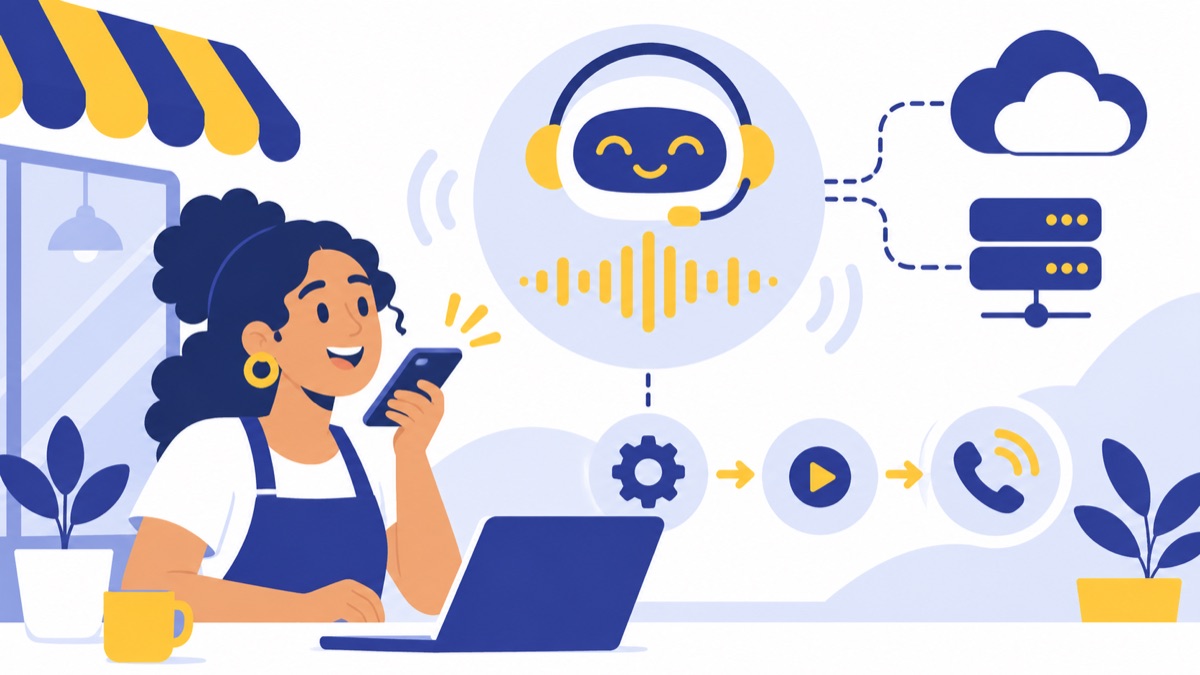
If you’re searching for “voip sevices new ai,” you’re likely looking for new AI features in VoIP services: business phone systems that can transcribe calls, summarize conversations, route callers, and sometimes answer them directly. This guide explains what those features do, how sales and support teams can use them, and what to check before choosing and rolling out a system for your US business.
Key takeaways
- AI-enabled VoIP can support employees with transcripts and summaries or speak directly with callers as an AI receptionist; these are distinct functions.
- A Census Bureau study found that sales and marketing was the most commonly reported AI business function, used by 52% of firms that reported using AI.
- AI call notes can reduce manual CRM entry, but a person should review summaries before using them to make customer or sales decisions.
- Before switching, confirm call routing, CRM integration, number porting, pricing, support, recording practices, and registered E911 locations.
- A short pilot with representative calls can show whether AI features save time and hand off callers appropriately.
What are AI VoIP services?
AI VoIP services combine business calls made over the internet with AI features that assist employees or interact with callers. VoIP stands for Voice over Internet Protocol: it carries voice calls over an internet connection rather than only through traditional phone lines. The FCC defines interconnected VoIP as two-way voice communication over broadband and compatible equipment that can place calls to and receive calls from the public switched telephone network. FCC definition of interconnected VoIP
VoIP in plain English
A cloud business phone system gives a team ways to call and manage calls using business numbers, phone menus, routing rules, voicemail, and connected apps. Employees may make calls in a browser or mobile app, so a desk phone may be optional. For a fuller explanation of standard capabilities, see what VoIP services include.
What AI adds to a cloud business phone system
AI usually appears in one of two places:
- Call assistance: AI transcribes a conversation, creates a summary, suggests follow-up notes, or helps managers review call patterns. A human employee remains on the call.
- Caller-facing AI: An AI receptionist or voice agent answers and speaks with the caller, handles defined requests, and may transfer the call to a person.
A system can offer one type, both, or neither. Ask what the AI can do during a live call, what it does afterward, and what happens when a request falls outside its limits. Learn more about how voice AI supports sales and support teams.
The opportunity is practical rather than universal. In a Census Bureau study covering November 2025 to January 2026, 18% of firms reported using AI in at least one business function. Among those AI-using firms, 57% used it in three or fewer functions, and sales and marketing was the most common, at 52%. Census Bureau working paper
What new AI features can a business phone system provide?
AI features can help before, during, and after a call, but providers package them differently. Call transcription and summaries support employees; an AI receptionist speaks with callers; and dialers, texting, and CRM integrations help teams carry work into the next step. Check each feature’s availability, limits, and price rather than assuming it comes with basic VoIP.
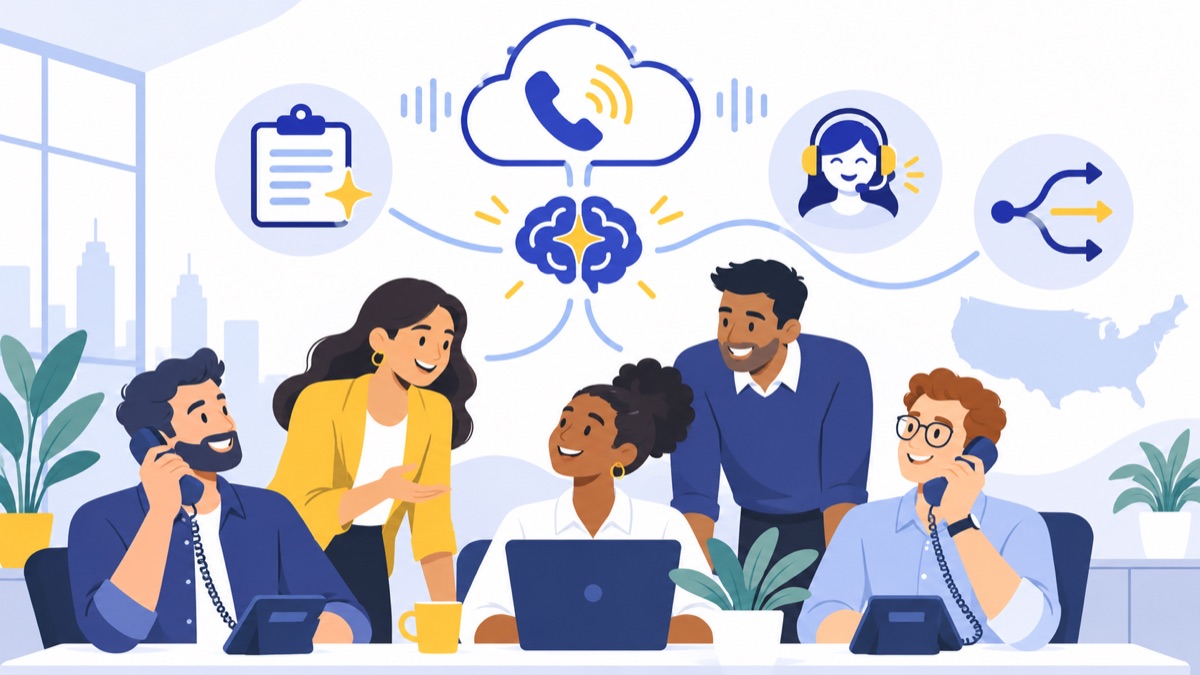
Call transcription, summaries, and follow-up notes
A call transcript converts spoken conversation into text. A call summary is a shorter AI-generated account of the discussion, which may include the caller’s reason for contacting the business, key points, and suggested next steps. A team member should check names, numbers, commitments, and sensitive details before relying on the result.
For example, after a sales call, a rep could review a summary, correct the next step, and log it to the opportunity. An AI call summaries feature can reduce repetitive note-taking, while voicemail transcription can help staff sort callbacks without listening to every message first.
AI call answering, routing, and after-hours coverage
An AI receptionist is an AI system that answers calls and handles a defined set of caller requests. It may collect a name and reason for calling, answer approved questions, or transfer a call to a queue or employee. Unlike a phone menu that asks callers to press a key, a voice agent can respond to spoken requests, but its abilities depend on its configuration.
A clear handoff matters. Ask whether callers can reach a person, how the system handles unclear requests, and what it does if the intended team is unavailable. Use IVR menus and call routing to define where callers go, including business hours and after-hours paths.
Power dialing, texting, and CRM activity capture
A power dialer helps a sales team place calls from a contact list. Business texting can let employees follow up from a company number, while a CRM integration can record calls or attach notes to customer records. These capabilities can keep activity in one workflow, but confirm which data syncs, whether the employee must trigger it, and how duplicate or incorrectly matched records are handled.
How do sales and support teams use AI-enhanced VoIP?
AI-enhanced VoIP can reduce routine work around calls when teams use it for specific tasks and review its output. Sales teams can use transcripts and CRM sync to prepare follow-ups; support teams can route callers and preserve context; managers can spot recurring themes in call data. AI should support judgment and escalation rather than replace them.
Sales: qualify leads and keep call records current
An inbound lead may call after seeing a local ad or website. A receptionist can collect basic details and route the caller to the right sales queue; after the conversation, a summary can give the rep a starting point for the CRM record and next action.
For outbound calling, a dialer can help reps work through a contact list, while texting can support a requested callback or appointment reminder. Have reps verify the contact, consent, and message before sending follow-up. The Census Bureau’s finding that sales and marketing was the most commonly reported AI function among AI-using firms gives context for why sales workflows are a common place to evaluate AI.
Support: route calls and preserve context between conversations
A caller with a billing question should reach the appropriate support team, while a technical issue may need a different queue. Phone menus, ring groups, and queues can direct calls; summaries and CRM records can help the next employee understand what has already been discussed.
Set escalation rules for frustrated callers, urgent issues, and requests the AI cannot resolve. A useful system makes reaching a person straightforward and passes along the caller’s reason for contacting the business when possible.
Managers: review patterns and coach from call data
With appropriate access controls and review practices, managers can use transcripts or summaries to identify recurring questions, missed follow-ups, or training needs. These signals can help prioritize coaching, but an AI summary can omit context or misinterpret a conversation. Review the source call when an assessment matters.
What should you look for when choosing an AI VoIP service?
Choose a system by testing the daily calling workflow, not by counting AI feature names. A practical evaluation covers call quality, uptime and support, business numbers, menus and queues, browser and mobile access, CRM fit, transparent usage pricing, number porting, and the ability to add users or locations without rebuilding the setup.
Core phone features and browser-based access
Confirm the basics your team needs:
- Business numbers, including local numbers where useful
- Phone menus, routing rules, ring groups, and call queues
- Voicemail and voicemail transcription
- Browser or mobile calling, with desk phones if needed
- Business texting and any required power dialer
- Integrations with the CRM and other tools your team uses
Test calls from the places employees actually work. Ask what happens to active calls if an employee changes devices or the internet connection drops.
AI accuracy, human handoff, and controls
Try representative calls, including a routine request, an unclear request, and one that needs a person. Check transcript accuracy for names, addresses, and product terms; review summaries against the calls; and confirm that the AI receptionist can transfer callers appropriately.
Ask how to disable a feature, correct AI notes, limit who can see recordings, and set retention periods. If a system sends summaries or data to a CRM, make sure the right users can access the resulting records.
CRM integrations, pricing, reliability, and support
Check whether the CRM integration works with your actual objects and fields. If your team uses HubSpot, ask what call data can be recorded, which users’ activities sync, and whether summaries attach automatically or require review. A HubSpot calling integration may help connect calls and sales records.
Get an itemized price that covers per-user fees, AI usage, phone numbers, minutes, messaging, and add-ons. Ask about support hours, uptime commitments, number porting timelines, and scaling costs. VoIP phone numbers and voice agents involve related but different setup choices; see how voice agents connect to VoIP numbers when evaluating a caller-facing agent.
What privacy and emergency-calling issues should businesses consider?
Businesses should establish recording disclosures, data access, retention, and emergency-calling settings before launch. Requirements can depend on the jurisdictions and circumstances involved, while VoIP emergency calling depends on provider capabilities and accurate location information. Ask providers for their policies and instructions, then confirm how those details apply to your calls and locations.
Call recording and disclosure
Call recording requirements vary by jurisdiction and use case. The FTC says most calls between a telemarketer and a business are exempt from the Telemarketing Sales Rule, while state law may require permission to record a transaction. That distinction is not a universal rule for every business call, so check the requirements that apply to your callers, employees, and locations. FTC guidance on the Telemarketing Sales Rule
If you record calls or use AI to analyze them, decide how callers will be informed and where the disclosure will occur. Document which calls are recorded, who can access them, and how long they are kept.
Data access, retention, and AI-generated notes
Ask what call recordings, transcripts, and summaries the provider stores, how long it retains each type, and how your organization can delete them. Limit access to employees who need it, and review whether sensitive calls should be recorded or summarized.
AI-generated notes can omit important details or state something incorrectly. Keep a person responsible for verifying customer commitments and updating CRM records before those notes become part of a decision.
911/E911 location and service limitations
E911 is enhanced 911 service that helps route an emergency call and provide location information. FCC rules require interconnected VoIP providers to provide E911 capabilities and notify subscribers about limitations. Businesses should confirm their registered locations and provider-specific emergency-calling instructions, especially when employees use VoIP from more than one office or work location. FCC E911 rules
How do you move to an AI-enabled VoIP system?
A careful rollout starts with call flows and team needs, then moves through number transfer, CRM setup, and a limited pilot. Write down who answers each call type, what the AI may do, and when a person takes over. A short pilot makes it easier to catch routing and recordkeeping problems before the full team switches.
Map call flows and team needs
List your main call types: new sales inquiries, existing customers, billing, technical support, and after-hours calls. For each, record the destination, fallback, voicemail path, and escalation rule. Decide which tasks need a live employee and which could suit a receptionist.
Port numbers and connect the CRM
Check number eligibility, transfer timelines, required account information, and the plan for keeping calls covered during porting. Keep your existing service active until the provider confirms that the transfer is complete. Set up CRM permissions and decide which call fields or summaries should sync.
Pilot, review AI output, and refine routing
Start with a small group and a sample of real call types. Review whether calls reach the right team, summaries are accurate enough to edit, and CRM records land in the right place. Ask the provider:
- Can employees make and receive calls in a browser?
- What happens to calls if a user or office loses internet access?
- How does the AI hand a caller to an employee?
- What are the limits and prices for minutes, AI use, recording, and texting?
- How do we port existing numbers and configure E911 locations?
- How are transcripts and recordings stored, retained, and deleted?
Is AI VoIP a fit for your team?
AI VoIP is a good candidate when repetitive call notes, missed calls, manual routing, or inconsistent CRM records take time away from customers. A simpler VoIP setup may be enough if call volume is low, calls are easy to route, and the team has little need for summaries or automated answering. Decide by testing the workflow you want to improve.
Signs it can help
Consider a pilot if your team regularly needs to:
- Follow up on inbound leads outside standard business hours
- Summarize calls and update CRM records after each conversation
- Route a steady mix of sales and support questions
- Keep voicemail and customer history accessible to remote employees
- Review call patterns to improve coaching or service
When simpler VoIP may be enough
If your team mainly needs business numbers, basic routing, voicemail, and browser or mobile calling, start with those essentials. Add AI when you can name the task it should improve and define how a person checks its work.
To compare features with your workflow, explore Voicalyst’s business phone options.
Frequently Asked Questions
What are AI VoIP services?
AI VoIP services combine business calls made over the internet with AI features such as transcription, call summaries, and caller-facing voice agents. VoIP carries calls over an internet connection. Ask whether a system’s AI assists employees after calls, speaks directly with callers, or does both, and confirm the available human handoff options and plan limits.
Can AI summarize and log business calls in a CRM?
Some systems transcribe calls, generate summaries, and sync call activity or notes to a CRM such as HubSpot. Available fields and automation vary by provider and setup. Have a team member review generated notes before relying on them for customer commitments, lead qualification, or support history.
Can I use an AI phone system with my existing business number?
Often, yes. Number porting transfers an eligible number to a new provider, but timing and eligibility depend on the providers and number. Confirm the process before switching, keep the old service active until the transfer completes, and plan how calls will be covered during the transition.
Do businesses need to tell callers that calls are recorded or handled by AI?
Recording and disclosure requirements depend on the states involved, the type of call, and the circumstances. The FTC notes that state law may require permission to record a transaction, even though most telemarketing calls between a telemarketer and a business are exempt from the Telemarketing Sales Rule. Check the rules that apply to your calls and locations.
Is VoIP reliable for business calls and 911?
VoIP call quality depends partly on your internet connection, network setup, and provider. Confirm registered service addresses and provider E911 instructions, especially for employees working across locations. FCC rules require interconnected VoIP providers to offer E911 capabilities and notify subscribers about limitations, but service details can differ by provider and location.