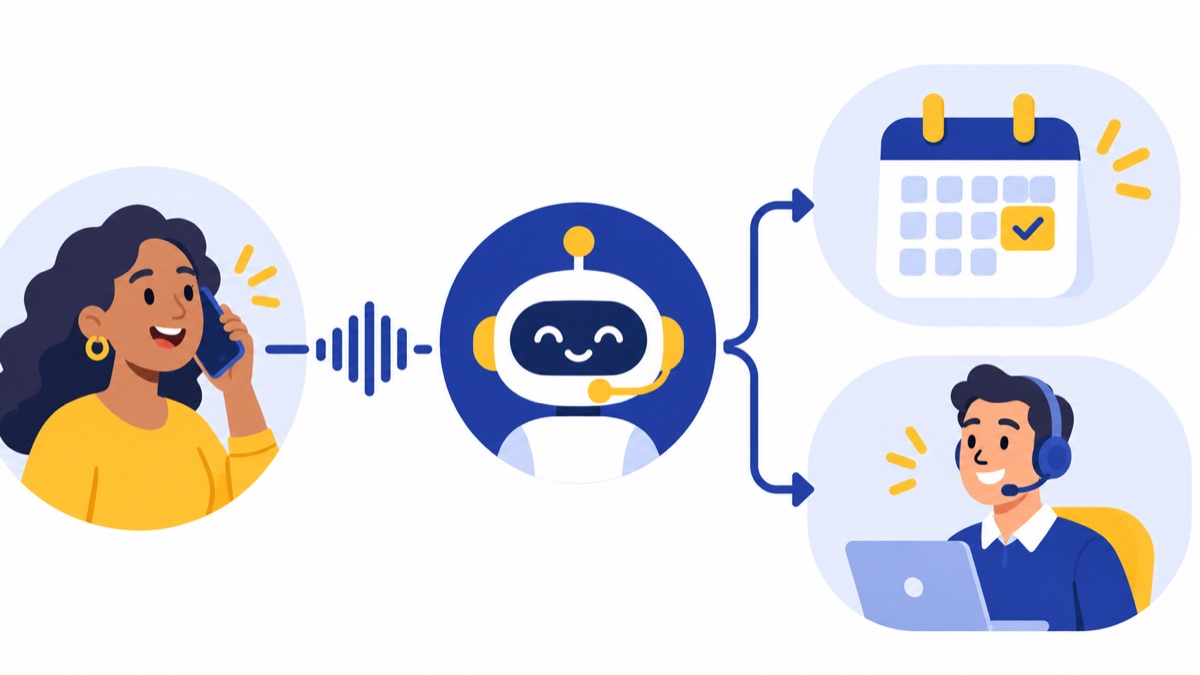
Voice AI can help a business answer routine calls, understand spoken requests, route callers, capture lead details, and summarize conversations. The right setup depends on the task: this guide explains how voice AI works, how it differs from IVR, and how sales and support teams can evaluate it with clear human handoffs and measurable outcomes.
Key takeaways
- Voice AI includes speech recognition, transcription, and generated speech; an AI voice agent is one application that can converse and take connected actions.
- Traditional IVR menus, queues, and live transfers remain useful for predictable routing and callers who prefer keypad choices.
- In a 2025 survey of 400 respondents, 53% selected call or meeting summaries and transcription as transformative voice technology use cases, and 52% selected customer service or task automation via voice agents (Deepgram and Opus Research report).
- A supervised pilot should measure outcomes such as successful transfers, completed tasks, captured leads, and booked meetings—not just call containment.
- In February 2024, the FCC confirmed that TCPA restrictions on artificial or prerecorded voice calls apply to AI-generated human voices (FCC ruling).
What is voice AI?
Voice AI is technology that processes or generates spoken language. In business phone workflows, it can recognize what a caller says, speak a response, or turn a conversation into a transcript or summary. The term covers several related tools, so distinguish the underlying capabilities from a phone agent built with them.
How do voice AI, transcription, and voice agents differ?
Speech recognition converts spoken words into text. Transcription is the resulting written record of speech, while text-to-speech converts written text into spoken audio. A voice assistant responds to spoken requests; an AI voice agent is a more specific phone application that can hold a conversation and may perform connected tasks.
These categories overlap, but they are not interchangeable. A transcript or AI-generated call summary can help a representative follow up without the phone system answering calls autonomously. A phone-based agent may combine speech recognition, language understanding, and generated speech to interact with callers.
The broader term also includes consumer assistants and synthetic voice generation. This guide focuses on business phone use: inbound customer and sales calls, follow-up, routing, and the supporting tools that help teams manage conversations.
How does voice AI work on a phone call?
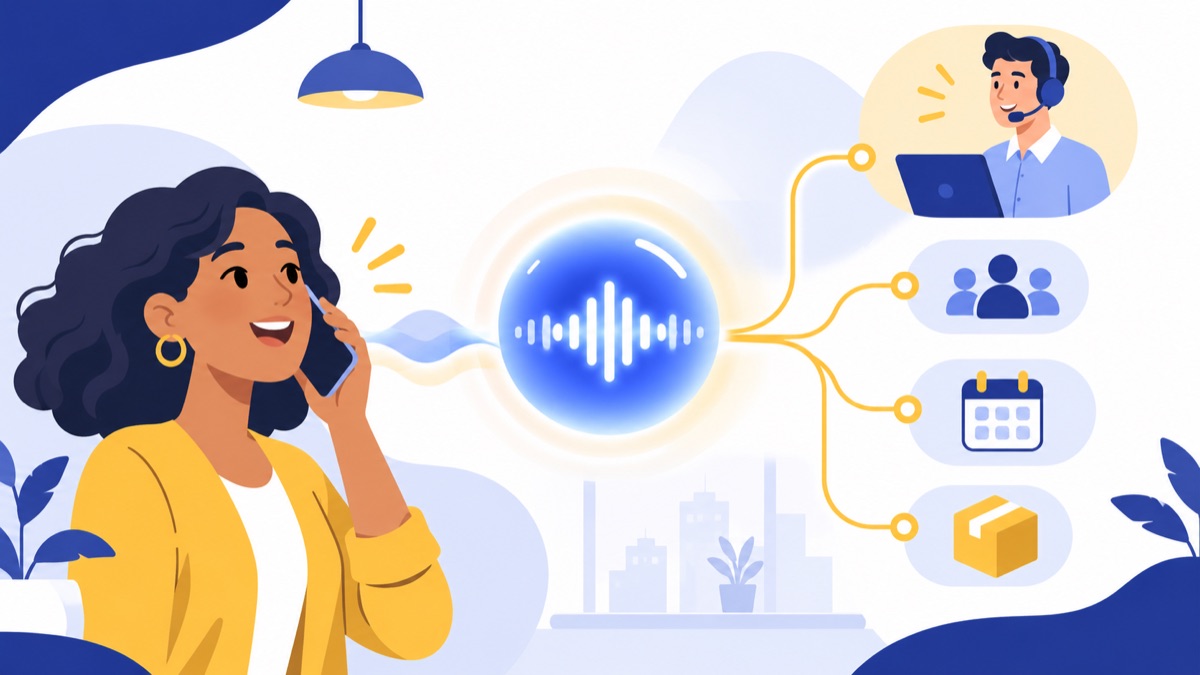
A phone-based voice AI workflow turns audio into a response or action through connected steps. It typically recognizes the caller’s speech, interprets the request in context, selects a response or workflow, and speaks back; if the caller needs a person or the workflow fails, the system should transfer the call or offer another clear path.
How does voice AI understand spoken words?
First, a speech recognition system converts audio into text. A language model or other language-understanding component then interprets what the caller means, using the conversation so far and any approved business information. “Can I move my appointment to Friday?” is a request to reschedule, not just a string of words to repeat.
How does a voice agent respond or take action?
Dialogue management determines the next step: ask a follow-up question, answer from approved information, route the call, or use an integration to check availability. The system can then use text-to-speech to respond aloud. Connected actions might include looking up a customer record, creating a lead, or transferring a caller to a queue, depending on the system’s permissions.
Every action needs clear boundaries. For example, a scheduling workflow should confirm which appointment it found and the requested change before updating a record. If the system cannot verify details or complete the action, it should explain the problem and hand off.
Where do phone systems and people fit?
Phone numbers, menus, queues, voicemail, and representatives remain part of the call path. Some tools apply AI after a call to produce a transcript or summary; that can help a representative follow up, but does not make the phone system an autonomous voice agent. A business can add AI support to an existing cloud phone system while keeping established routing and human coverage.
How is voice AI different from IVR?
Traditional IVR (interactive voice response) guides callers through recorded prompts and keypad choices, such as “Press 1 for sales.” A conversational voice agent can interpret spoken requests and respond in natural language. Each approach fits different call flows, and businesses can combine menus, queues, AI, and live transfers rather than choosing one for every caller.
What does a phone menu do well?
A fixed menu works well when a business has a few clear departments or destinations. It can send callers to sales, billing, or support, provide business hours, and place people in queues. The choices are predictable, and callers who prefer keypad navigation can use it without explaining their request aloud.
What can a conversational agent add?
A conversational agent may help when callers describe needs that do not map neatly to a short menu. For example, a caller might say, “I need to check whether my order will arrive before our event.” The system can ask for an order number, provide an approved status, or transfer the caller with context.
A typical journey could start with a menu that offers “sales” or “support,” then let an agent collect a caller’s reason and route them to the right queue. These components can coexist: IVR menus and call routing handle destinations and queues, while conversational automation addresses specific language-based tasks.
When should a business route directly to a person?
Use a live representative for sensitive or complicated issues, when the caller asks for one, when recognition is uncertain, or after a workflow fails. A good handoff passes along what the caller already said, so the caller does not have to start again. Routing should be part of the design from the beginning.
What are the uses of voice AI in business?
Voice AI can support live calls and the work that follows them. Sales and support teams may use it to answer common inbound questions, route callers, capture lead details, cover after-hours calls, help with appointments, or create transcripts and summaries; each use case needs a defined scope and a way to reach a person.
How can voice AI answer and route inbound calls?
For a small business, an agent could handle repetitive questions about hours, service areas, or appointment availability using information the business has approved. It might also collect a caller’s reason for calling and route them to the right team. Set limits for questions it cannot answer, particularly account-specific or sensitive matters.
After-hours coverage is another possible fit when callers need a simple response or a way to leave structured information. The goal is to give callers a useful next step, not to imply that a human team is available when it is not.
How can voice AI capture leads and support outbound sales?
For inbound sales calls, a bounded workflow can ask what service a prospect needs, where the project is located, and when they want to get started. It can pass those details to a representative, who can decide whether and how to follow up. Avoid collecting more personal information than the task requires.
AI-generated outbound calls have additional compliance considerations. Before using a synthetic or artificial voice to contact prospects, review current requirements for the specific campaign, consent, audience, and technology.
How can voice AI summarize calls and help agents follow up?
Transcription and summaries can help staff find commitments, questions, and next steps after a conversation. A 2025 survey of 400 respondents found that 53% selected call or meeting summaries and transcription among voice technology’s transformative use cases; 52% selected customer service or task automation via voice agents (report findings). Those findings describe respondents’ selections, not measured results for every business.
Teams can review call patterns, such as recurring reasons for contact or points where callers often need a transfer. Summaries and analytics can support coaching and follow-up, but staff should have a way to correct inaccurate records. For example, AI call summaries can provide a written starting point for a representative’s review.
What are the benefits and limits of voice AI?
Voice AI may make routine call handling more consistent, help teams respond outside staffed hours, and reduce manual note-taking. Results depend on call quality, the workflow, and system integrations, so businesses should not assume a tool will resolve every conversation or improve performance without measurement and review.
What can go wrong with noise, accents, and integrations?
Speech recognition can struggle with noisy environments, overlapping speech, unfamiliar accents, uncommon names, or callers who change direction mid-sentence. Even when words are recognized correctly, an ambiguous request can still be misunderstood. Delays between a caller speaking and the system responding can also make a conversation feel awkward.
Integration quality matters as much as the voice model. If the system cannot reliably retrieve a customer record, check a calendar, or transfer a call with useful context, the spoken interaction may sound smooth while the underlying task fails. Test the entire workflow, including the CRM or phone system, rather than judging a demonstration alone.
Why do clear human handoffs matter?
Set explicit handoff triggers: caller request, low confidence, a sensitive topic, missing data, repeated misunderstanding, or an action the system is not allowed to take. Tell callers what is happening and, when possible, transfer them with a summary of the conversation.
Start with a narrow, repeatable workflow and a defined stop condition. Review calls that were transferred, abandoned, or marked complete to check whether the result actually helped the caller. Expand only after the team understands where the workflow succeeds and where it needs a person.
How should a business evaluate voice AI?
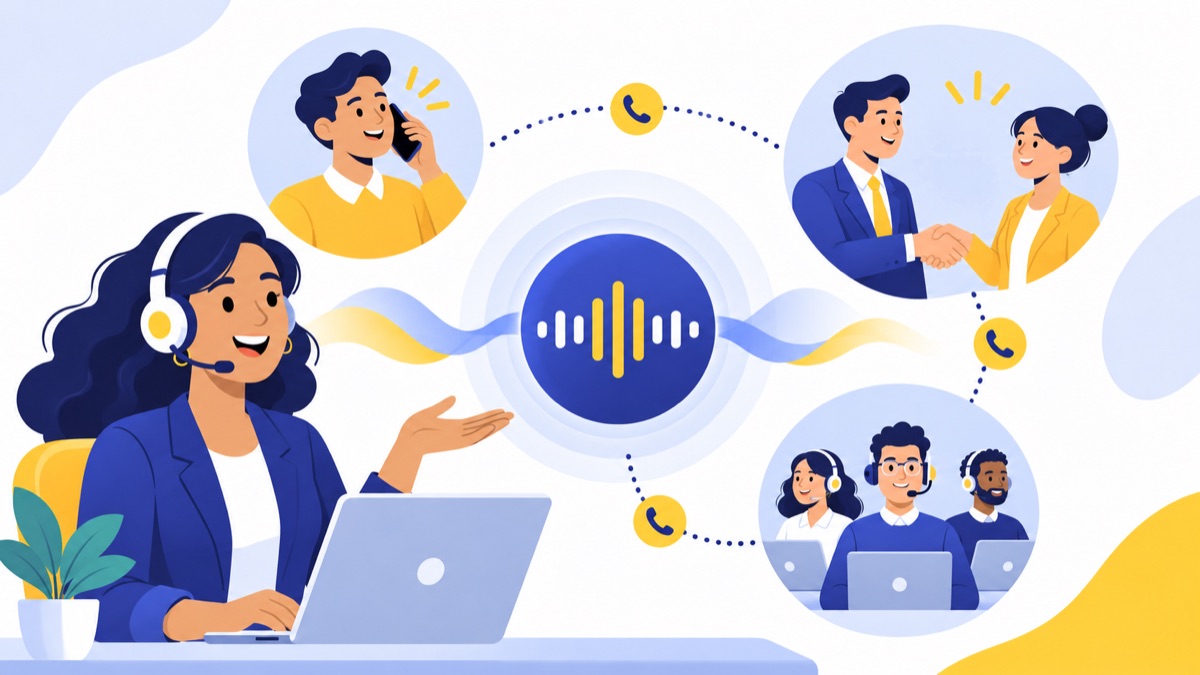
A useful evaluation begins with one specific call problem and a baseline for how the team handles it today. Compare the proposed workflow against that baseline through a supervised pilot, using representative calls and agreed measures; a polished demo cannot establish recognition quality, integration reliability, or customer outcomes for your business.
How should a team define the call problem and baseline?
Write down the current journey: when calls arrive, what callers ask, how staff route them, and where calls are missed or delayed. Choose a bounded task, such as collecting a reason for a sales inquiry or answering a small set of approved hours and location questions. Record the baseline before making changes.
What should a voice AI evaluation checklist include?
Use this checklist when comparing options:
- Call fit: Does the workflow match a frequent, repeatable caller need?
- Phone and CRM integration: Can it identify the right records, log permitted details, and avoid creating duplicates?
- Transfers: Can callers reach the right person or queue, and does the handoff include useful context?
- Records and permissions: Can you control who accesses calls, recordings, transcripts, and summaries, and how long they are retained?
- Reporting: Can managers inspect failed tasks, transfers, and outcomes?
- Cost and effort: Is pricing based on seats, minutes, usage, or a combination? What setup, integration, and ongoing review will the workflow require?
Test representative calls with different accents, speaking styles, background conditions, interruptions, and caller goals. Have staff inspect transcripts and verify that connected actions, such as lead creation or appointment handling, are correct.
Which outcomes should a pilot track?
Choose measures that match the workflow. These can include answer and abandonment rates, transfer rate, containment (the share of calls completed without a human transfer), resolution, time to resolution, lead capture, booked meetings, and caller satisfaction. Define each measure before the pilot so the team interprets results consistently.
A high containment rate alone does not show that callers got the help they needed. Pair it with resolution checks, caller feedback, and a review of calls that ended without a transfer. If more callers finish the task but fewer qualified leads are captured, the workflow may need a different goal or a faster handoff.
What privacy and U.S. calling rules should teams check?
Businesses should review how call audio, recordings, transcripts, and personal details are collected, accessed, stored, and shared. AI-generated or prerecorded outbound calls also raise distinct legal requirements. The rules depend on the call and circumstances, so teams should verify current federal and state requirements for their use case before launch.
How should teams handle call audio and transcripts?
Limit access to recordings and transcripts to staff who need them. Check retention settings, vendor data handling, and whether call content may be used to improve models. Tell callers what the business needs them to know, and make recording or disclosure practices consistent with applicable requirements and company policy.
Synthetic voice also carries misuse risks. The FTC warns that scammers can use a short audio clip found online to clone a loved one’s voice for a fake emergency scheme (FTC consumer alert). Businesses should protect voice samples and identity verification steps rather than relying on a familiar-sounding voice as proof of identity.
What rules apply to AI-generated outbound calls?
In February 2024, the FCC confirmed that TCPA restrictions on artificial or prerecorded voice calls apply to AI technologies that generate human voices, including voice cloning. The ruling says prior express consent is generally required unless an applicable exception applies (FCC declaratory ruling).
That point concerns calls using artificial or prerecorded voices; it is distinct from using AI to summarize an ordinary conversation for staff. Before a campaign, confirm how the call is made, who receives it, what consent applies, and whether federal or state rules add requirements. This article is informational, not legal advice.
How does AI fit into a cloud business phone system?
A cloud business phone system can combine numbers, menus, queues, voicemail, texting, and call records with AI features such as summaries. Those features can help staff capture context and follow up; they do not by themselves mean the phone system is an autonomous voice agent that answers and resolves calls.
For a small sales or support team, the practical setup may be straightforward: route calls through a menu or queue, let staff handle the conversation, then use a transcript or summary to record the issue and next step. A team can also use its CRM integration to keep follow-up in the same workflow. Businesses comparing phone systems can also review VoIP services and their business uses to understand how internet-based calling fits into their setup.
Voicalyst provides business calling features such as AI call summaries and HubSpot calling integration. If you are choosing a phone workflow, explore Voicalyst to see whether its documented capabilities fit your team’s needs.
Frequently Asked Questions
What is voice AI?
Voice AI is technology that lets software process or generate spoken language. On business calls, it can recognize speech, understand a caller’s request, respond aloud, or take an action such as routing a call. The term also includes transcription and synthetic speech tools that do not necessarily hold conversations or act as phone agents.
How is voice AI different from an AI voice agent?
Voice AI is the broad category of technologies that process or generate speech. An AI voice agent is one application: it conducts a phone conversation and may take connected actions, such as looking up an appointment or routing a caller. Transcription and call summaries use voice AI without making the phone system an autonomous agent.
How is voice AI different from IVR?
Traditional IVR guides callers through fixed menus, such as pressing 1 for sales. A conversational voice agent can interpret a spoken request and respond in natural language. IVR remains useful for predictable routing, queues, and keypad choices; a business can combine menus, agents, and live transfers in one call flow.
How accurate is voice AI with accents or background noise?
Accuracy depends on the speech recognition model, call audio, accents, background noise, interruptions, and the caller’s wording. A demonstration cannot establish how well a system will perform on your calls. Test representative recordings or supervised pilot calls, track recognition failures and transfers, and make it easy for callers to reach a person.
Is voice AI safe, and what rules apply to AI-generated phone calls?
Voice AI can involve sensitive call audio, transcripts, and personal information, so check access, retention, and data handling before deployment. In February 2024, the FCC confirmed that TCPA restrictions on artificial or prerecorded voice calls apply to AI-generated human voices. Requirements depend on the call and applicable exceptions; check current federal and state rules.