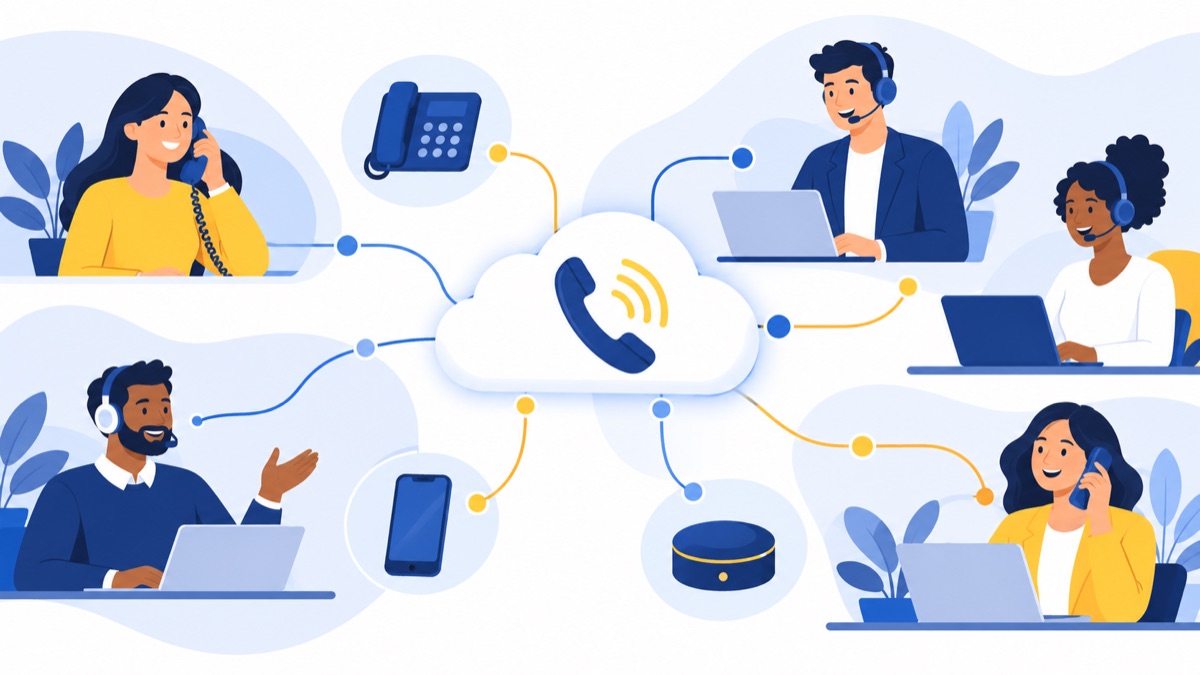
Cloud telephony is a business phone service hosted by a provider and delivered over the internet, so employees can make and receive calls through an app, browser, or desk phone. For a small sales or support team, the right system can connect business numbers, call routing, voicemail, and customer records. Here’s how cloud telephony works, how it differs from VoIP and UCaaS, and what to check before choosing a provider.
Key takeaways
- Cloud telephony is a hosted phone service; VoIP is the technology that carries voice over internet protocol networks.
- UCaaS typically bundles business calling with tools such as team messaging and video meetings, while cloud telephony can focus on voice.
- A cloud phone call travels from a user’s device through an internet connection and provider network to the recipient.
- The best provider for a small business should fit its call flows, number needs, CRM, support expectations, security requirements, and total budget.
- A short pilot should test real calls, routing, CRM sync, and number porting before a team commits to a rollout.
What is cloud telephony?
Cloud telephony is a business phone service whose calling platform is hosted by a provider and accessed over an internet connection. Employees can use business numbers and call-handling features without relying on a phone system hosted only in their office.
How a cloud phone call works
A call starts when someone speaks into a browser, desktop or mobile app, or desk phone. The device converts the voice into digital data and sends it over an internet protocol (IP) network. The cloud provider’s platform routes the call to its destination, where the other person’s device turns the incoming data back into audio.
For an inbound call, the provider receives the call to a business number and applies the company’s rules: send it to a menu, ring a team, place it in a queue, or route it to voicemail. Administrators usually manage those rules through an online dashboard.
Cloud IP telephony means IP-based business calling delivered through a cloud-hosted phone service. The phrase describes both the call’s network technology and the hosted delivery model; in practice, providers often use it alongside “cloud telephony.”
For a deeper look at call setup and audio quality, see this guide to how VoIP calls work.
Cloud telephony vs. VoIP vs. UCaaS
VoIP, cloud telephony, and UCaaS overlap, but they describe different things. VoIP names the method for transmitting voice over IP; cloud telephony describes a hosted phone service; and UCaaS usually describes a broader cloud suite that adds tools such as messaging and video meetings.
| Term | What it means | What it may include |
|---|---|---|
| VoIP | Voice transmission over IP networks | Calling over a business network or the public internet |
| Cloud telephony | A business phone service hosted by a provider | Business numbers, call routing, voicemail, and administration |
| UCaaS | Unified communications as a service, delivered through a cloud platform | Calling plus tools such as team chat, video meetings, and collaboration |
VoIP can run on an on-premises phone system or as part of a cloud service. A business could therefore use VoIP without buying a cloud-hosted phone system. A cloud telephony provider will often use VoIP to carry calls, but the service model includes more than the transmission method.
UCaaS is commonly broader than voice. If your team mainly needs business calling, menus, queues, and CRM integration, compare those needs directly before paying for collaboration features the team may not use.
What makes up a cloud telephony system?
A cloud telephony system combines business numbers, user devices, call-handling rules, a provider-hosted platform, and administrative controls. Together, these components can direct an inbound caller from a business number to a menu, a queue, an employee, or voicemail.
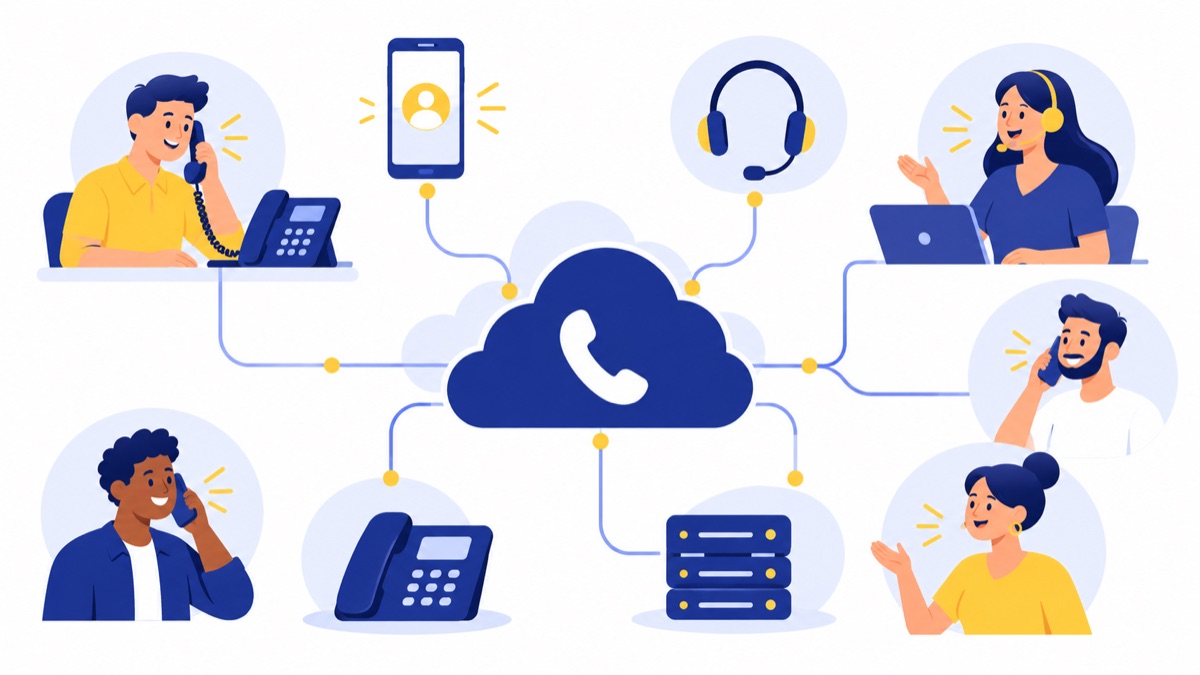
- Business numbers: Existing numbers, new local numbers, or toll-free numbers, depending on provider availability.
- User devices: A browser, desktop or mobile app, or compatible desk phone.
- Call handling: Menus, routing rules, queues, voicemail, and business-hour settings.
- Provider platform and network: The hosted system that manages accounts, connects calls, and applies routing.
- Admin controls: Settings for users, permissions, numbers, business hours, and call flows.
- Integrations: Connections to tools such as a CRM, which can help teams log calls and access customer records.
For example, a caller dials a company’s main number, selects “support” from the phone menu, and waits in a queue. If no agent answers, the system can route the caller to voicemail for follow-up.
An on-premises PBX keeps the phone system hardware at the business location. A hosted PBX moves that phone-system platform to a provider’s data center. Cloud systems typically let users connect through apps or browsers as well as desk phones, giving businesses options for how employees handle calls.
What can cloud telephony do for sales and support teams?
Cloud telephony helps sales and support teams manage business calls through shared numbers, routing, and connected workflows. Sales teams can use outbound calling and CRM activity sync; support teams can use menus, queues, voicemail, and follow-up processes to handle inbound demand.
Sales: outbound calls and follow-up
A sales rep can use a power dialer to work through a call list, send a follow-up text from a business number, and review a call summary before updating the next step in a CRM. If the team uses HubSpot, HubSpot calling integration can connect calling workflows with customer records.
Those tools are useful when they match the team’s process. Before choosing them, confirm how calls, notes, and follow-up activities appear in the CRM and whether reps can correct records when a sync fails.
Support: call handling and coverage
A support caller can choose a department from a phone menu, wait in a queue, or leave a message when agents are unavailable. A manager can set business-hour routing and arrange missed-call follow-up so unanswered calls have a clear owner.
Voicemail transcription and call summaries may help agents review a message or conversation more quickly. Teams should check that transcripts and summaries are accurate enough for their workflows and understand which users can access call records.
Shared workflows across both teams
Both teams can use a shared number, route calls by department, and review call activity alongside customer history. A virtual phone system for business calling can be a fit when a company wants a hosted system that supports employees across office and remote locations.
What are the benefits and tradeoffs of cloud telephony?
Cloud telephony can make business calling available across locations and simplify changes to users or call routing. It also depends on working internet connections, power, devices, and provider operations, so teams should evaluate local call quality, outage plans, security, support, and emergency calling before switching.
Flexible access and administration
Employees may be able to take business calls through an app or browser wherever they have a suitable connection. In 2025, 34.5% of employed people worked at home on days they worked, according to the Bureau of Labor Statistics’ American Time Use Survey. That figure provides work-location context; it does not show that cloud telephony improves productivity.
Administrators can often change users or routing in an online dashboard instead of reconfiguring equipment at each desk. Ask providers to demonstrate the exact changes your team expects to make.
Network dependence and resilience
Call quality depends on a team’s actual network, including congestion, Wi-Fi coverage, device setup, and the internet connection between the user and provider. The FCC reported that 96.9% of Americans had access to fixed terrestrial broadband service at 100/20 Mbps as of June 2025. That is an availability measure, not a guarantee that a specific business connection is ready for VoIP.
Plan for internet or power outages. Ask whether employees can forward calls to another number, use a mobile app over cellular service, or follow another documented failover process. A provider’s service status page, incident history, uptime commitment, and explanation of how it communicates outages can help you assess resilience.
Security and emergency calling
Ask how the provider protects accounts and call data, manages user permissions, and handles access when an employee leaves. Confirm which security controls are included in your plan and which require an add-on.
Emergency calling needs particular attention when employees use the service from different locations. FCC rules require fixed VoIP service providers to transmit dispatchable location with each 911 call. Ask how the provider sets up and updates locations for your service and work arrangements, and review its emergency-calling instructions.
How do you choose a cloud telephony provider?
Choose a cloud telephony provider by matching the service to your team’s call flows, locations, CRM, and budget, then verifying its number support, call quality, reliability, security, and support. A structured checklist helps a small business compare providers on evidence and fit instead of a headline feature count.
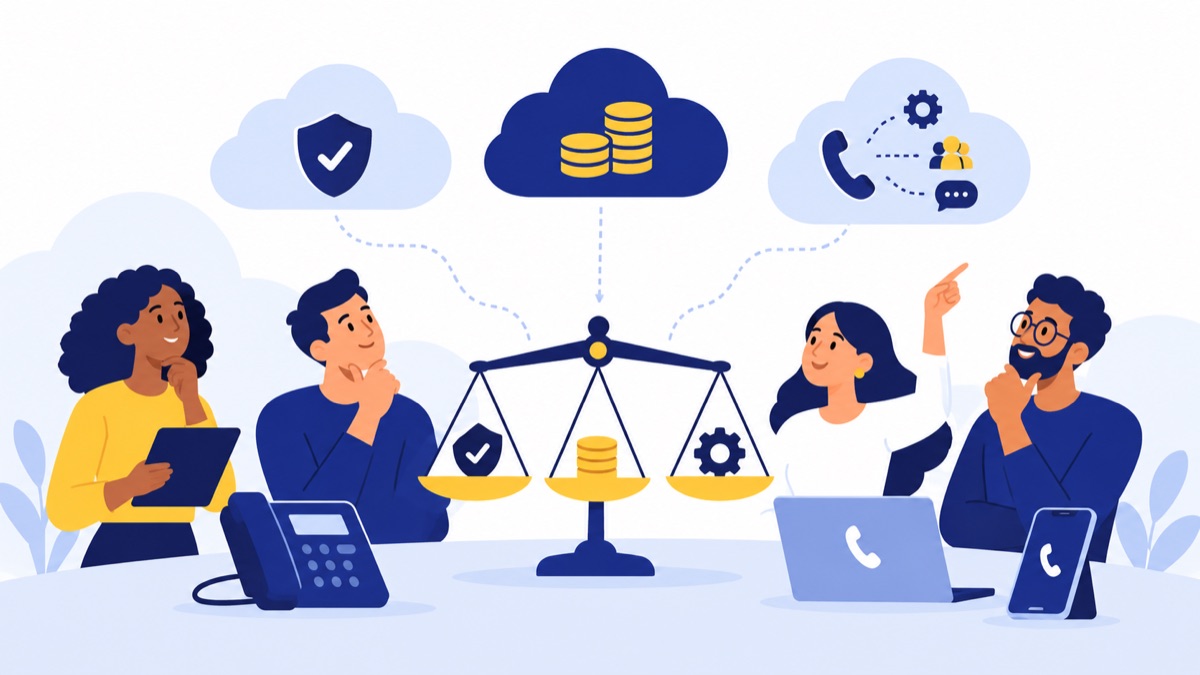
Start with workflows and must-haves
Write down the main jobs the phone system needs to do. Separate required features from optional ones so a small team can avoid paying for a larger communications suite it will not use.
- How many people need individual calling accounts?
- Which calls are inbound, outbound, or both?
- Do callers need menus, queues, voicemail, or after-hours routing?
- Does the team need business texting, call summaries, or a power dialer?
- Which CRM or other business tools must connect?
Check numbers, routing, and integrations
Confirm that the provider supports the locations and types of business numbers you need. If you want to keep existing numbers, ask about eligibility, the information required to port them, the timeline, and whether any numbers cannot be transferred. See how business number porting works before building your rollout plan.
Test important routing rules and CRM workflows in a demo or trial. Ask whether an integration records calls automatically, which fields it updates, and how users can spot or fix sync issues.
Verify quality, reliability, security, and support
Ask providers for specific evidence and operating details:
- A service-level agreement (SLA), including what uptime measure it uses and what remedy applies if the commitment is missed.
- A public service status page, recent incident history, and how it notifies customers about outages.
- Failover options for an office internet or power outage.
- Security controls, including available encryption, user permissions, and administrative access settings.
- Support hours, contact methods, and response expectations for service problems.
- Emergency-calling capabilities and steps to configure locations for your employees.
Try calls from the actual offices and remote locations your team uses. A national broadband-availability figure or provider uptime claim cannot tell you how calls will sound on your network.
Understand the total cost and contract
Cloud telephony cost may depend on user seats, number types, calling regions, usage, add-ons, and minimum seat requirements. A low per-seat price can omit features or charges your team needs, so request a written quote for the full configuration.
Compare setup and onboarding fees, taxes, number charges, usage rates, add-ons, minimums, renewal terms, cancellation rules, and support costs. Review the provider’s pricing details and compare the total cost over the period you expect to use the service.
For a broader buyer’s framework, see this guide to choosing a cloud-based VoIP phone system.
How should a small team test cloud telephony before switching?
A small team should run a short pilot using the devices, networks, and call scenarios employees will use after launch. Test inbound and outbound calls, audio, routing, CRM sync, and number-porting steps before moving the whole business to a new system.
Use a few employees across representative work locations and follow a checklist:
- Make inbound and outbound calls using the team’s normal headsets and devices. Note audio problems and when they occur.
- Call the main number, test each menu option, enter a queue, and confirm what happens when no one answers.
- Make a sales call and check that activity appears in the correct CRM record. Try one common correction, such as updating a missing or incorrect call note.
- Test any required texting, dialer, or call-summary workflow with the employees who will use it.
- Confirm number-porting eligibility, the information required, the provider’s timeline, and how to keep calls covered during the transfer.
- Record unresolved issues, the person responsible for each, and whether each issue must be fixed before rollout.
A pilot can reveal gaps that a feature list cannot, such as confusing call routing or unreliable audio in one office. For more on sales dialing workflows, read the power dialer guide.
Frequently Asked Questions
How much does cloud telephony cost for a small business?
Cloud telephony pricing depends on seats, phone number types, calling regions, usage, add-ons, and minimum seat requirements. Compare the full monthly and annual cost, including setup, taxes, support, and contract terms, rather than relying on a per-user headline price. Ask providers for a written quote based on your actual users and call patterns.
Can I keep my existing business phone number if I switch providers?
Many providers support number porting, which transfers an existing number to a new service, but availability and timing depend on the number and provider. Confirm eligibility before signing, ask what information and lead time are required, and keep the current service active until the transfer is complete. Get the provider’s porting plan in writing.
Does cloud telephony support 911 calls?
Cloud telephony may support emergency calling, but setup and location handling vary by provider and service. FCC rules require fixed VoIP providers to transmit dispatchable location with each 911 call. Ask how the provider registers locations for employees who work from different sites, and verify its emergency-calling instructions for your service.
What internet connection do I need for VoIP telephony?
There is no single connection specification that guarantees good VoIP telephony. Call quality depends on available bandwidth, latency, jitter, packet loss, Wi-Fi, network congestion, and headset or device setup. Test calls from the actual offices and remote work locations your team uses, and ask the provider for its current network guidance.