
A phone system for recruiting agencies should keep candidate and client calls reachable through agency-owned numbers, route them to the right recruiter, and preserve a shared history for follow-up. For a small team, start with a main number, clear coverage rules, voicemail, and missed-call ownership; then add direct numbers, ATS or CRM logging, texting, and a dialer only when the workflow calls for them.
Key takeaways
- A shared agency number keeps candidate and client communication accessible to authorized teammates when a recruiter is busy, out, or leaves.
- A ring group calls selected teammates, while a queue holds callers and connects them to available staff in an ordered flow.
- ATS or CRM integration should be tested for inbound caller context, call and text logging, notes, and record access—not judged by an integration logo alone.
- A power dialer suits planned outbound call lists; recruiters making fewer researched calls may only need click-to-call.
- A small agency should compare seat, number, usage, setup, and contract costs before choosing a phone system.
What should a phone system for a recruiting agency do?
A phone system for a recruiting agency should connect candidates and clients to the right person, keep calls and messages associated with the agency, and make follow-up visible to the team. It complements an ATS or CRM, which tracks candidate and account relationships, by handling calls, routing, voicemail, and often business texting.
Cloud phone system vs. personal phones and a basic business line
A cloud business phone system is calling software that routes calls over the internet and can be used in a browser or mobile app. Unlike a personal phone, an agency number and conversation history can remain accessible to authorized coworkers. A basic business line may provide a central number, but often has fewer options for routing, remote coverage, and shared call records.
An ATS, or applicant tracking system, organizes recruiting activity such as candidates, jobs, and placements. A CRM, or customer relationship management system, organizes client and account activity. Neither should be assumed to provide business call routing or a shared team phone inbox; check what your existing tools actually do.
Shared numbers, direct numbers, ring groups, and queues
A shared business phone number for recruiters is an agency-controlled number that more than one authorized teammate can answer or use. A ring group rings a selected group of teammates, often at the same time. A queue places callers in line and routes them as agents become available. A direct recruiter number gives a particular person a more personal point of contact.
Many small agencies can begin with one shared main number and add direct numbers for recruiters who need them. Decide who can see the call history and who owns each response.
Which features should recruiters evaluate?
Recruiters should evaluate features against the work they need to complete: answering calls, returning missed calls, coordinating interviews, capturing client requirements, and handing conversations to teammates. Browser and mobile calling, routing, voicemail, business texting, and dependable record-keeping are common starting points; recordings, AI summaries, and power dialing depend on workflow and policy.
Browser and mobile calling with agency-owned numbers
Browser and mobile access lets recruiters call at a desk or away from it, while presenting an agency number where the system supports that setup. Check how outbound caller ID works, whether staff can switch between shared and direct numbers, and what happens when a recruiter changes devices or leaves.
A cloud system can make remote coverage more consistent. See this guide to browser-based business phone systems for questions to ask about calling away from the office.
Call routing, business hours, voicemail, and missed-call alerts
Routing rules decide where calls go. Set business hours, an after-hours message, a fallback destination, and voicemail access. A useful setup alerts the team to missed calls and assigns a person to return them; a notification without an owner can still leave a candidate waiting.
Texting, call notes, recordings, and AI summaries
Business texting lets recruiters send practical updates, such as an interview time or a request to confirm availability. Look for shared message visibility and a way to match each thread to the right candidate or client. Follow applicable consent and messaging rules, and respect each person’s preferred channel.
Call notes record the outcome and next action. Recordings or AI-generated summaries may reduce manual note-taking, but recruiters still need to check accuracy and follow the agency’s recording, access, and retention policies. Sense’s 2025 staffing survey reported that text messaging was the top candidate communication channel among its respondents; that is a survey finding, not proof every candidate prefers texts. The same report found 69% of respondents cited frequent communication as critical to meeting candidate expectations (Sense, 2025 State of Staffing).
Click-to-call, ATS or CRM sync, and power dialing
Click-to-call starts a phone call from a contact record or browser with a click. A power dialer automatically places calls from an approved list in sequence, usually letting the recruiter record a disposition such as “left voicemail” or “schedule callback.” A dialer helps when a recruiter has a planned block of outbound calls; for occasional, personalized outreach, click-to-call may be enough.
Confirm that calls, outcomes, notes, and any permitted recordings or summaries land on the right record. Do not assume texts or inbound caller details sync just because a vendor says it integrates with an ATS.
How should a small recruiting team set up shared call coverage?
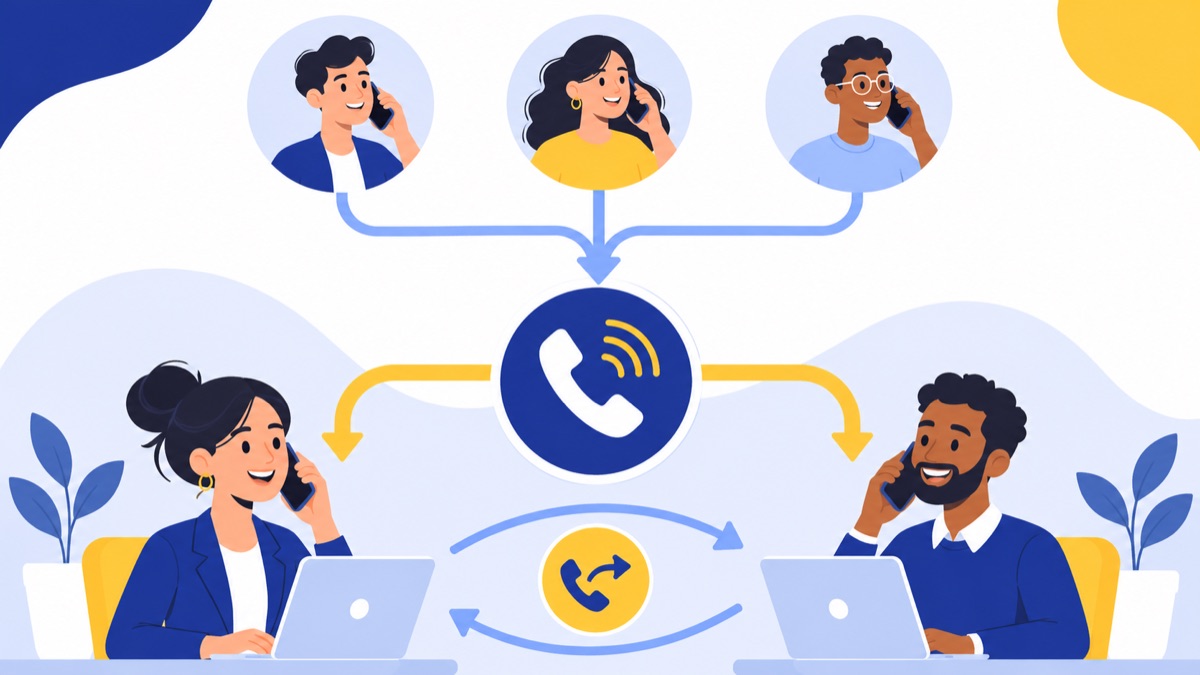
A small recruiting team should route calls by purpose, then define a fallback and a named callback owner for every missed call. For example, a main number can offer candidate and client options, ring the relevant group, overflow to a shared voicemail, and create a visible task for the teammate responsible for responding.
Route candidate and client calls to the right group
A straightforward menu might say:
- Press 1 for candidates.
- Press 2 for clients.
- Press 0 for the general agency line.
Candidate calls can ring the recruiting team; client calls can ring account managers or a designated intake group. Keep the menu short, and provide a direct path to a person or voicemail when callers cannot use the options.
Cover calls when a recruiter is busy or out
Choose a ring order that fits the team. A ring group can alert several recruiters together; a queue can hold the caller and offer the next available teammate. If no one answers, route the call to shared voicemail and alert the team. Assign a named callback owner in the ATS, CRM, or task system, with a due time such as “return by 2 p.m.”
For example, if Maya is interviewing a candidate, her incoming client call can ring the account group. If no one picks up within the configured time, the caller leaves a message; the system alerts the group, and one teammate claims and logs the callback.
Keep numbers and history with the agency
Use agency-controlled numbers for business conversations and set access rules for call records and messages. Document how direct numbers, shared inboxes, voicemail, and contact records are reassigned when someone is out or leaves. That reduces the chance that a candidate or client’s history stays on one person’s device.
If you already have a public business number, check number transfer requirements and timing before changing providers. Voicalyst describes its number porting process; confirm the current process and any conditions directly before scheduling a switch.
What recruiter call and follow-up workflows work in practice?
A useful recruiter workflow connects the phone event to a person, an owner, a record, and a next action. Bullhorn’s 2024 report found that 89% of surveyed candidates who heard from recruiters more than once a week said they would keep working with them, while a separate comparison reported 19% of candidates said recruiters did not respond within a reasonable timeframe (Bullhorn 2024 Talent Trends Report; Bullhorn survey comparison). These are survey results; timely follow-up still needs to fit the individual’s preferences and context.
Return a candidate’s missed call
- Match the caller ID to a candidate record, or create a task to identify the caller.
- Assign a recruiter to return the call and set a deadline.
- Call back from the agency number or the recruiter’s direct number, according to the relationship.
- Log the outcome and the agreed next step, such as “send role details” or “call after 4 p.m.”
Coordinate an interview and send a text follow-up
Confirm the time and time zone by the candidate’s preferred channel. If they agree to text, send a concise confirmation with the interviewer, time, and any relevant instructions. Record the confirmation and any requested accommodation or schedule change in the candidate record.
Log a client intake or job-order conversation
Capture the role, location, pay range if provided, required skills, hiring timeline, decision-makers, and next action. A call disposition can indicate whether the intake is complete or needs another discussion. Summaries can help with recall, but a recruiter should verify important details before treating them as agreed requirements.
Hand off a candidate or account
When coverage changes, the next recruiter should be able to see the latest call or text, the contact’s preferences, and the open task. Bullhorn’s findings suggest frequent contact is valued by many surveyed candidates, but continuity should come from clear records and respectful timing.
How do you assess ATS and CRM integration?
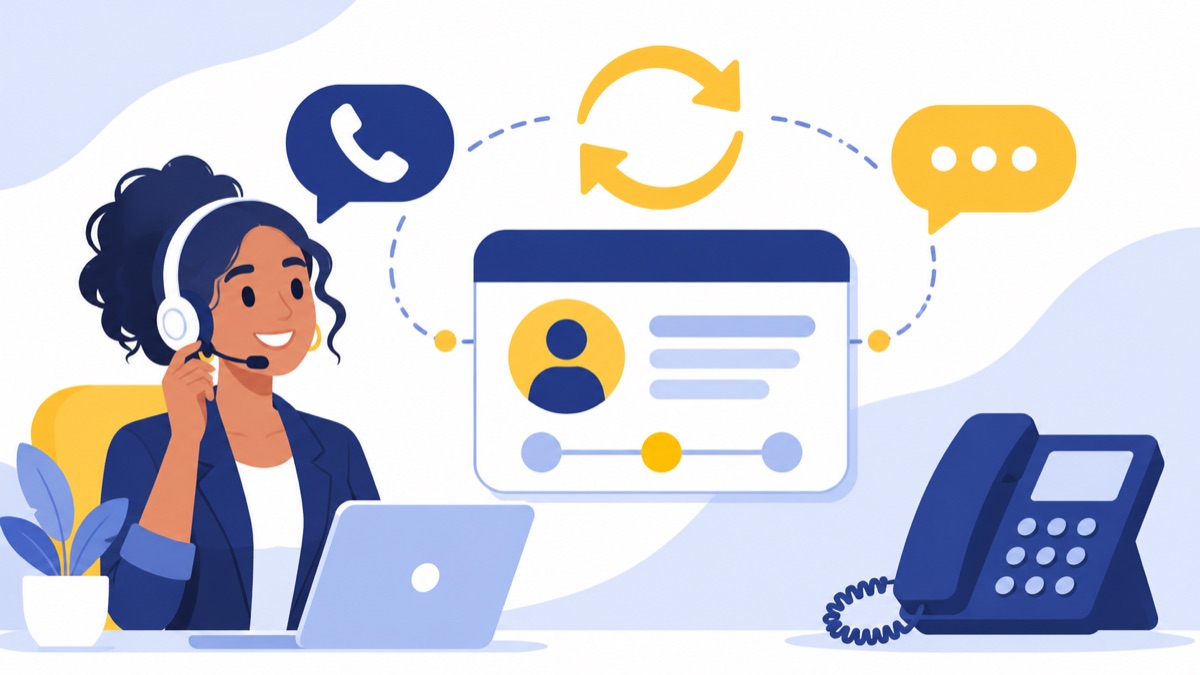
Assess an ATS or CRM integration by testing the exact records and actions your recruiters use, not by checking whether your software appears on an integrations page. At minimum, verify inbound caller context, click-to-call, call and text logging, notes, ownership, and access to recordings or summaries if your team uses them.
What should sync automatically?
Decide which information should appear on the candidate or client record: call time, direction, phone number, recruiter, disposition, notes, and follow-up task. If the agency texts candidates or clients, test whether the thread is visible to the team and attached to the correct contact. Confirm how duplicate records, shared numbers, and changed ownership are handled.
Questions to ask in a demo
Use a real test record and ask the vendor to demonstrate:
- Does an inbound call show the likely contact before answering?
- Can a recruiter start a call from the record?
- Are inbound and outbound calls logged automatically, and can the recruiter edit the note?
- Do texts sync to the record or appear only in the phone platform?
- Can managers control who can see recordings, summaries, and message history?
- What happens to records and tasks when a user is deactivated?
Voicalyst lists a HubSpot calling integration. If HubSpot is your CRM, confirm the specific calling and logging actions available for your account and workflow; do not assume the same sync exists for every ATS.
How should you choose the right system for your agency?
Choose a system based on team size, call volume, coverage needs, and how much call activity must be recorded in your workflow. A basic cloud phone system can suit a small team that needs shared coverage, a power-dialer system may fit an outbound-heavy desk, and a contact-center setup makes sense when high volume, staffing, and queue reporting justify added complexity.
Small team with shared coverage
Start with a shared main number, business-hours routing, voicemail, missed-call alerts, and a clear callback owner. Add direct numbers only where they improve a real client or candidate relationship. Compare the cost drivers for US business phone systems against your expected seats, numbers, and usage.
For a broader feature checklist, see what small businesses need in a phone system. Use it to separate core needs from features that only matter for a specific recruiting workflow.
Outbound-heavy recruiting desk
If recruiters regularly work structured call lists, evaluate recruiter calling software with click-to-call, dispositions, list controls, and a power dialer. Ask how the tool handles duplicate calls, opt-outs, breaks, and record updates. A dialer should support the team’s follow-up process, not just increase call pace.
High-volume staffing operation
A contact-center platform may be worth evaluating when the agency needs larger queues, detailed service-level reporting, supervisor tools, or dedicated coverage teams. The broad US employment services industry had 3.21 million employees in August 2025, according to BLS Current Employment Statistics; that category includes more than recruiting agencies alone (BLS, August 2025 employment report). An agency’s own volume and coverage needs—not the industry total—should drive the decision.
What should you ask before you buy?
Before buying a recruiting agency phone system, test a real candidate and client call flow and calculate the full cost for your team. Confirm browser and mobile access, number porting, reliability, setup, support, integration behavior, security and recording controls, seat minimums, usage charges, renewal terms, and cancellation conditions.
Buyer checklist
- Call flow: Can you test candidate routing, client routing, overflow, voicemail, and after-hours handling?
- Access: Can recruiters call in a browser and on mobile using agency numbers?
- History: Can authorized teammates see the calls, notes, and messages needed for handoffs?
- Integration: Does your specific ATS or CRM support the actions your team expects?
- Recording and retention: Can admins control recording, access, and retention to match agency policy and applicable requirements?
- Price: What are the per-user, per-number, usage, setup, and add-on charges? Are there minimum seats?
- Numbers and contract: What is the porting process, and what are the term, renewal, and cancellation conditions?
- Support and reliability: What support is included, and how does the provider communicate service issues?
Call-recording rules can vary by location and circumstances. Get appropriate guidance for your situation and make sure your team understands the system’s recording controls before enabling recording.
Where does Voicalyst fit?
Voicalyst may fit a recruiting agency that wants business numbers, call menus and routing, queues, voicemail, texting, call summaries, power dialing, and HubSpot context in its phone workflow. Map those capabilities to a real team process and verify plan availability, integration details, and controls before purchase.
For a small team, start by checking whether Voicalyst’s virtual phone system and IVR menus and call routing support the candidate and client call flow you need. If your team works outbound lists, review the power dialer and test it against your call dispositions and follow-up steps. See Voicalyst pricing and confirm current plan details before deciding whether it fits your agency.
Frequently Asked Questions
Can recruiters share one business phone number?
Yes. A recruiting team can use an agency-owned number that routes calls to a ring group or queue, while recruiters use individual direct numbers when clients or candidates need them. Set rules for who owns each callback and where calls and texts are logged so shared access does not create duplicate or missed follow-up.
Do recruiters need a power dialer?
A power dialer can help recruiters who regularly work through planned outbound call lists by placing calls in sequence and supporting dispositions and notes. Recruiters who make a modest number of researched, one-to-one calls may be better served by click-to-call and reliable CRM or ATS logging. Test the workflow with a real list before paying for dialer features.
Does recruiter calling software integrate with an ATS or CRM?
Some recruiter calling tools connect with ATS or CRM platforms, but the depth varies. Verify your exact system and test whether the integration shows caller records on inbound calls, supports click-to-call, logs calls and texts, saves notes or summaries, and controls access when a recruiter changes roles. A listed integration alone does not confirm each capability.
Can a team text candidates from a shared business number?
Some business phone systems let multiple authorized teammates view and reply to messages on an agency number. Check whether texts appear in a shared inbox, can be matched to candidate or client records, and retain clear ownership. Follow applicable consent and messaging requirements, honor communication preferences, and provide a way to stop unwanted texts.
How much does a phone system for a staffing agency cost?
Cost depends on the number of users and numbers, calling and texting allowances, integrations, dialer or AI features, and contract terms. Compare the full monthly cost for your actual team size, including setup, number porting, seat minimums, and any usage charges. Confirm current prices and what each plan includes before signing.