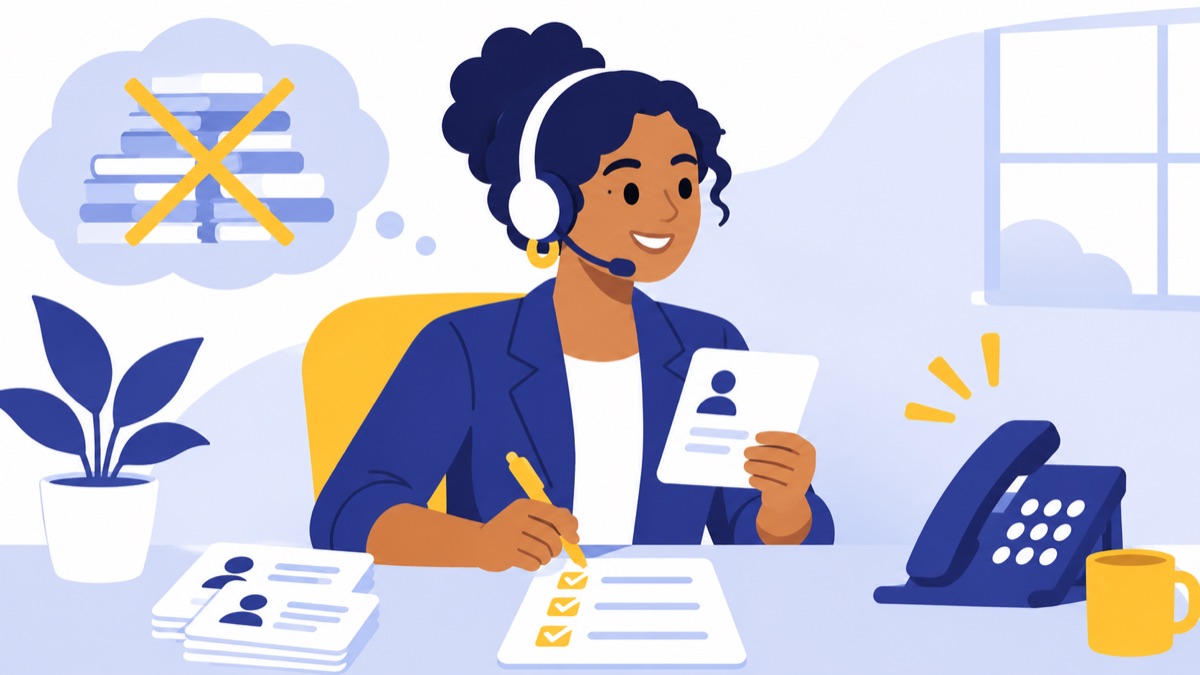
A phone system for a home services business should route new-job calls to dispatch, give existing customers a clear path to service support, connect technicians with the right person, and send after-hours emergencies to an on-call responder. This guide gives you a sample call flow, a setup checklist for a small team, and questions to ask when comparing systems.
Key takeaways
- A cloud phone system lets a small dispatch team answer one business number from desk phones, computers, or mobile apps.
- A call queue needs a defined timeout and overflow destination for periods when every dispatcher is busy.
- After-hours routing should send urgent calls to a named on-call role and save routine requests for next-business-day follow-up.
- A phone system routes conversations; dispatch software assigns jobs and manages schedules.
- VoIP 911 service depends on provider support and accurate registered-location details.
Why does a home services dispatch team need a business phone system?
A phone system for a home services business gives office staff and field technicians a coordinated way to handle calls under the company’s identity, even when they work in different places. A cloud phone system uses an internet connection to route calls and can support shared numbers, business-hours rules, and mobile or desktop apps.
Home-service demand makes reliable call intake useful: the Census Bureau reports that 51.6 million homeowners made improvements during 2021–2023, and HVAC work accounted for 25% of those homeowners’ improvement projects, according to its 2023 American Housing Survey infographic. The Bureau of Labor Statistics projects HVAC mechanic and installer employment to grow 11% from 2025 to 2035, with about 40,600 openings per year on average (BLS occupational outlook).
Personal phones, landlines, and cloud phone systems
A personal cell number belongs to an employee and can make company call history and callback ownership hard to share. A landline is tied to a physical location, while a cloud system can ring office and mobile users under the company’s number, depending on the setup and internet or cellular availability.
For a phone system for service contractors, portability matters: a dispatcher may be at a desk while a technician is at a customer’s home. A shared business number can keep customer-facing calls consistent without requiring employees to publish personal numbers. See the guide to shared business numbers for a team for setup considerations.
What does a phone system handle versus dispatch software?
A phone system handles conversations: it routes calls and texts, keeps call history, and connects callers to staff. Dispatch or field-service software manages job details such as work orders, schedules, assignments, and status. Some tools integrate, but routing a call does not automatically assign a technician or book a job.
During intake, pass the caller’s name, callback number, service address, issue, urgency, preferred appointment window, and any promise made by the dispatcher into the workflow your team uses to manage jobs.
Which phone system features matter for service contractors?
For service contractors, useful phone features get callers to an available person, preserve context, and give the team a clear next step when nobody answers. A small team should prioritize business numbers, routing rules, shared call visibility, texting, mobile access, and reliable fallbacks before buying advanced features.
Business numbers and shared call history
A business number is the number customers call for the company rather than an employee’s personal line. Ask whether multiple team members can answer it, whether outbound caller ID shows the business number, and whether the team can see who answered, missed, or returned each call.
If you already advertise a number, confirm the provider’s process, timing, and any limitations for porting your existing number. Keep the old service active until the transfer is complete and tested.
Menus, queues, ring groups, and business-hours routing
A phone menu lets callers choose a route, such as new service or an existing appointment. A ring group rings several people; a queue holds callers until someone is available. Business-hours rules change where calls go based on the schedule. A configurable phone menu and call-routing setup can support these paths.
Ask how long callers wait before overflow, what they hear while waiting, and where calls go if all dispatchers are busy or unavailable. Set a destination for each route, including lunch breaks and holidays.
Voicemail, texting, mobile access, and call summaries
Voicemail gives callers a way to leave a message when staff cannot answer. Transcription can help dispatchers scan messages, while business texting can support appointment confirmations and follow-ups. Check whether the system supports business texting, voicemail access across the team, and mobile and desktop use.
For field teams, test outbound caller ID and text visibility from a technician’s phone. Ask what happens when mobile data is weak and whether calls can fall back to cellular forwarding.
Integrations, reliability, and total cost
Ask whether the phone system can pass caller details or call activity to your CRM or field-service platform, and which information the integration transfers. Also verify number-porting support, service availability commitments, support hours, device requirements, and plan limits.
Compare the total cost for the users and features you need, including usage charges, devices, taxes, and add-ons. Current plan details can change; use a business phone system cost guide to frame questions, then confirm current terms with the provider.
What is a sample call flow for a small home services dispatch team?
A small dispatch team can start with one greeting, two daytime routes, a technician path, and a separate after-hours rule. The example below assumes one or two dispatchers and a rotating on-call technician; adjust the timeout and escalation steps to match your staffing and service commitments.
New jobs and estimate requests
Business hours
- Greeting: “Thanks for calling [Company]. For a new service request or estimate, press 1. For an existing appointment, press 2.”
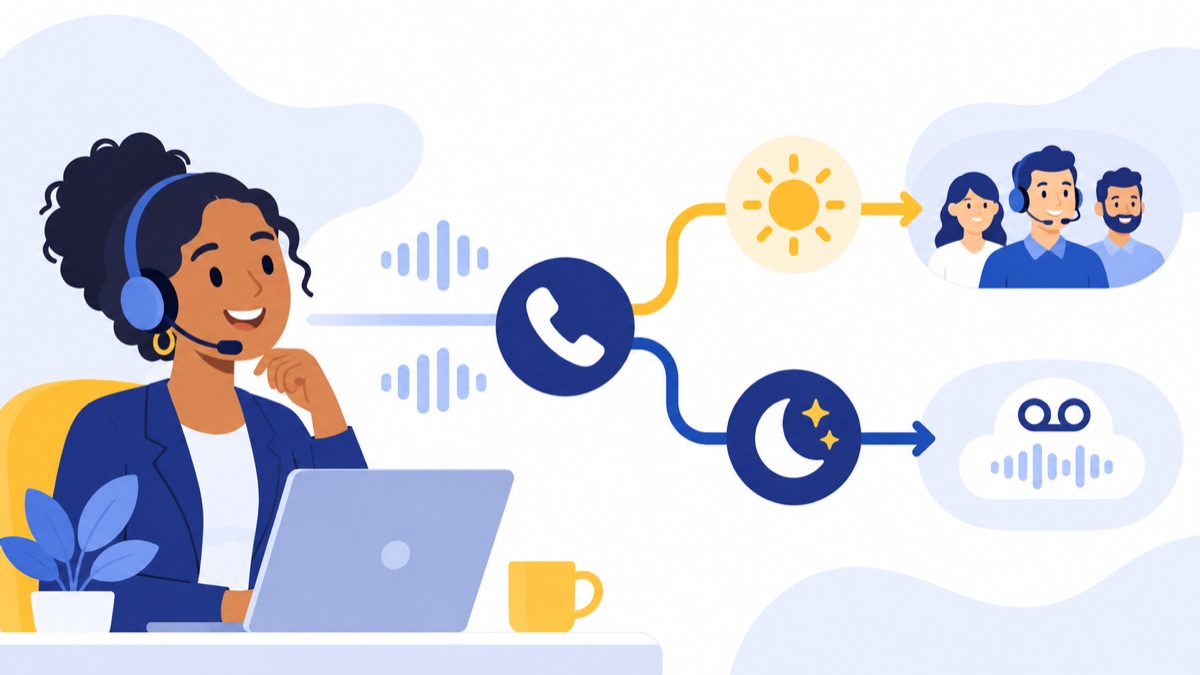
- Press 1 rings the dispatch queue for 20–30 seconds.
- If no dispatcher answers, route the caller to a shared new-job voicemail or overflow answering destination.
- Assign one dispatcher to review new-job messages at set intervals and return calls within your stated service window.
The callback owner should record the lead in the company’s scheduling or CRM system, including the issue, address, and requested timing. Do not promise a response time in the greeting unless the team can meet it.
Existing customers and scheduled appointments
Press 2 rings the service-support group. If nobody answers after 20–30 seconds, offer a callback queue or shared voicemail that asks for the customer’s name, phone number, address, and appointment date.
A dispatcher should check this route during each shift and match the caller with the existing job record. If your support team handles this route, see the customer-support phone system guide.
Technician and dispatcher calls
Give technicians a defined internal route to dispatch, such as a staff directory option or direct extension. If dispatch is busy, let the technician leave a callback request or use a documented urgent escalation route; avoid routing every routine question to the on-call phone.
For an HVAC dispatch phone system, apply the same principle: distinguish a technician asking about an active job from a customer reporting an urgent equipment failure. Each route needs an owner and a fallback.
After-hours emergencies and nonurgent requests
After hours, play a clear greeting that states the business is closed and separates urgent service calls from routine requests. Route urgent calls to the current on-call responder; if nobody answers after a defined interval, such as 30 seconds, escalate to a backup on-call person. Send nonurgent requests to voicemail or a message form for next-business-day follow-up.
Define what qualifies as an emergency and what callers should do in an immediate life-safety situation. Do not imply that voicemail is monitored overnight unless someone is assigned to monitor it. For plumbing business call routing, for example, the team might distinguish an active leak requiring urgent review from a routine fixture estimate, using its own service policy.
How do you set up call routing for your team?
Set up call routing by documenting who handles each caller type, when they are available, and what happens when they do not answer. Then configure the business number, greeting, routes, and fallbacks, connect call details to the job workflow, and test the setup from a customer’s perspective.

Small dispatch team setup checklist
- List caller types: new job, existing appointment, technician, vendor, and after-hours caller.
- Set business hours, holidays, lunch coverage, and the person responsible for schedule changes.
- Choose the business number and confirm caller ID for inbound and outbound calls.
- Record a short greeting with plain options; include a way to reach a person or leave a message.
- Set queue or ring-group members, ring duration, voicemail destination, and overflow route.
- Name the primary and backup on-call roles; document how the rotation is updated.
- Decide who owns each voicemail and missed-call callback, and by when.
- Specify what details dispatchers enter into the CRM or field-service system.
- Test simultaneous calls, busy dispatchers, unanswered calls, unavailable staff, lunch breaks, holidays, and after-hours escalation.
- Test customer texting, technician mobile access, and caller ID from the devices staff use.
- Register and verify VoIP emergency-service locations with the provider; retest routing after changing office locations.
- Review missed calls and abandoned calls weekly, and update routing when staffing or hours change.
Connect caller details to the job workflow
A practical handoff is a short intake record: caller name, callback number, service address, reported problem, urgency, preferred appointment time, and next action with an owner. The phone system may pass some details automatically while dispatch staff enter the rest; verify the exact behavior rather than assuming the integration creates or assigns a job.
How should you choose a phone system for your business?
Choose a phone system based on who answers, how many calls arrive at once, where staff work, and what must happen when the first person cannot answer. A solo operator may need a business number, mobile access, voicemail, and simple forwarding; a growing dispatch team usually needs shared call history, queues, hours-based routing, and a clear overflow path.
Solo operator or small office
A solo contractor can start with one business number, mobile and desktop access, voicemail, and a way to forward urgent calls. A small office should add shared visibility and a ring group or queue so calls do not depend on one person’s availability.
For a broader feature-by-feature framework, use this guide to choosing a business phone system for your team.
Growing dispatch team
As call volume and staffing grow, look for multiple routes, configurable hours, queue reporting, role-based access, integrations, and support that matches your operating schedule. The BLS projects plumber, pipefitter, and steamfitter employment to grow 7% from 2025 to 2035, with about 42,000 openings per year on average (BLS occupational outlook); workforce changes can make clear ownership and repeatable routing more useful over time.
Questions to ask during a trial or demo
- Can one number ring several employees and show which teammate handled each call?
- What happens when all dispatchers are busy or nobody answers?
- Can business-hours and after-hours rules use different destinations?
- Can technicians call and text customers using the business identity?
- What integrations are available, and which caller or job fields are passed?
- How does number porting work, and what is the expected process?
- What support is available during the hours our team depends on the phone?
- What is the full cost for our users, numbers, devices, usage, and needed features?
Voicalyst’s virtual phone system is one option to review if your team needs a shared business number and remote access. Compare its current features and plan details against your call flow, then contact Voicalyst if you want to discuss whether it fits.
Frequently Asked Questions
Can several employees answer one business number?
Yes. A cloud phone system can route one business number to a ring group or queue, letting employees answer from desk phones, computers, or mobile apps. Before choosing a system, check whether it shares call history, shows who answered, and lets teammates see missed calls and assign callbacks.
Can technicians use the system from a job site?
Yes. Technicians can use a mobile app to call or text customers through the business number if the system supports it and the phone has data or Wi-Fi. Confirm how caller ID appears, whether activity is logged centrally, and what fallback is available when coverage is poor.
Does a phone system replace dispatch software?
No. A phone system routes calls, messages, and callbacks; dispatch software assigns jobs, tracks schedules, and manages work orders. During each handoff, capture the caller’s name, number, address, issue, urgency, appointment preference, and promised callback time in your job-management workflow.
How should VoIP 911 location details be maintained?
Ask your VoIP provider how to register each location used for emergency calling, then update and verify the address when an office or configured work location changes. The FCC requires interconnected VoIP providers to route 911 calls and provide callback and registered-location information; subscribers must provide a registered location (FCC order on interconnected VoIP 911 requirements).