
A phone system for contractors should help customers reach the right person while crews are working, keep calls and texts with the business, and route urgent requests after hours. For HVAC, plumbing, and other home-service teams, a practical setup combines a shared number, mobile answering, clear overflow rules, and a reliable callback owner. This guide shows how to map the workflow, compare costs, and check a system before switching.
Key takeaways
- A shared business number keeps customer calls and texts with the company when employees change roles or leave.
- A plumbing business phone system should distinguish urgent leaks or no-heat calls from estimates, routine maintenance, and existing-job updates.
- An after-hours call path needs a named on-call person, a backup, and a rule for when the caller reaches a human.
- Phone-system costs can include seats, numbers, usage, hardware, integrations, taxes, and a separate answering service.
- VoIP 911 service may be affected by power or internet outages, so contractors should verify provider procedures and keep the service address current.
Why do contractors need a phone system built around field work?
A phone system for contractors connects the office and field team through company call flows instead of relying on one employee’s personal line. It helps when a customer calls during an installation, dispatch is coordinating technicians, or a plumber needs both hands free on a job. The goal is to make answering and returning calls practical without turning every technician into the default receptionist.
Contractors handle new leads, active-job questions, supplier coordination, and emergencies. A single missed call does not automatically mean a lost job, but it can leave a customer without a clear next step. Invoca reports that 27% of calls to home-services businesses in its platform data went unanswered; treat that as a platform-specific benchmark, not a universal contractor rate. Invoca’s report and CallRail’s 14% benchmark use different datasets, illustrating why businesses should measure their own results.
A personal cell line gives a worker a number but may leave call history, customer texts, and access tied to that individual. A landline can serve a fixed office, but it does not by itself give field crews a shared mobile workflow. An answering service supplies live call handling, while a cloud phone system routes calls and messages among your own team; a business can use both.
A cloud phone system is a business calling service that routes calls over the internet to apps, phones, or other destinations. A cloud phone system can keep the business number available on office devices and authorized mobile apps, subject to the provider’s features and connectivity.
Contractors comparing a new setup with other small-business workflows may also find it useful to see how a phone system for startups handles numbers, routing, and costs.
How should plumbing and HVAC calls be routed?
A useful call flow identifies the caller’s need, sends the call to the right person or queue, captures the request if nobody answers, and assigns follow-up to a named owner. Plumbing emergencies and HVAC breakdowns may need faster escalation than estimates or maintenance questions, so build separate paths instead of treating every call alike.
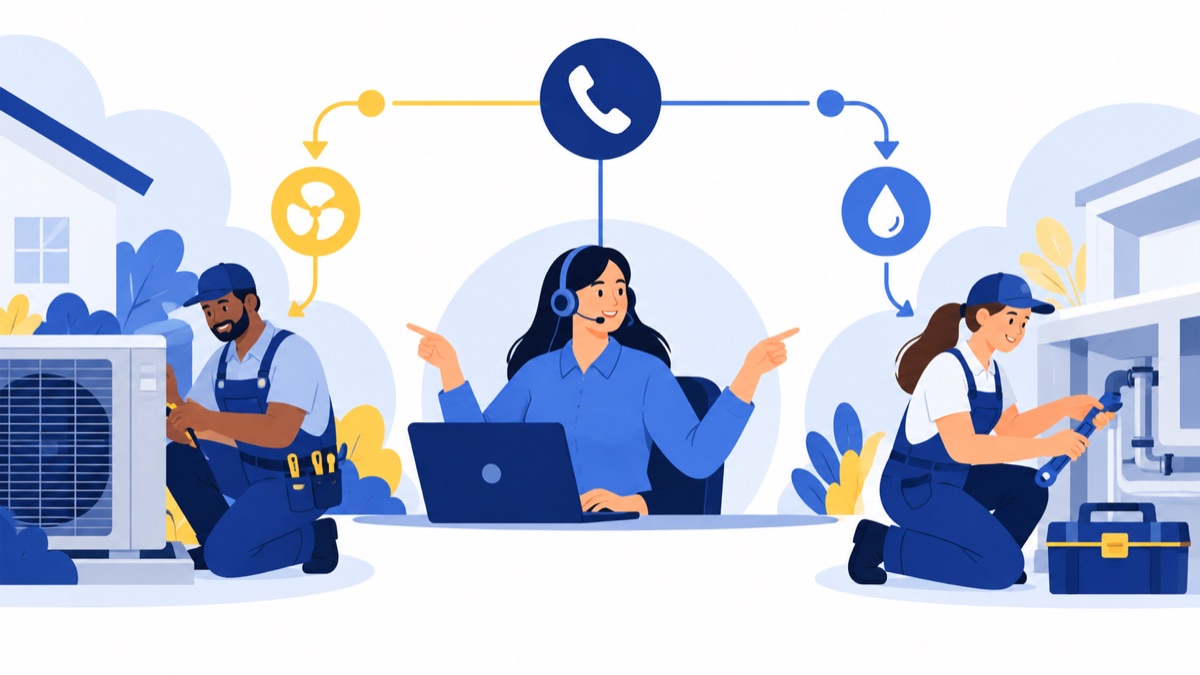
| Caller need | First destination | If unanswered |
|---|---|---|
| New urgent plumbing or HVAC request | Dispatch or service queue | On-call person, then emergency voicemail with callback alert |
| Estimate or installation inquiry | Sales or estimator queue | Shared callback queue with a named owner |
| Existing job update | Dispatch or assigned coordinator | Voicemail or text-enabled callback queue |
| Supplier or technician | Dispatch line or internal extension | Backup dispatcher or message for the next shift |
A new service caller may need to describe the problem, service address, and urgency. The phone system can route and capture that information, but dispatch software or a field-service platform generally handles technician assignment, scheduling, and job status. Verify whether the phone system connects to the platform you use; integration availability and the data that syncs vary.
An estimate request often has a different owner and response window from a burst pipe or a no-heat call. Put estimates in a sales queue, then set a callback target your team can meet. Existing customers asking when a technician will arrive should reach dispatch or a coordinator with access to the schedule, not a general voicemail that nobody monitors.
A shared number helps keep the customer relationship with the business. Before adopting one, check that authorized staff can see relevant call and text history and that a departing employee’s access can be removed without losing company records.
For teams that manage calls across separate locations or work sites, the phone system guide for remote teams offers additional ideas for organizing access and routing.
Which phone-system features matter for contractor teams?
Contractors benefit most from features that answer calls across locations, identify the caller’s purpose, and make follow-up visible to the team. Mobile and browser calling, simultaneous ring, queues, voicemail, caller identification, business texting, and fallback routing each solve a different part of the field-work problem; no feature replaces a clear process or reliable connectivity.
A call queue holds incoming calls for a group of people, while simultaneous ring rings several devices at the same time. A queue can help dispatch share calls across available staff; simultaneous ring can reach the office and a designated field lead at once. Set a ring duration and overflow destination—for example, ring the queue for 20 seconds, then send the caller to a monitored voicemail and alert its owner.
A useful checklist includes:
- One business number: Staff can make and receive calls with company caller ID rather than exposing personal numbers.
- Mobile and browser apps: Office staff can answer from a computer, and field staff can use phones where coverage and company policy allow.
- Caller identification and history: Staff can see who called, whether someone returned the call, and any available notes.
- Voicemail alerts or transcription: A coordinator can review messages and assign callbacks without checking each handset.
- Texting: Staff can confirm appointments, send arrival updates, or follow up on a missed call from a business number.
- Fallback routing: Calls can move to a backup destination when dispatch is unavailable or a location loses connectivity.
Business texting is especially useful for short operational updates, such as “Your technician is on the way” or “Please reply with a photo of the unit label.” Decide which messages belong in the phone system and which belong in the job record, so the team can find customer communications later.
Call notes and summaries can help a colleague take over a conversation, but they are not a substitute for the job record. Ask vendors which CRM or field-service integrations are supported, what information syncs, and whether staff must enter notes manually. Voicalyst lists AI call summaries and a HubSpot calling integration; confirm those capabilities fit your workflow before relying on them.
How do you build a phone setup for a small home-service business?
A small home-service business can start with one main local number, separate paths for new service and active jobs, a shared dispatch queue, and a defined after-hours route. The example below assumes one dispatcher, an estimator, several technicians, and an on-call rotation; adapt the ring order and hours to your staffing and service area.
Main number: Publish one company number on the website, trucks, invoices, and directory listings. Add separate trade or location numbers only if callers genuinely need different hours, teams, or reporting.
Business-hours menu, Monday–Friday, 7 a.m.–6 p.m.:
- Press 1 for new service or an estimate.
- Press 2 for an existing job or technician update.
- Press 3 for suppliers or other business calls.
For new service, ring the office coordinator and estimator queue for 20 seconds. If unanswered, send the call to a callback queue and alert the person assigned to new leads. Existing-job calls ring dispatch for 20 seconds, then the backup coordinator. Supplier calls ring dispatch first, then go to a monitored internal mailbox.
Overflow and callbacks: Give each voicemail box a named owner and a backup. Set a response target your staff can meet, such as returning routine messages by the next business day. A queue or alert only helps if someone checks it and records completion.
After hours: Play a greeting that distinguishes emergencies from routine requests. Route urgent calls to the on-call technician; if unanswered after 20 seconds, try the backup on-call person, then capture a message with the customer’s name, callback number, service address, and issue. Route routine estimates and maintenance requests to a next-day callback queue. Define “urgent” clearly so callers and staff know when to escalate to a human.
Before launch, test each option from an outside phone, including a no-answer scenario, a busy dispatcher, an unavailable on-call person, and a power or internet interruption. A phone menu can route a request; it does not decide whether a job is safe or assign a technician to a field-service schedule.
How much does a phone system for a contractor cost?
The cost depends on how the provider bills and which services the team needs, so compare the monthly total instead of a headline per-user rate. A phone-system quote may include seats, numbers, usage, hardware, add-ons, messaging or carrier fees, integrations, taxes, and contract terms; a live HVAC answering service may add a separate coverage charge.
Use this worksheet when requesting quotes:
| Cost line | Questions to ask |
|---|---|
| Seats or account plan | Is billing per user, per account, or a mix? |
| Numbers | What do extra local or toll-free numbers cost? |
| Usage and messaging | Are there limits or separate charges for calls and texts? |
| Hardware | Can staff use existing phones, or are desk phones required? |
| Features and integrations | Are menus, queues, summaries, or software connections included? |
| Answering coverage | Is live answering included, and what hours or call volume are covered? |
| Taxes and contract | What taxes, fees, renewal terms, cancellation rules, and porting charges apply? |
Get a written quote for the actual number of staff, locations, and expected call pattern. If comparing an answering service with an in-house queue, specify the hours and call types that need live coverage. The business phone system cost guide explains common pricing components; verify current provider details directly because plans and terms change.
What compliance and reliability checks should contractors make?
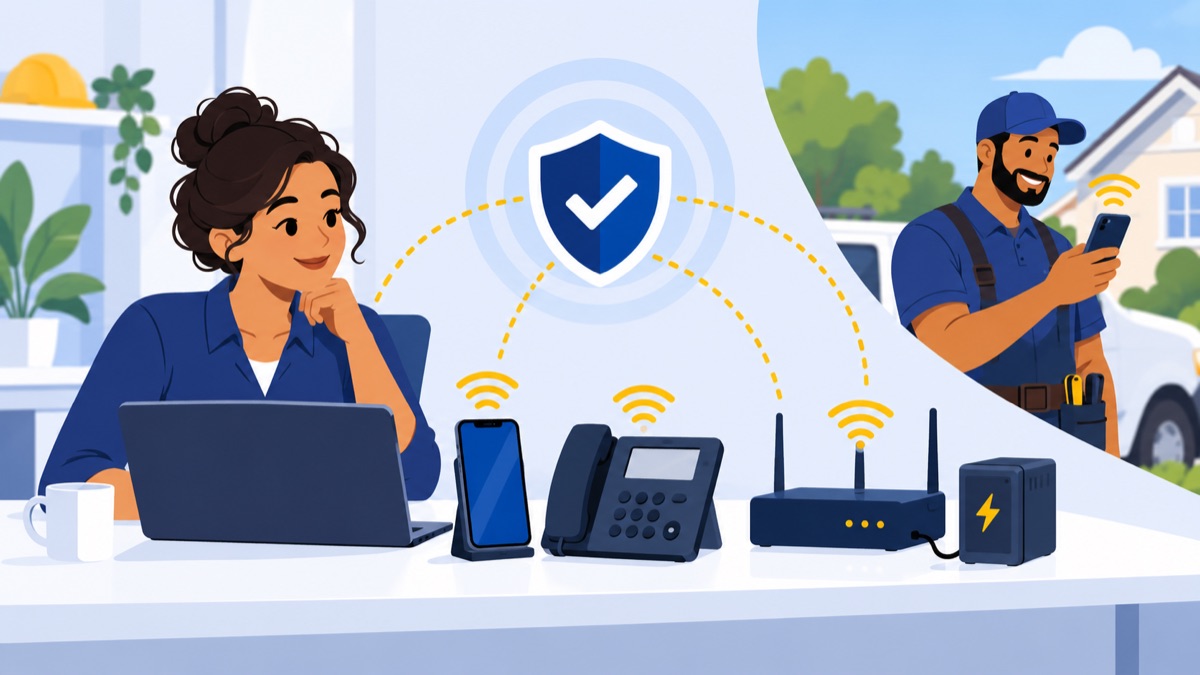
Before using recording, automated texts, or VoIP calling, contractors should confirm the rules that apply to their state, call type, and message purpose. They should also ask how the provider handles emergency calling, address updates, and outages, because internet or power loss can interrupt service.
The FCC says TCPA consent requirements can apply to certain autodialed text messages, including internet-to-phone texts. Review the FCC’s order before sending automated or promotional texts, and maintain sensible consent and opt-out practices for customer updates. The FTC’s Telemarketing Sales Rule guidance covers restrictions on calls and prerecorded telemarketing messages; state laws may also apply.
Call recording rules vary by state and context. If recording calls, confirm whether callers need notice or consent, how recordings are stored, who can access them, and how long they are retained. Get state-specific guidance from counsel or official sources before rolling out recording across a multi-state service area.
For VoIP 911 service, verify how the provider handles emergency calls and keep the registered service address current. Kittitas County’s VoIP and 911 guidance notes that power or internet outages may disrupt service. Ask about mobile fallback, backup power, forwarding during an outage, and how staff should contact emergency services if the system is unavailable.
Where can Voicalyst fit in a home-service phone setup?
Voicalyst may fit a contractor that needs business calling, call routing, voicemail, texting, and call summaries. The company lists virtual phone system features and IVR menus and call routing; confirm current plan details and whether its mobile, browser, queue, and fallback options match your call flow.
A phone system can support communication around a job, while dispatch and field-service software handle the schedule, technician assignment, and work order. Voicalyst’s listed HubSpot integration is relevant if your team uses HubSpot, but do not assume it connects to another CRM or field-service platform without checking. Ask what syncs, which direction data flows, and what staff must update manually.
If Voicalyst’s calling and follow-up features fit your needs, review its plans and compare them with the full cost worksheet above.
How should you choose and roll out the right system?
Choose a phone system by testing the calls your team actually handles and checking that every unanswered call has a next step. Before switching, confirm site coverage, business texting, number portability, integrations, support, 911 procedures, and total cost, then train staff on who owns each queue and callback.
Use this rollout checklist:
- Test calls from a job site and from an office, including weak cellular or internet coverage.
- Verify the business caller ID and shared call and text history on each permitted device.
- Call every menu option, wait through each ring period, and test overflow and voicemail alerts.
- Confirm after-hours escalation, the on-call backup, and the definition of an emergency.
- Ask about porting your existing number, support during transfer, and current plan terms.
- Assign owners for callback queues and review unanswered calls, callback completion, and costs after launch.
For a trade-specific setup, write down caller types, business hours, escalation rules, and callback owners. Then configure only routes your team can monitor consistently.
Frequently Asked Questions
What is the best phone system for contractors?
The best phone system for contractors routes calls and texts through a shared business number, works on mobile and browser, and gives every callback a clear owner. Test it with an urgent plumbing request, an HVAC estimate, an existing-job update, and a supplier call. Compare reliability, integrations, support, and total monthly cost before choosing.
Do plumbers need a business phone system or an answering service?
A business phone system handles routing, queues, voicemail, and team access to calls and texts. An answering service provides live agents, often for overflow or after-hours coverage. A plumbing business can use either or both by routing urgent calls to an on-call plumber and routine requests to an answering service or callback queue.
Can my team answer calls and text customers from one business number?
Many cloud phone systems let authorized employees call and text from a shared business number using mobile or browser apps. Check whether the team can see replies and call history, whether business caller ID is supported, and what happens to records when an employee leaves. Confirm number portability and messaging fees with the provider.
How much does a phone system for a small contractor cost?
There is no single contractor price. Plans may charge per user or account, with additional costs for numbers, usage, hardware, messaging, integrations, taxes, and contract terms. Live answering coverage is usually separate. Request a quote listing each component and compare the monthly total for your team size and call volume.
Can I keep my existing business number when switching providers?
Often, a business can transfer an eligible existing number to a new provider through number porting. Ask about eligibility, timing, required account details, and whether to keep current service active during the transfer. Plan a fallback route and tell staff how to handle calls while the change is in progress.