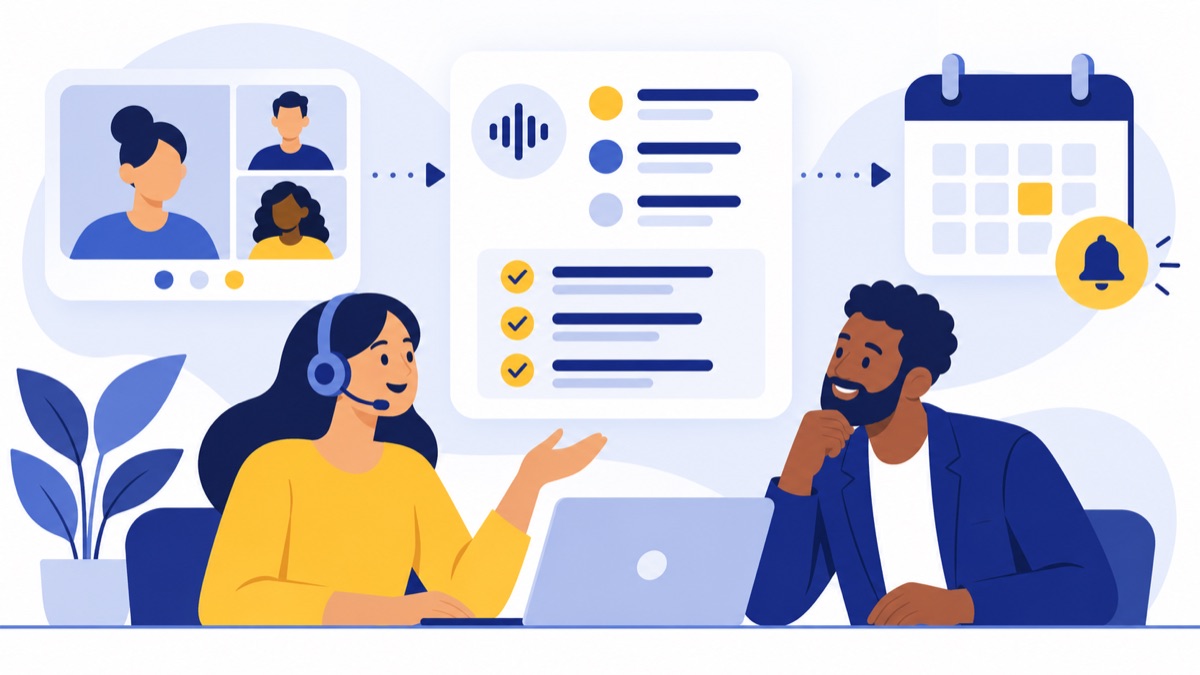
For US sales and support teams, the best AI call summary tools capture the conversations employees actually have and put accurate, reviewable notes where follow-up happens. A business phone system with built-in summaries suits teams handling everyday customer calls; a meeting notetaker suits teams working mainly in Zoom, Google Meet, or Teams; and a conversation-intelligence platform fits teams that need deeper coaching or analytics.
Key takeaways
- AI call summary tools vary in whether they capture business phone calls, online meetings, or both, so verify call-source coverage before comparing features.
- A useful summary records customer needs, decisions, commitments, and follow-up tasks alongside a concise recap and searchable transcript.
- CRM integration quality depends on whether calls log automatically, which fields update, and whether users can correct records.
- US state laws differ on telephone recording consent, so businesses should review applicable requirements and vendor data policies.
- A consented test call with multiple speakers, interruptions, names, and numbers can reveal transcription and summary weaknesses before purchase.
What are the best AI call summary tools for different teams?
The best AI call summary tool depends on where customer conversations happen and what your team must do with the notes afterward. Business phone systems, meeting notetakers, conversation-intelligence platforms, and contact-center tools cover different sources and workflows, so compare them against your team’s actual calls instead of a generic feature list.
| Tool category | Best fit | Call coverage to verify | Typical output | CRM and pricing checks |
|---|---|---|---|---|
| Cloud business phone system with AI summaries, such as Voicalyst | Small and midsize teams handling everyday sales and support calls | Business phone calls; confirm any meeting capture separately | Recap, transcript, and follow-up context | Check HubSpot support, sync behavior, per-user pricing, and plan limits |
| Standalone meeting notetaker | Teams that hold most customer conversations on video calls | Zoom, Meet, or Teams; phone coverage varies | Transcript, meeting notes, and action items | Check CRM availability and whether the integration is included |
| Sales conversation-intelligence platform | Sales managers who need coaching and deal analysis | Sales calls and meetings; verify phone-system capture | Deal insights, coaching signals, and follow-ups | Check CRM fields, analytics tiers, seats, and add-ons |
| Contact-center analytics platform | Larger support operations with high call volumes | Contact-center calls; verify integrations and channels | Issue summaries, quality analysis, trend insights, and handoff context | Check usage charges, implementation needs, and support-system connections |
Voicalyst serves teams that want phone workflows and AI summaries together, including AI call summaries and a HubSpot calling integration. Check current plan details and integration behavior directly before purchasing.
What do AI call summary tools do?
AI call summary tools turn call audio into a written record employees can review and use for follow-up. A typical workflow transcribes speech, identifies speakers when supported, summarizes the discussion, extracts decisions or tasks, and may send selected details to a customer relationship management (CRM) system.
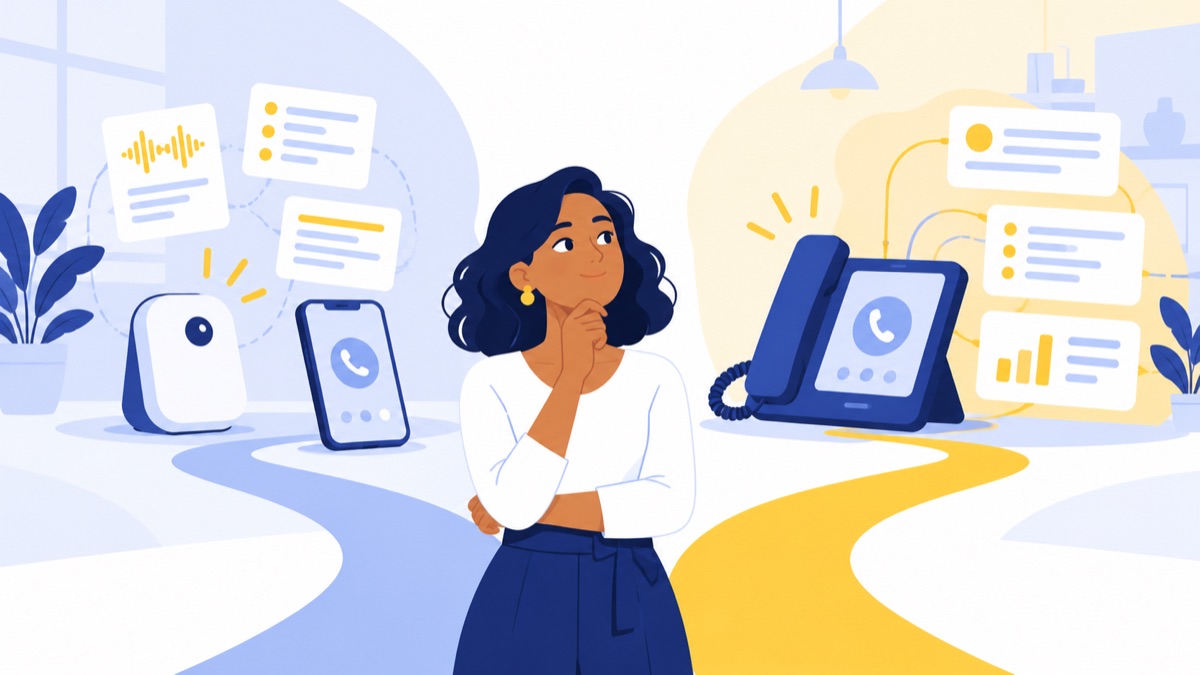
A transcript is the text version of a conversation. A summary is a shorter account of its useful points. Action extraction identifies commitments or follow-up work, while call analytics look for patterns across calls; live coaching provides prompts during a conversation and is a separate capability.
What should a useful call summary include?
A useful call summary should explain what the customer needed, what the employee learned or agreed to, and what happens next. It should give a busy colleague enough context to continue the conversation without replaying the entire call.
Look for summaries that capture:
- The customer’s issue, buyer needs, or qualification details.
- Decisions, objections, and commitments made by each party.
- Follow-up tasks, owners, and dates when stated.
- A concise recap, searchable transcript, and timestamps for key moments.
- Clear speaker attribution and a way to correct errors.
This matters for sales administration: Salesforce’s 2024 State of Sales report says sales professionals spend 70% of their time on non-selling tasks, including administrative work. That figure describes reported workload; it does not prove that a particular AI tool will reduce it. Salesforce’s research summary
Which AI call summary tools fit small business phone calls?
A cloud business phone system with built-in summaries fits teams that place and receive customer calls through business numbers. It can keep call handling, recording, transcripts, and customer follow-up closer to one workflow, but confirm that the system supports your devices, routing setup, and CRM.
For small and midsize teams, check whether employees can route calls, manage voicemail, and log summaries without extra tools. Voicalyst’s virtual phone system is one option to assess for phone workflows paired with AI summaries; compare its current features and pricing against your requirements.
When is a meeting notetaker a better fit?
A standalone meeting notetaker fits teams whose customer conversations happen mainly in supported Zoom, Google Meet, or Microsoft Teams meetings. Meeting capture does not automatically mean the tool can summarize regular inbound or outbound telephone calls.
Ask whether the tool joins meetings as a bot, records locally, or uses another capture method. Check how participants are notified, which meeting platforms and account types work, and whether the vendor supports calls made through your business phone system.
When should sales teams consider conversation intelligence?
A conversation-intelligence platform fits sales organizations that need manager review, coaching, or deal-level analysis in addition to basic summaries. Its value depends on the depth of call review and how reliably insights connect to CRM records and sales processes.
Confirm that the platform captures your team’s actual phone and meeting calls. Ask which coaching or deal-analysis features require higher plans, whether managers can review the source moments behind an insight, and how the system handles incorrect speaker attribution or extracted details.
What should support teams check in contact-center analytics?
Contact-center analytics tools fit support operations that need to summarize many calls and identify issues for resolution, escalation, or quality review. These tools may connect call records with broader customer-service workflows, but setup and pricing can be more involved than for a standalone notetaker.
Customer service representatives typically provide service by phone, while some also help customers face to face, by email or text, live chat, and social media, according to the US Bureau of Labor Statistics. Consider how summaries move across channels so agents can see relevant context during a handoff.
How should you compare AI call summary tools?
Compare call coverage, summary quality, CRM behavior, privacy, and total cost using your team’s real workflow. A polished demo is not enough: ask for a trial that includes a representative call and lets you check the transcript, summary, and destination record.
Does the tool cover your phone calls and meetings?
Write down where calls happen: desk or mobile business lines, a browser-based phone, Zoom, Meet, Teams, or a contact-center platform. Ask the vendor which sources are supported and whether capture requires recording, a meeting bot, or a specific plan.
Check for gaps between what your employees call a “customer conversation” and what the tool can actually capture. A meeting assistant may cover scheduled video calls but miss a call placed from a business number. A phone system may capture those business calls but not provide notes for external meeting platforms.
How accurate are the summaries and transcripts?
AI accuracy can vary with noise, accents, interruptions, overlapping speech, unfamiliar names, and technical terms. Test a consented sample with multiple speakers, a phone number, a dollar amount, and a specific next step. Compare the source audio with the transcript and summary, and check whether users can edit mistakes.
Ask how the system identifies speakers and whether the transcript shows timestamps. A transcript that lets employees find the relevant moment quickly can make it easier to verify a summary before acting on a customer commitment.
Does the CRM integration save real work?
An integration badge does not tell you what data moves. Ask whether calls log automatically, whether summaries and transcripts attach to the right contact or deal, which fields can be updated, and whether the system creates tasks or follow-up reminders.
Confirm HubSpot or Salesforce support on the plan you would buy. If employees must copy and paste notes or repair incomplete records, the workflow may not save time. The buyer’s guide to phone recording and CRM notes covers related setup questions for connecting calls with customer records.
What privacy and consent controls are available?
Before enabling recording or transcription, determine what notice callers receive, who can access recordings, how long transcripts remain available, and whether administrators can set retention rules. Ask whether customer data is used to train models and what controls the vendor provides.
Recordings and searchable transcripts can expose customer details. Limit access to employees who need it, and use clear internal procedures for handling and deleting call records.
How much do AI call summary tools cost?
Compare the full cost for the number of users and call volume you expect. Pricing may be per user, usage-based, or tied to a broader phone or contact-center plan; transcription, CRM integrations, storage, and analytics may depend on plan limits or add-ons.
Ask the vendor to price your expected users, call volume, recording storage, integrations, and any usage overages. Verify the current terms and renewal details before purchasing because plan features and limits can change.
How do AI call summaries help sales and customer support?
Sales and support teams need different information from a summary because they act on different outcomes. Sales teams need qualification details and next steps; support teams need issue history, troubleshooting, resolution status, and enough context for escalation or handoff.
What should a sales call summary capture?
A sales summary should capture the buyer’s goals, current process, constraints, objections, decision makers, and commitments. It should make the next action clear, such as sending a proposal by a stated date or scheduling a technical review.
Customer context matters: 59% of buyers in Salesforce’s 2024 research said representatives do not take time to understand their business’s unique challenges and objectives. A transcript alone does not ensure that context is captured, so check whether the summary names the buyer’s priorities and open questions. Salesforce’s report
What should a support call summary capture?
A support summary should state the customer’s issue, troubleshooting already attempted, what resolved the problem, and what remains open. For an escalation, it should include the next team or owner, promised follow-up, and any customer impact or deadline stated on the call.
A receiving agent should understand the situation without asking the customer to repeat the whole story. Review a sample handoff and check whether the summary separates confirmed facts from unresolved questions.
Should you choose a standalone notetaker or a phone system with built-in summaries?
A standalone notetaker fits teams whose work happens mainly in supported online meetings, while built-in phone summaries fit teams that handle business calls through a phone system. A dedicated conversation-intelligence platform is more appropriate when coaching, deal analysis, or contact-center analytics are core needs beyond note-taking.

When does a standalone notetaker fit?
Choose a standalone notetaker when your existing meeting platforms cover most customer conversations and you want notes across those meetings. Before rollout, verify phone-call coverage if employees also call customers from business numbers, and check bot behavior, CRM sync, and plan restrictions.
When do built-in phone summaries fit?
Choose a phone system with built-in summaries when employees need customer calls, call routing, voicemail, and follow-up records to work together. Voicalyst offers a phone system for sales teams and a phone system for support teams; assess whether the features and CRM workflow match your team’s needs.
Teams comparing phone systems can also use this guide to Aircall alternatives for sales and support teams to frame their requirements. Focus on the actual phone and summary workflows rather than feature names alone.
Are AI call summaries legal in the United States?
US businesses should check the recording and consent rules that apply to their calls before enabling AI transcription or summaries. The Federal Trade Commission notes that state laws vary on whether telephone conversations may be recorded and what consent is required, so practices should match the calls, locations, and circumstances involved. FTC guidance
How should you check consent for recorded calls?
Create a consistent process for identifying when recording or transcription is active and giving callers appropriate notice. Have qualified counsel review practices for the states and call types your business handles; requirements can differ, and a general rule of thumb may not cover every situation.
How should you manage access and retention?
Recordings and searchable transcripts can expose customer details, so limit access to employees who need it and set a retention period suited to your business. The Associated Press has reported concerns about unexpected AI recording and searchable transcripts, reinforcing the value of transparent notice and careful access controls. AP report on AI notetakers
How should you choose the right AI call summary tool?
Choose by mapping call sources to outcomes, then test a real workflow before committing. A short trial can show whether a tool captures the right calls, produces usable notes, and puts them in the correct customer record.
What should be on your buyer checklist?
- List every call source the team uses: business phone, mobile, contact center, or online meeting.
- Define the required summary fields for sales or support.
- Confirm whether HubSpot or Salesforce sync is included and which fields can be written.
- Ask whether transcripts and summaries can be reviewed, corrected, and searched.
- Check recording notice, access controls, retention settings, and model-training policies.
- Calculate per-user and usage costs, including plan limits and add-ons.
How should you test a tool before buying?
Run one consented call with multiple speakers, interruptions, names, numbers, and a clear commitment. Check the transcript, speaker labels, summary, action items, and CRM record against what was actually said.
Ask the vendor how errors are corrected, how quickly summaries appear, which call types are supported, what users can access, and what happens when a plan limit is reached. If your team wants phone calls, CRM workflows, and AI summaries in one place, review Voicalyst’s options against the checklist.
Frequently Asked Questions
Can AI summarize regular phone calls, or only Zoom and Teams meetings?
AI can summarize regular business phone calls when the phone system or recording workflow provides the call audio to the AI. Meeting assistants often capture Zoom, Google Meet, or Microsoft Teams but may not cover calls placed through a business phone number. Confirm supported call sources, recording requirements, and CRM workflow before choosing.
How accurate are AI call summaries?
Accuracy depends on audio quality, accents, overlapping speech, speaker identification, and names or technical terms. Test a consented sample call with interruptions, numbers, and a clear commitment. Compare the transcript and summary with the recording, check whether users can correct mistakes, and verify that corrected details reach the CRM.
Are AI call summaries legal in the United States?
Recording and transcription rules vary by state and can depend on the circumstances of a call. The FTC advises businesses that state laws differ on whether telephone conversations may be recorded and what consent is required. Establish appropriate notice and consent practices for your calls, and consult applicable legal guidance.
Do AI call summary tools integrate with HubSpot or Salesforce?
Some tools can log summaries to HubSpot or Salesforce, but integration depth varies by product and plan. Check whether call records sync automatically, which fields can be updated, whether tasks and follow-ups are created, and whether users can review or correct the entry before or after it reaches the CRM.
Should a small business choose a standalone AI notetaker or a phone system with built-in summaries?
Choose a standalone notetaker when most conversations happen in supported online meetings and your team wants meeting notes across platforms. Choose a phone system with built-in summaries when everyday business calls, phone numbers, routing, and CRM logging are central to the workflow. A dedicated conversation-intelligence platform may fit teams that need deeper coaching or analytics.