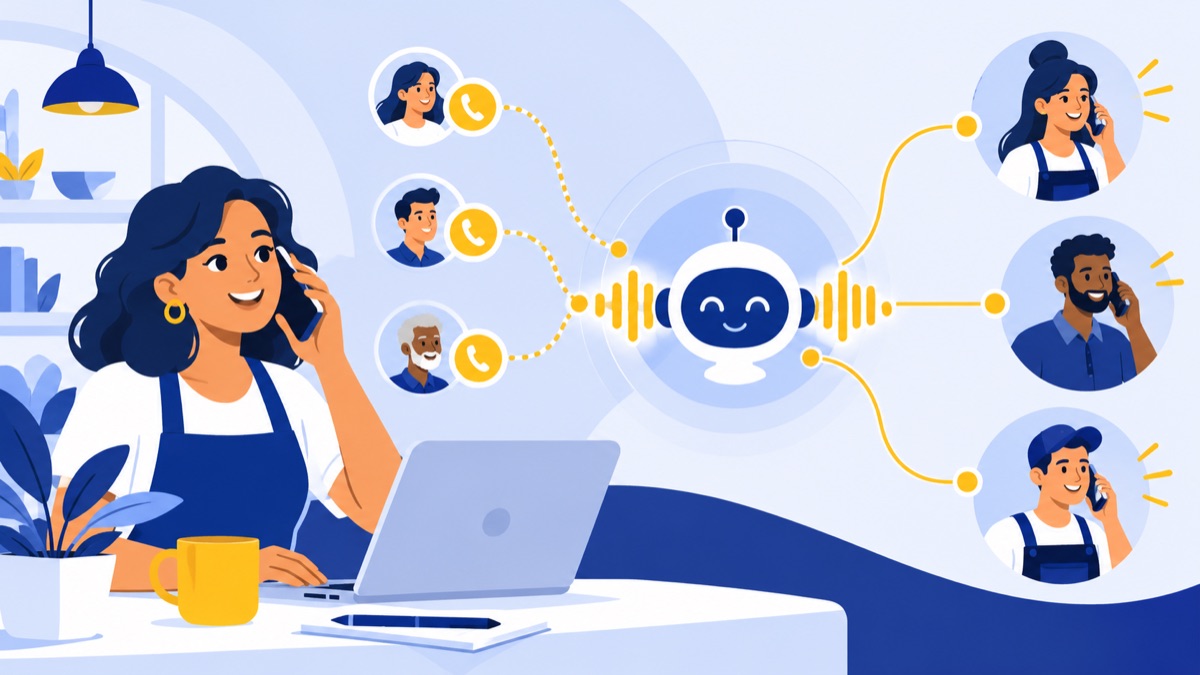
An AI receptionist answers inbound calls through a conversation, using business information and rules you provide. It can handle routine questions, capture caller details, take messages, and route or transfer calls; booking requires a configured calendar integration. This guide explains how it differs from menus and queues, how to choose a first use case, and how to launch with clear human handoffs and useful call summaries.
What an AI receptionist does for a small business
AI receptionist, virtual receptionist, and AI phone answering
An AI receptionist is software that talks with callers and responds using approved business information and configured actions. AI phone answering describes that call-answering function. Automated receptionist is another common label.
“Virtual receptionist” can mean AI software, a live remote answering service, or both. Ask providers whether callers speak with software or a person, what the service can do, and how it hands off calls.
Common inbound tasks it can handle
Depending on its configuration and integrations, an AI receptionist can:
- Answer frequent questions about hours, services, location, or service area.
- Collect a caller’s name, phone number, reason for calling, and other relevant details.
- Route or transfer calls to a team, extension, or other destination.
- Take a message when the right person is unavailable.
- Support appointment booking when connected to a calendar and configured with availability and booking rules.
For example, an after-hours caller might ask whether a business serves their ZIP code, share contact details, and request a callback. The system can answer from approved service-area information and record the callback request, but the team should review the details and own the follow-up.
What still needs a person
A conversational system is only as reliable as the facts and actions it has been given. A person should handle sensitive situations, unusual requests, exceptions to policy, and decisions requiring judgment.
Define what the system must not promise—such as a guaranteed arrival time or an unapproved discount—and give callers a clear route to a person or a message option when the system is uncertain.
AI receptionist vs. phone menu, queue, voicemail, and live receptionist
These tools solve different call-handling problems and can work together in one phone system.
| Option | Caller experience | Typical outcome | Best fit |
|---|---|---|---|
| Conversational AI receptionist | Speaks naturally with the system | Gets an approved answer, leaves details, or is routed | Routine questions and structured call capture |
| Phone menu or auto attendant | Hears choices and presses keys | Reaches a department, extension, or submenu | Predictable routing by department or need |
| Call queue | Waits for an available team member | Connects to staff or exits to another option | Calls that need a person but can tolerate a wait |
| Voicemail | Leaves a recorded message | Staff listen and respond later | Nonurgent calls outside coverage |
| Human receptionist | Speaks with a person | Gets help, judgment, or a tailored response | Sensitive, complex, or high-touch calls |
A menu routes based on choices such as “press 1 for sales.” A queue holds the call until someone is available. Neither usually answers a caller’s question in a back-and-forth conversation. An AI receptionist can do that within its configured scope, while a live receptionist can interpret nuance and make judgment calls.
For many teams, the right arrangement combines options: a menu for broad routing, a queue for live support, and AI phone answering for after-hours questions or overflow. Voicalyst supports phone menus, call routing, and queues, alongside browser-based calling and transfers.
Where to start: choose one call-handling job
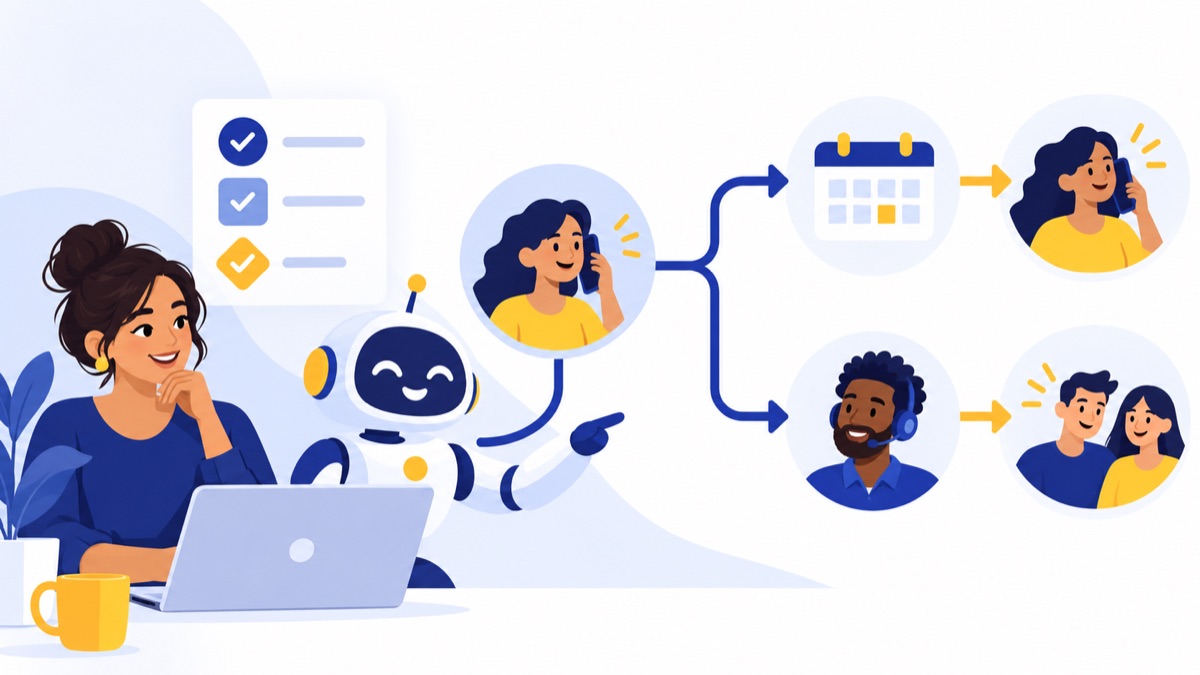
Start with one call path where the work is repetitive and the boundaries are clear. Review recent missed calls, voicemail, or call logs to identify a pattern. Choose a measure you can track, such as accurate message capture or successful transfers, rather than assuming the tool will produce a particular return.
After-hours coverage
This can suit callers with common questions or nonurgent requests when your office is closed. Publish accurate hours, explain what counts as urgent, and state what callers should do if they need help before the team reopens.
Overflow during busy periods
Overflow can help when staff are already on calls or serving customers. Set a short wait threshold or another clear trigger, then decide whether the AI answers, takes a message, or offers a transfer. Keep the queue and voicemail options available if the system cannot help.
A dedicated sales, support, or booking line
A separate line can make a focused pilot easier to assess. A sales line might capture company, need, and callback time; a support line might gather account or issue details without attempting complex troubleshooting. If using an existing number, call forwarding may be possible depending on your provider and phone setup.
If your sales team also makes outbound calls, this guide to what a power dialer is, how it works, and when to use one can help you evaluate that separate workflow.
AI receptionist setup checklist
Gather approved business facts and frequent questions
Create one reviewed source of truth. Include:
- Business name, locations, hours, holidays, and time zone.
- Services or products, service area, and any eligibility requirements.
- Common questions and the approved answers.
- What caller details to collect, and why each is needed.
- Booking availability and rules, if a calendar integration will be used.
Avoid feeding the system outdated web copy or unreviewed policies. Assign someone to update the information when hours, services, or procedures change.
Write boundaries, transfer rules, and fallback behavior
Specify what the system may answer, offer, book, and confirm. Write down prohibited promises and define when it must transfer, take a message, or direct the caller to another resource.
Name the transfer destinations and their hours. Decide what happens if a person does not answer, a transfer fails, the system cannot understand the caller, or an integration is unavailable. Make “speak to a person” a supported request, not a dead end.
Connect the number and any calendar or CRM tools
Confirm how calls will reach the service: a dedicated line, a forwarded existing number, after-hours routing, or an overflow rule. Test caller ID and voicemail behavior, as well as any changes to your normal menu or queue.
Connect only the tools needed for the first job. For booking, test calendar availability, time zones, confirmations, and cancellations. For CRM updates, confirm which fields are created or changed and who checks for errors. Voicalyst offers AI call summaries and transcripts and HubSpot calling integration for teams building a call follow-up workflow.
Test common calls and edge cases before launch
Place realistic test calls from a phone, not just the configuration screen. Include these scenarios:
- Unclear question: Does the system ask a useful follow-up or admit it cannot answer?
- Urgent request: Does it follow your urgent-call rule without making an unsupported promise?
- Transfer failure: If nobody answers, does it offer a message or another clear next step?
- Caller interruption: Can the caller correct or redirect the conversation?
- Incorrect detail: If you challenge an answer, does the system correct itself or escalate?
- Request for a person: Does it transfer or explain the human callback option promptly?
Also test a routine FAQ, a caller who declines to give optional information, and any booking or CRM workflow. Fix incorrect answers and confusing prompts before expanding coverage.
Use call summaries to keep the team informed
What a useful summary should include
A summary should help a teammate act without listening to an entire call. Capture only the information the team needs:
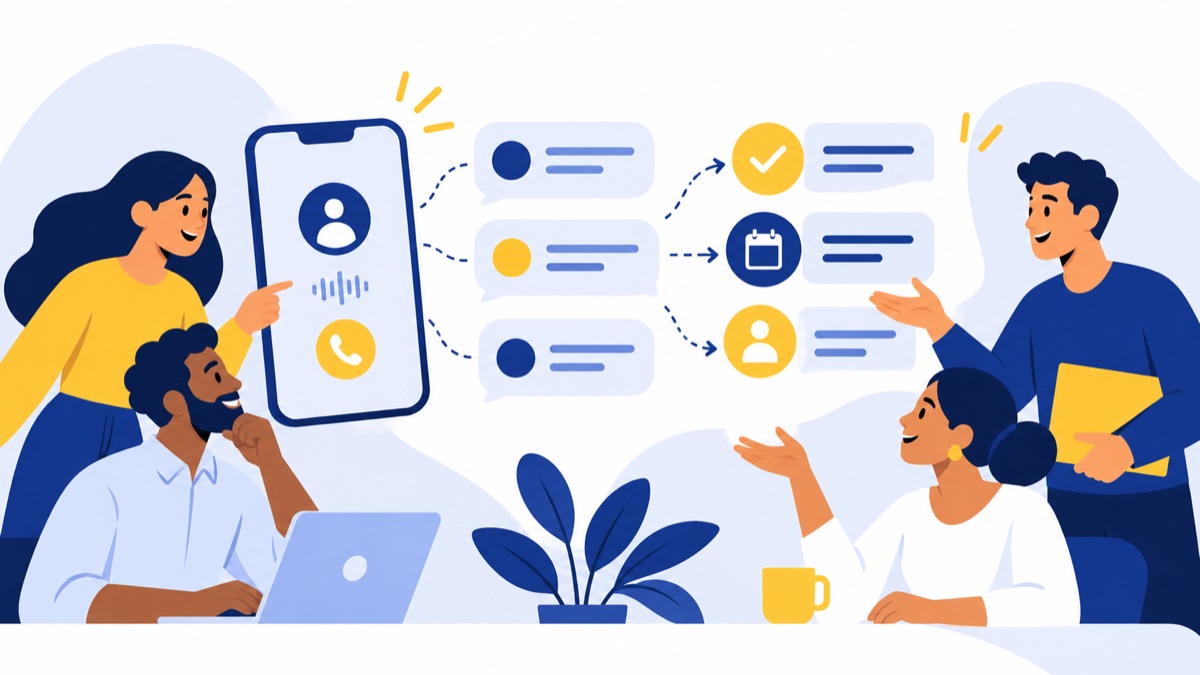
Caller: Name and callback number
Reason: Asked about service availability
Key details: ZIP code and preferred day
Outcome: Message taken; no appointment booked
Next step: Confirm service area and call back
Owner / due: Sales coordinator / next business day
Treat this as a working record, not a substitute for verifying details when accuracy matters. Make the distinction between what the caller said and what the system inferred.
Assign ownership and next steps
A captured request needs an owner and a deadline. Send summaries to a shared inbox, create or update a CRM record, or assign a callback task. Decide who watches the queue, what qualifies as overdue, and how the team marks a request complete.
Without ownership, a well-written summary can still be missed. For a team using HubSpot, a connected calling workflow can associate call activity with the relevant contact or follow-up process.
Review summaries and tune the setup
During the pilot, review a sample of calls and summaries each day. Check whether names and numbers were captured correctly, whether the intent and outcome are clear, and whether the promised follow-up happened. Use recurring errors to update approved information, prompts, or escalation rules.
How to evaluate tools and rollout results
Call handling, handoff, and reporting
Test how the tool handles interruptions, unclear requests, transfers, and callers who ask for a person. Look for reporting on answer rate, successful handoffs, accurate message capture, caller drop-off, and completed follow-up. A polished demo does not establish how it will work with your business’s call patterns.
Integrations, usage limits, and total cost
Compare pricing on the same expected monthly usage. Providers may charge by minute, call, user, or managed answering service; check setup fees, included usage, overages, and what happens when you hit a limit. Then assess whether the calendar, CRM, phone number, and team workflow integrations actually fit.
Data handling and ongoing review
If a provider processes recordings, transcripts, or caller details, ask how it controls access, retains and shares data, and handles deletion. The FTC advises small businesses to assess vendors’ security practices and set data-handling expectations in vendor agreements. Apply that guidance to your call provider and document the answers in your agreement. FTC small-business cybersecurity guidance
Keep inbound answering separate from outbound campaigns. In February 2024, the FCC determined that AI-generated voices in calls are “artificial” voices under the TCPA and are subject to restrictions on artificial or prerecorded voice calls. That determination concerns calls using those voices; it is not a general statement about inbound AI answering. Businesses planning outbound AI-voice calls should review the applicable requirements with qualified counsel. FCC ruling
A practical first-week launch plan
Day 1: Choose the call path. Select after-hours, overflow, or one dedicated line. Write down the job, success measures, and human fallback.
Day 2: Prepare facts and boundaries. Review business information, FAQs, prohibited promises, transfer destinations, and failure behavior.
Day 3: Configure and test. Connect the number and any necessary tools. Run realistic calls, including the six edge cases above, and correct issues.
Day 4: Launch narrowly. Route only the selected call path to the AI receptionist. Make sure staff know where messages and summaries appear and who owns callbacks.
Day 5: Review and adjust. Check calls, summaries, handoffs, and follow-up completion. Fix specific problems, then decide whether to keep the pilot, revise it, or extend coverage.
For teams managing calls in one workflow, Voicalyst brings together phone menus, queues, voicemail, AI call summaries, browser-based calling, texting, a power dialer, and HubSpot sync. See the Voicalyst phone system or book a demo to assess whether it fits your call paths.
Frequently Asked Questions
What is an AI receptionist?
An AI receptionist is software that speaks with inbound callers, answers questions from approved business information, captures details, takes messages, or routes calls. Its responses and actions depend on the information and integrations you configure. It can complement a phone menu or human receptionist, with a clear path to a person for requests that need judgment.
Can an AI receptionist answer and transfer phone calls?
Yes, if the phone system and configuration support those actions. Set which calls may be transferred, where they go, and what happens if no one answers or the transfer fails. Test requests for a person and urgent calls before launch, and make sure callers have a usable fallback such as leaving a message or getting a callback.
Can an AI receptionist work with my existing business phone number?
It may be possible to forward calls from your existing business number, depending on your provider, phone setup, and the AI receptionist service. Check how forwarding affects caller ID, voicemail, business hours, and transfers before changing the live number. A dedicated line is another option for a limited pilot.
How much does an AI receptionist cost for a small business?
Costs vary by provider and may be based on minutes, calls, users, or a managed answering service. Compare expected usage, overage charges, setup fees, integrations, and what happens when limits are reached. Use your own call volume to estimate a monthly total, then compare it with the features and handoff quality you need.
Are AI receptionist calls recorded or transcribed?
That depends on the provider and your settings. Before enabling recordings or transcripts, check what data is collected, who can access it, how long it is retained, whether it is shared, and how deletion works. Ask the provider to document those practices and review any notice or consent obligations that apply to your business.