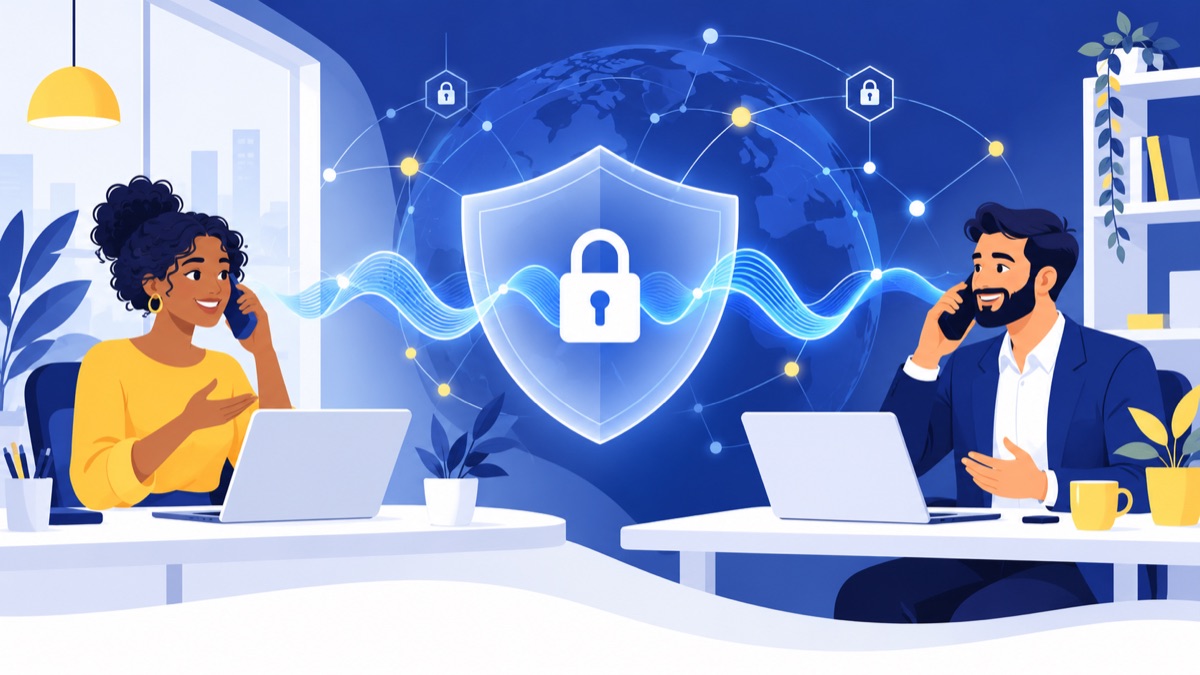
Encrypted VoIP can protect business call signaling and audio while they travel across supported network connections, but it does not automatically secure every call leg, account, recording, or phone number. TLS protects signaling; SRTP protects voice media. Use both where available, verify the provider’s settings and call routes, limit toll fraud exposure, and train staff to verify callers before sharing sensitive information.
Key takeaways
- TLS protects VoIP signaling in transit, while SRTP protects voice media; enabling one does not mean the other is enabled.
- Encryption may end at a provider system or gateway, and calls to regular phone numbers can include public telephone network segments.
- MFA, unique passwords, restricted destinations, spending limits, and unusual-call alerts help reduce account takeover and toll fraud.
- Caller ID authentication can help address some spoofing, but caller ID alone cannot prove who is calling or what they intend.
- Encryption alone does not establish HIPAA, PCI DSS, or other compliance; businesses need to review applicable contracts and data-handling controls.
Is VoIP secure for business calls?
VoIP can be secure for business calls when the provider, account settings, endpoints, and call route are configured appropriately. Security means protecting call confidentiality and integrity, confirming identity, controlling account access, and keeping service available; the word “encrypted” alone does not show which protections are active.
VoIP security is the set of controls that protects internet-based calling, its users, and the information handled around calls. That includes conversations, sign-in credentials, call recordings, voicemail, and connected tools.
For a small business, security is shared work. A provider operates its service and infrastructure, while your administrators manage users, permissions, devices, and calling rules. Staff also need a clear process for verifying unusual requests.
CISA identifies caller ID spoofing as a possible VoIP threat and notes that unencrypted VoIP traffic can raise confidentiality concerns. Use that as threat guidance, not as a measure of how common attacks are today. CISA’s VoIP overview
What do TLS and SRTP protect in encrypted VoIP?
TLS protects VoIP signaling in transit, including messages used to set up and control calls; SRTP protects the voice media stream in transit. A secure VoIP setup needs to consider both: TLS alone does not encrypt audio, and SRTP alone does not protect every signaling message or call-system connection.
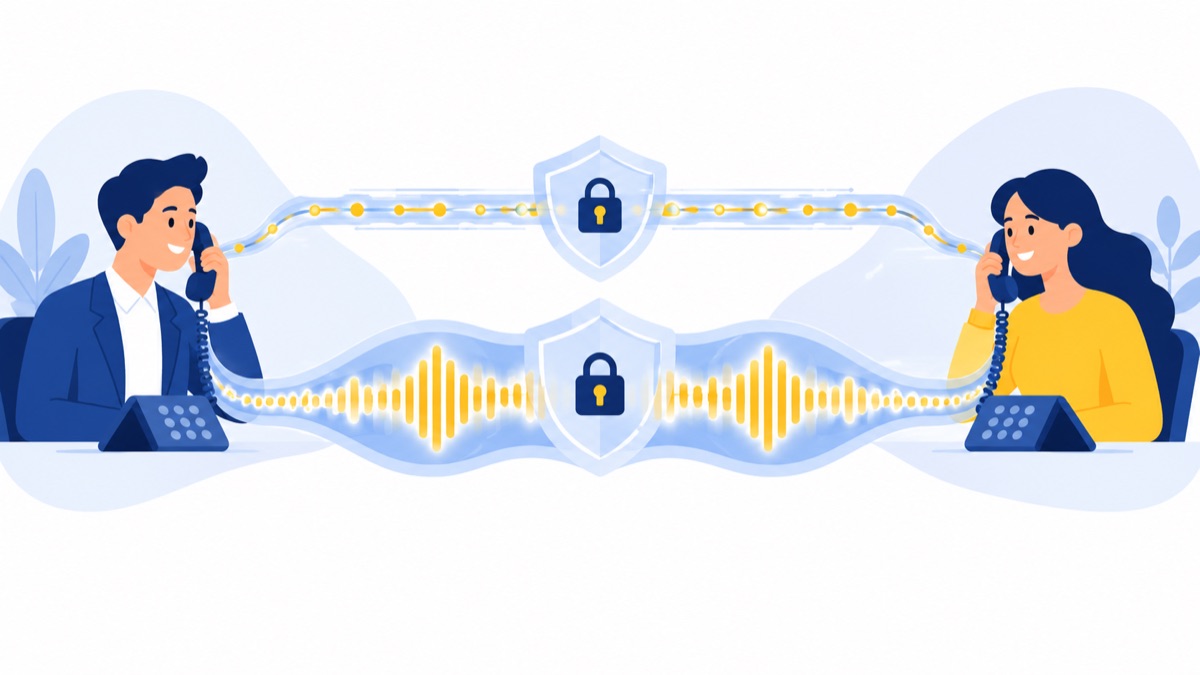
TLS protects signaling
SIP signaling is the information devices and phone systems exchange to start, manage, and end a call. TLS can encrypt that signaling while it travels between supported systems, helping protect call-control details from being read or altered in transit.
SRTP protects voice media
SRTP is a protocol for protecting real-time voice media as it travels across a network. If a call uses TLS but not SRTP, the signaling may be protected while the audio is not. If it uses SRTP but signaling or key-exchange connections are exposed, the complete call path still has gaps.
Key exchange matters because call systems need a protected way to establish the keys that SRTP uses. Avaya’s technical documentation explains that SRTP is point-to-point and that associated signaling and key-exchange links also need protection for end-to-end security. Avaya’s VoIP security documentation
Ask your provider to identify which specific connections use TLS and SRTP, how keys are exchanged, and how to confirm the settings for your devices. Protocol names alone do not tell you what your current call actually protects.
When is a VoIP call not fully encrypted?
A VoIP call is not necessarily encrypted from one person’s handset all the way to another person’s handset. Protection can apply only to particular connections between devices and provider systems, and a call routed to a regular mobile or landline number may pass through a public telephone network segment outside the encrypted VoIP legs.
Picture an employee calling a customer from a business app. The app-to-provider connection might use TLS and SRTP, but the provider may hand the call off to a telephone gateway to reach the customer’s landline. Ask what is protected on each leg and what happens at that handoff.
End-to-end encryption means protection continues between the intended endpoints so intermediary systems cannot access the call content. Encryption between a device and a provider, or between provider systems, is transit encryption; do not assume it is end-to-end just because a call is described as encrypted.
A provider may encrypt a recording or stored voicemail separately from the live call path. Ask about both in-transit protection and how saved content is stored and accessed.
Which VoIP security threats should businesses plan for?
Businesses should plan for eavesdropping on unprotected traffic, toll fraud, caller ID spoofing, account takeover, service disruption, and exposure of voicemail or recordings. These risks need different controls: encryption helps with traffic interception, while access rules, call limits, verification procedures, and data protections address other weaknesses.
Eavesdropping on unencrypted traffic
If a call leg carries unencrypted media over a network, someone with access to that traffic may be able to listen in. Protect company-managed devices and networks, and confirm with the provider which call legs use SRTP.
Toll fraud from compromised accounts
An attacker who obtains an employee’s login may place unauthorized calls, including expensive international calls, if the account allows them. Restrict destinations the team does not use, set spending or usage limits where available, and alert administrators to unusual call patterns.
Caller ID spoofing and social engineering
Caller ID spoofing can make a call appear to come from a familiar number. A spoofed caller might pressure a support agent to disclose customer information or ask a salesperson to change payment details. The FTC explains that scammers can make almost any name or number appear on caller ID, so the display alone cannot verify who is calling. FTC guidance on unwanted calls and texts
Account takeover, voicemail exposure, and outages
Weak or reused passwords can make accounts easier to compromise. A takeover could expose voicemail or recordings, change call forwarding, or disrupt service. Use MFA, promptly remove former employees, restrict administrator access, and know how staff should report suspicious activity.
What is the VoIP security checklist for administrators?
Administrators can reduce common VoIP risks by reviewing accounts, outbound calling, endpoints, data access, and provider settings on a regular schedule. Use this checklist during setup and repeat it when employees, devices, calling needs, or providers change.
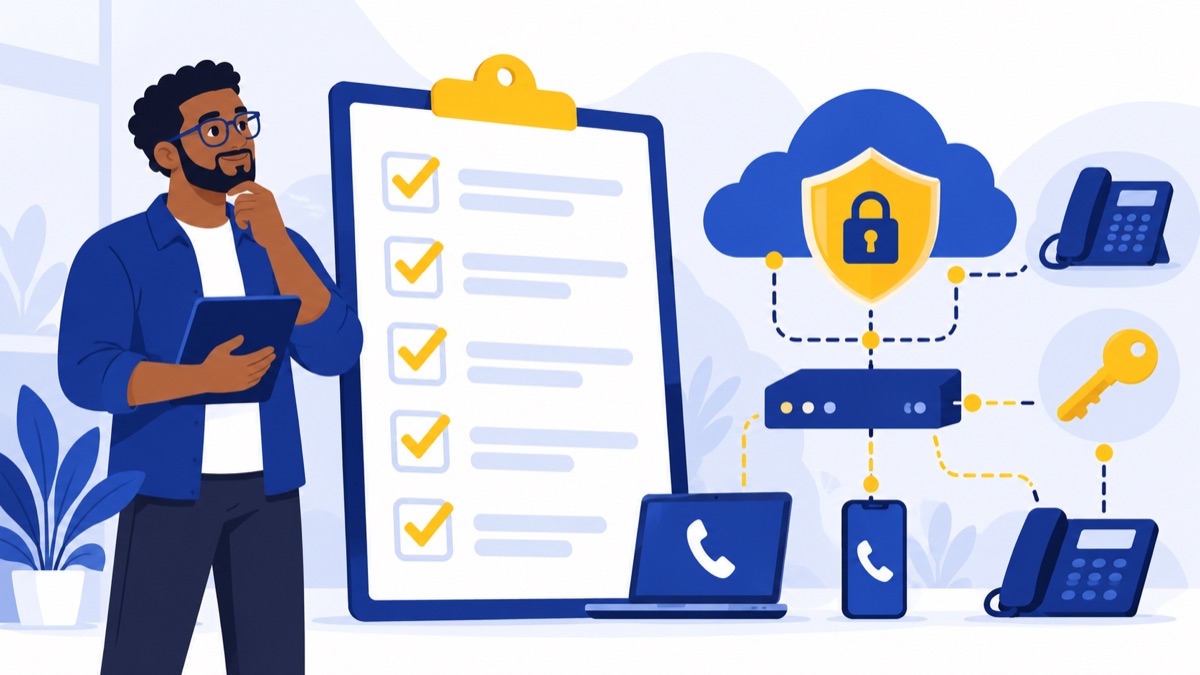
Secure accounts, roles, and endpoints
- Turn on MFA for administrator and user accounts wherever available.
- Require unique, strong passwords; do not reuse credentials from email or other business systems.
- Give each person only the permissions needed for their job.
- Remove access promptly when an employee leaves or changes roles.
- Keep phones, computers, and calling apps patched; remove unsupported devices.
- Use secure Wi-Fi and, where appropriate, separate voice devices or traffic from general business network traffic.
Limit and monitor outbound calling
- Disable destinations your team does not need, such as international regions or premium-rate numbers.
- Set per-user or account spending and usage limits where supported.
- Configure alerts for unusual call volume, destinations, or calling hours.
- Review call-detail records regularly and investigate unexpected activity.
- Confirm who can enable forwarding, change routing, or add new users.
Protect voicemail, recordings, and related data
- Require secure access to voicemail and recordings, and restrict who can listen, download, or share them.
- Set a retention period that fits business needs and applicable obligations.
- Review how transcripts, AI summaries, and CRM sync handle customer information, including who can access it and how long it remains available.
- Train teams not to repeat sensitive information in voicemail or unapproved notes.
Prepare for incidents
- Name an internal contact who can disable accounts, reset credentials, and contact the provider.
- Keep the provider’s security and support contact details accessible.
- Write down how staff should report suspicious calls, unexpected charges, lost devices, or exposed voicemail.
- Review what logs and alerts admins can access before an incident happens.
What should you ask a VoIP provider about security?
Ask a VoIP provider for specific answers about encryption by call leg, account protections, stored data, and administrator visibility. Request documentation or a walkthrough of the settings in your account so you can verify what applies to your users and call routes.
Use these questions during a provider review:
- Which call connections use TLS, and which use SRTP?
- Are those protections enabled by default, or must an administrator turn them on?
- How is the key exchange protected?
- What happens when a call reaches a mobile, landline, or other PSTN destination?
- Can you show how an administrator verifies encryption for a device and route?
- How are voicemail, call recordings, and transcripts protected, retained, and accessed?
- Can administrators restrict destinations, set spending limits, and receive alerts for unusual calls?
- Which account roles and MFA options are available?
- What call logs and security events can administrators review?
- Who should we contact to report suspected account compromise or toll fraud?
Providers differ in their defaults and controls. For example, Telnyx documents TLS for signaling and SRTP for media and says its call-encryption settings are not enabled by default. That describes Telnyx specifically; it is not a rule for all providers. Telnyx’s encryption documentation
How are encryption, caller ID authentication, and compliance different?
Encryption, caller ID authentication, and compliance address different questions: whether data is protected in transit, whether caller ID information has authentication support, and whether the business meets its applicable obligations. Using one control does not establish the others.
What STIR/SHAKEN can and cannot tell you
STIR/SHAKEN is a framework used to authenticate aspects of caller ID information. FCC materials describe provider roles in call authentication; the framework does not encrypt call content or prove that a caller’s request is safe. FCC materials on STIR/SHAKEN
Train staff to verify sensitive requests through a trusted channel, such as calling a known number from company records. This matters even when a call displays a familiar business name or number.
Why encryption does not establish compliance
TLS and SRTP do not, by themselves, make a phone system compliant with HIPAA, PCI DSS, or another standard. Applicability depends on your business, the data involved, your contracts, and the controls across the full workflow.
Ask about contractual terms, data handling, access, retention, and the provider’s role in supporting your obligations. Have your compliance lead or qualified adviser assess the requirements for your specific use case.
How can sales and support teams choose a secure business phone workflow?
Sales and support teams need calling workflows that fit how they handle customer conversations, while administrators verify the system’s security settings separately. Features such as routing, recordings, summaries, and CRM sync can affect where information goes and who can access it, so include them in your data-handling review.
For a small team evaluating options, our VoIP phone service guide for small businesses, VoIP phone system buyer’s guide, and hosted VoIP guide to costs, features, and switching can help structure the feature and workflow review.
Consider how each workflow handles customer information. For example, a team using call menus and call routing should decide who can change routing and what information callers hear. A sales team considering AI call summaries or HubSpot calling integration should ask about access, retention, and how call data is shared before enabling those workflows.
Voicalyst offers business calling tools for teams reviewing these workflows. Explore Voicalyst’s business phone features and ask for the security and data-handling details that apply to your intended setup.
Frequently Asked Questions
Are VoIP calls encrypted by default?
There is no universal default for VoIP encryption. A provider may support TLS for signaling and SRTP for audio but leave one or both optional, and settings can vary by device or call route. Ask which call legs use each protocol, whether encryption is enabled for your account, and how to verify it.
Can someone listen to a VoIP call?
Someone may be able to intercept unencrypted voice traffic or access recordings or voicemail through a compromised account. TLS protects signaling, while SRTP protects audio in transit on supported call legs. Neither guarantees end-to-end protection across every provider system or a handoff to the public phone network.
Does TLS encrypt VoIP voice?
TLS generally protects SIP signaling, such as call setup and control messages, in transit. It does not by itself encrypt the voice media stream. SRTP protects audio media in transit, so ask whether both protocols are enabled on the call legs your business uses.
Can encrypted VoIP prevent caller ID spoofing?
No. TLS and SRTP protect signaling or audio in transit; they do not establish that a caller is honest. STIR/SHAKEN can authenticate aspects of caller ID information, but it does not guarantee identity or intent. Train staff to verify sensitive requests through a trusted, separate channel.